• Skip to main content
  • Skip to header right navigation
  • Skip to site footer
Gameranx

Gameranx

Video Game News, Lists & Guides

  • News
  • Features
  • Platforms
    • Xbox Series X
    • PS5
    • Nintendo
  • Videos
  • Upcoming Games
  • Guides

Halo Reach: MCC – How To Change Your Nickname / Display Name | PC & Xbox Guide

December 6, 2019 by Kevin Thielenhaus

Customize your display name in Halo Reach and expand your personal brand.

Your nickname is your identity in Halo Reach, and if you’re confused what name is actually displaying when you’re scoring headshots online, then we’re here to provide a little bit of help. It’s possible to swap your display name any time you want on PC — and if you’re one of the millions of new Steam players jumping into the Halo Reach DLC for Halo: MCC, I don’t blame you for being confused.

Halo Reach, even on Steam, requires an Xbox.com account. Instead of showing off your Steam account, Halo displays your Xbox.com display name — meaning you’ll need to make changes outside of Steam to share the name you want. The good news is that you can change your display name at any point. Here’s how to do it.


More Halo: MCC guides:

  • All The Easter Eggs You’ll Want To Revisit | Halo: MCC Secrets Guide
  • Players Are Unlocking Forge Mode On PC Early, Here’s How It Works
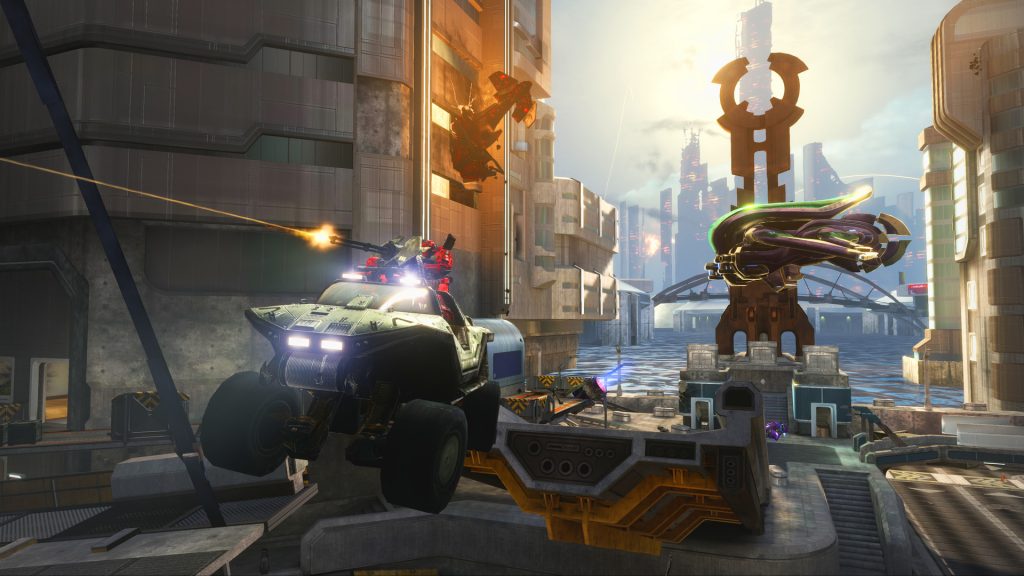
Changing your nickname in Halo: MCC is both simple — and more complicated than it needs to be. Before changing your name, you’ll need a registered account on Xbox.com.

  • Sign-in to your account on Xbox.com.
  • Left-click the circle avatar (top-right corner) and select ‘Xbox Profile’.
  • Next to your avatar, select ‘Customize’ -> Click the pencil icon next to your display name.
  • Type in the name you want to appear in Halo: MCC and click ‘Save’.

Now you can start up Halo: MCC — click the icon in the top-right corner of the main menu and select your name. Click ‘Change Account’ and you’ll automatically log out. Log back in, and you’ll see that your name has been changed.

That’s all it takes! See what I mean? It’s a little more complicated than simply changing your profile picture. But it’s totally important for your personal brand. Have a fun return to Reach, Spartan!

Share this post:

FacebookTwitterLinkedInPinterest

Recent Videos

Reanimal - Before You Buy

Reanimal - Before You Buy

High on Life 2 - Before You Buy

High on Life 2 - Before You Buy

Romeo is a Dead Man - Before You Buy

Romeo is a Dead Man - Before You Buy

10 PS5 State of Play Reveals That Would FREAK Us Out

10 PS5 State of Play Reveals That Would FREAK Us Out

Crimson Desert: 10 Things YOU NEED TO KNOW

Crimson Desert: 10 Things YOU NEED TO KNOW

Top 50 NEW PC Games of 2026

Top 50 NEW PC Games of 2026

10 BIG New Games That Might Have LEAKED

10 BIG New Games That Might Have LEAKED

Menace - Before You Buy

Menace - Before You Buy

AA GTA LIKE GAME LOOKS EVEN BETTER, STEAM MACHINE DELAYED & MORE

AA GTA LIKE GAME LOOKS EVEN BETTER, STEAM MACHINE DELAYED & MORE

Category: FeaturesTag: Guides, Halo Reach, Halo: Master Chief Collection, PC, Xbox One

Sidebar

Recent Posts

  • Former Highguard Developer Strikes Back Against “False Assumptions” And Being Turned Into “Free Ragebait Content”
  • Elden Ring And The Duskbloods Still Releasing On Switch 2 In 2026, But Kadokawa Won’t Reveal More
  • GTA Online Celebrating The Year Of The Horse With A Yuanbao Treasure Hunt
  • Silent Hill: Townfall Is The First First-Person Horror Game In The Franchise
  • Saber Interactive Is Making A John Wick Video Game With Keanu Reeves and Chad Strahelski

Copyright © 2026 · Gameranx · All Rights Reserved · Powered by Mai Theme