
Halo Reach and Forge Mode go hand-in-hand, but current owners of the Halo: MCC can’t access Forge Mode by normal means. Instead, they’ll looking to complicated solutions that involve literally changing the game’s code to make Forge Mode on PC a reality. It’s obvious why — Forge Mode was an insanely powerful tool, allowing anyone to make new Halo maps and game modes to play online with their friends.
All those awesome Forge Mode maps are available in Halo: MCC, but you can’t make them yourself right now without a whole lot of computer trickery. In and in-depth video by Youtuber Middifurf Gaming, there’s a tutorial explaining exactly how to unlock Forge Mode, and how you can access all those wild Custom Games.
More Halo: MCC guides:


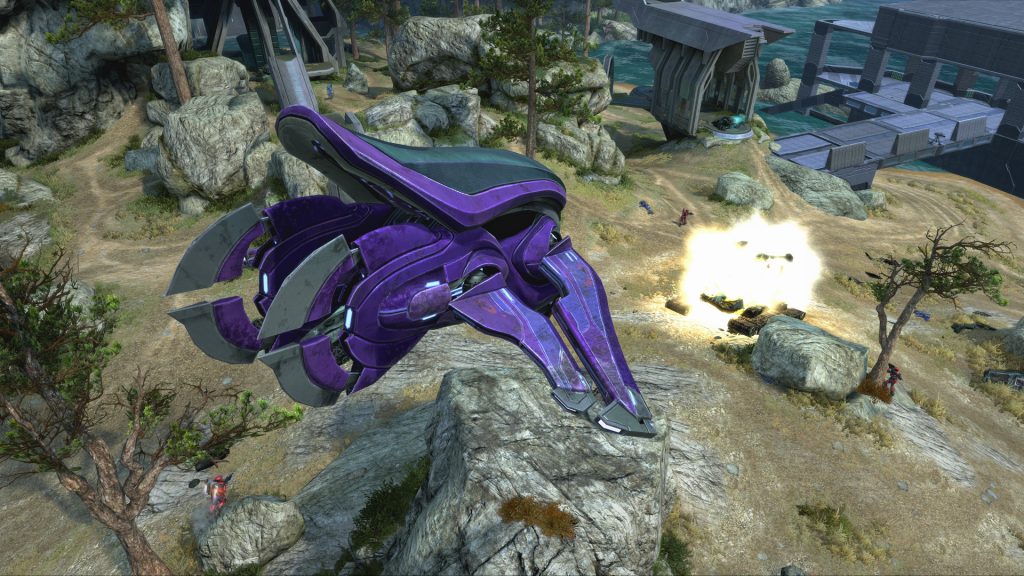


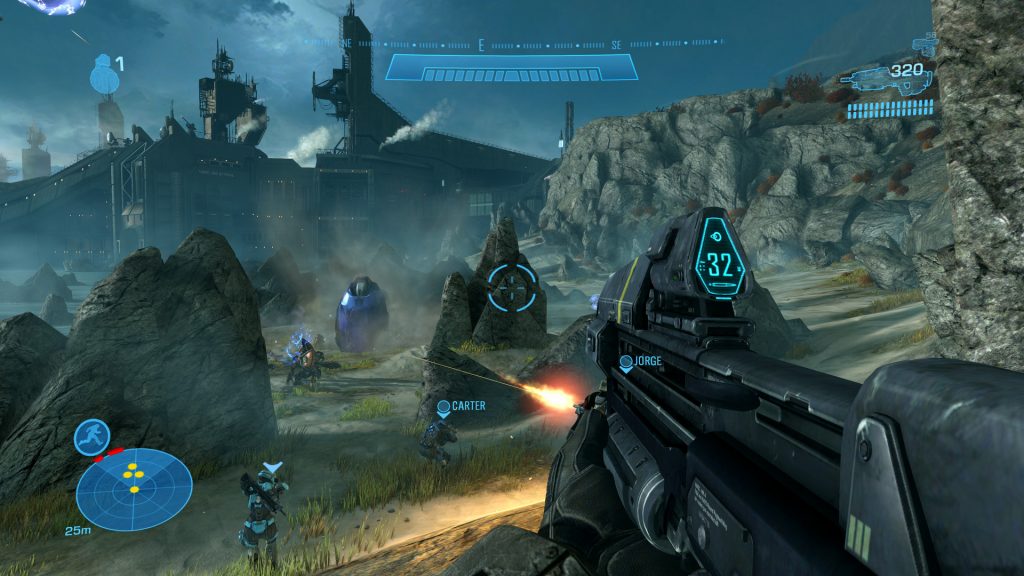
Forge Mode, unfortunately, hasn’t been released on PC versions of Halo: MCC. The popular mode isn’t planned to release until 2020 next yet, but if you’re looking for some early access, it’s totally possible to unlock this mode right now and play with friends.
Forge Mode isn’t official on PC yet, so you’ll find some weird limitations. For instance — you can only use an Xbox Controller to navigate Forge. There are no keyboard bindings, so you’re out of luck if you don’t own a Microsoft compatible gamepad.
Actually unlocking Forge requires downloading a Hex Editor and altering two lines of code. Obviously, this is a do-at-your-own-risk thing. Make sure Halo: MCC is off, and you can do the following.
- Open [MCC-WindowsNoEditor.pak] using the Hex Editor.
- File Location: \steamapps\common\Halo The Master Chief Collection\MCC\Content\Paks
- Press [Ctrl+G] and type [1E302110] under ‘Offset’
- Replace [00] with [27] in the first column.
- Press [Ctrl+G] and type [1E2F52D0] under ‘Offset’
- Replace [00] with [27] in the first column again.
Restart Halo: MCC, jump into Halo Reach, and the Create selection will now work. Again, you’ll need an Xbox Controller to actually navigate Forge, but this is a pretty cool mod, and one that isn’t hurting anyone. If you’re curious, give it a shot and see for yourself.




