
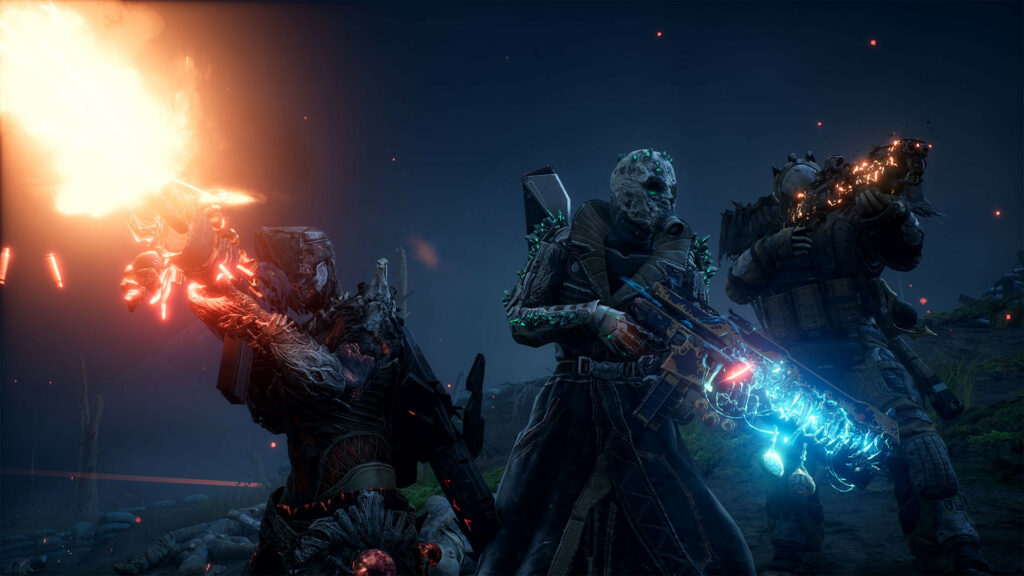
Outriders hasn’t had the smoothest launch weekend. The online-only requirements are keeping plenty of players off the game — even now. But PC players are experiencing even more technical problems. Console players are getting a pretty smooth experience on PS5 and Xbox Series X, but Outriders hasn’t been running so hot on PC. Many players are reporting annoying micro-stuttering, even on the most powerful video cards.
Want to improve your FPS and fix micro-stuttering? There are fixes. Over the long weekend, players have collectively put their heads together to solve the problem. From overlays to DirectX issues, there are plenty of tricks you can try. Some of these fixes might work for you, even after you’ve lowered the system settings as a first step.
More Outriders guides:
10 Beginner Tips | How To Change World Tier | Which Class Is Best For You | Best Epic Gear Farm | How To Get Your First Guaranteed Legendary Gun | How To Transfer Weapon Mods Between Characters | All Legendary Guns [GALLERY]
How To Fix Micro Stuttering| Performance Guide
One issue for some players on PC involves the Microsoft Xbox Game Bar or Steam Overlay. Disabling the Xbox Game Bar, Steam Overlay, and Game Mode may help improve FPS.
- Xbox Game Bar: Find Xbox Game Bar and turn it off — use the Search Bar.
- Steam Overlay: Right-click Outriders in your Steam Library, and go to properties. Uncheck “Enable the Steam Overlay while in-game.”
- Nvidia Ansel Overlay: Open GeForce Experience and click the gear icon in the corner.
- Disable In-Game Overlay.
- Uncheck “Enable experimental features.”
- Windows Game Mode: Go to Windows Control Panel -> Settings -> Gaming -> Disable Game Mode.
Switching To DX11
A new patch allows players to swap back to DX11 — which can improve FPS significantly for some players. For some reason, even switching to DX11 doesn’t always work. You can force DX11 by inputting a string of text in the launch options.
- How To Force DX11: Right-click Outriders in your Steam Library and go to Properties -> General.
- Under “Launch Options” input the following text: -force -dx11 -high
When using DX11, you may want to change your settings. Certain settings are much more useful than others.
- Recommended DX11 Settings:
- Nvidia DLSS: OFF
- Resolution Scaling: 100
- VSync: OFF
That’s a few tips that just might help get rid of annoying micro-stuttering on Outriders. The game doesn’t run well — even on 3000~ series graphics cards. Hopefully future updates will help!







