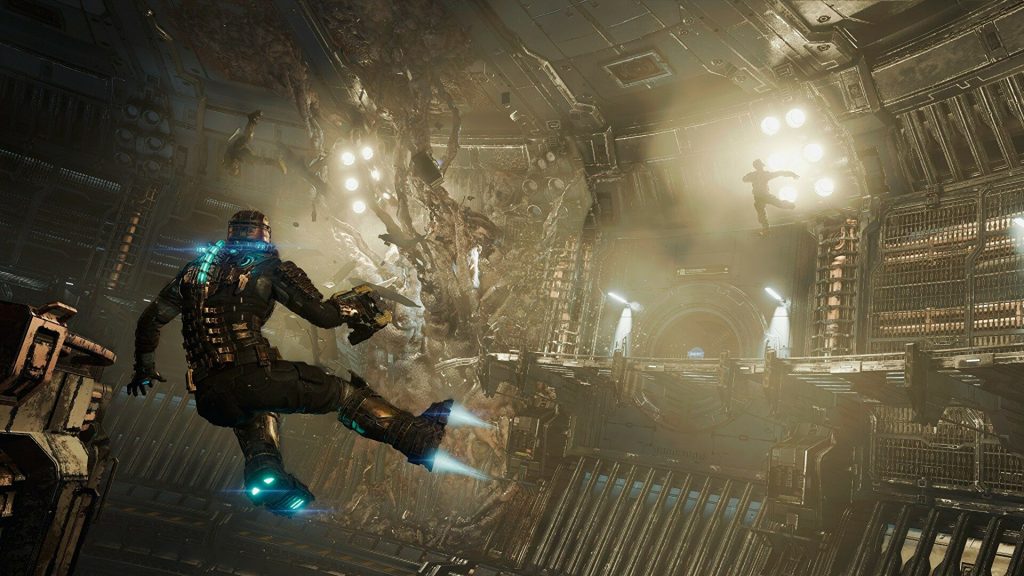
The team behind the upcoming Dead Space remake has shared its commitment towards accessibility and player choice in a new blog update. Ahead of the game’s release tomorrow, the developers have provided further details on the specific options that’ll be at players’ disposal when playing the sci-fi horror title.
With the studio’s primary goal being to make the game as inclusive and enjoyable for as many players as possible, EA Motive has explained its efforts to innovate with its offering of accessibility and customisation options. There’s an extensive set of settings for players to work with, some of which can be adapted and fine-tuned on a granular level. In the update, Dead Space Lead Senior Experience Designer Christian Cimon explains the need to modernise Dead Space in the first place, explaining that “the game came out 15 years ago, when accessibility features were less common. Things like subtitles, menu narration, control-remapping, and the like are pretty much expected now, so we wanted to make sure the remake aligns with today’s highest standards.”
Some of the main accessibility settings for Dead Space are listed as follows.
- Menu Options: Menus can be narrated, with adjustable narration volume.
- Colorblind Mode: Preset color adjustments support Protanopia (Red Weak), Deuteranopia (Green Weak), and Tritanopia (Blue Weak), and color contrast levels can be adjusted.
- Control Customization: The game allows players to complete quick time events with a single button-press; switch the Sprint, Aim, and map zoom controls to toggle mode; and change the command to close audio and video logs to a tap rather than having to hold down the button. In addition, every input can be remapped to a different button.
- Aim Assistance: When aim assist is active, players can elect to activate “friction,” which slows down camera movement when the target laser is nearing an enemy. The player can also choose to adjust how long the camera focuses on an enemy when targeting them—including turning this “magnetism” off entirely.
- User Interface: Players can turn off the kinesis symbol when aiming, or activate a persistent dot onscreen that can improve some users’ experience with the game camera.
- Motion: The floating effect of the main menu can be disabled, and players can turn off camera shake.
- Subtitles: Not only can subtitles be enabled or disabled, but the player can also adjust font size, enable all-caps style, invert the colors of the text and the background, adjust the opacity of the background, show or hide the speaker’s name, and choose whether to show that name in a different color than the rest of the text.
There’s also an interesting and important new addition to the roster of customisation options in the form of content warnings. These on-screen prompts will appear ahead of some of the game’s more graphic or sensitive moments, which will help players who struggle with jump scares or gore to enjoy and access their gameplay in a way they prefer. Explaining how this works, Cimon outlines the content warning process, which will give players the option to hide the gory or sensitive moments from the game entirely if they wish to.
“The first option will warn you of a potentially disturbing scene ahead of time,” Cimon explains, “by displaying a non-intrusive popup that gives a brief description of the type of event that’s waiting around the corner, or in an audio or video log before you play it. The other option will actually hide the upcoming scene behind a screen effect. You’ll still hear any audio, but a blurring effect will hide the visuals until the scene has played out.” It’s also explained that the content warnings for the majority of these scenes aren’t applicable to the core monster-based combat experiences. Instead, they’re intended for moments that may be more triggering to players, such as intense violence against humans, strong psychological horror, or self-harm, for example.
Dead Space launches tomorrow, January 27. It’ll be available on Xbox Series X/S, PlayStation 5 and PC via Steam, the Epic Games Store and the EA app for Windows.