Table of Contents[Hide][Show]
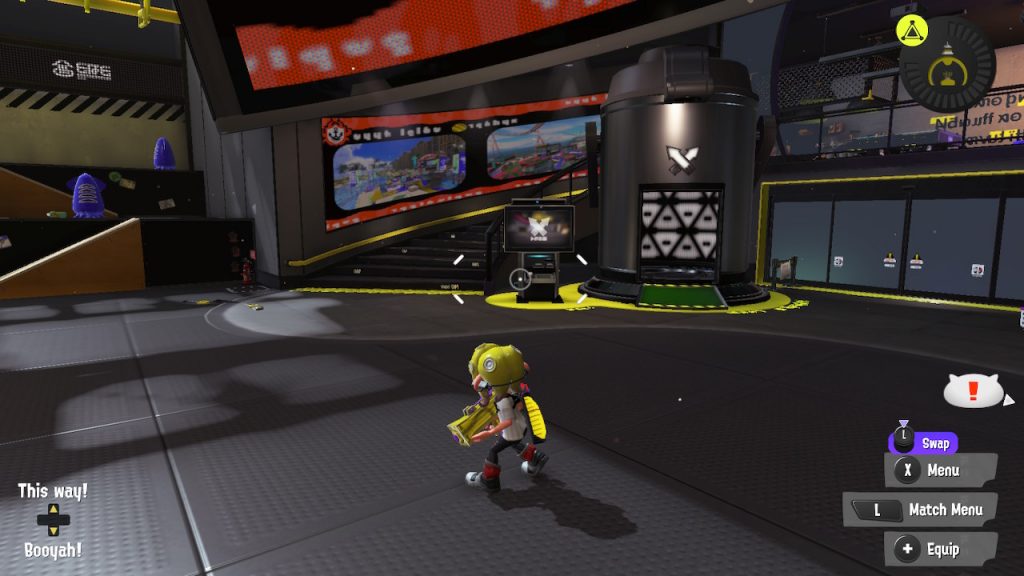
The Splatoon series has always been about the multiplayer. Nintendo’s family-friendly take on the competitive shooter sees the release of its latest entry on Switch this week. And while Splatoon 3 has a brand new single-player mode, the competitive modes are still the highlight of the game.
Splatoon 3 encourages players to jump right into the multiplayer Turf War. Only by playing will you be able to level up to unlock more weapons and gear. But before you play even your first match in Splatoon 3, there are a few default settings you might want to fiddle with in order to play at the top of your game.
More on Splatoon 3:
Splatoon 3 Developers Talk about How the Game has Grown | Early Review Scores Praise Splatoon 3 | Get Splatoon 3 Digitally and Get Double Your Nintendo Points | Cheaters already banned from Splatoon 3
Turn off Motion Controls
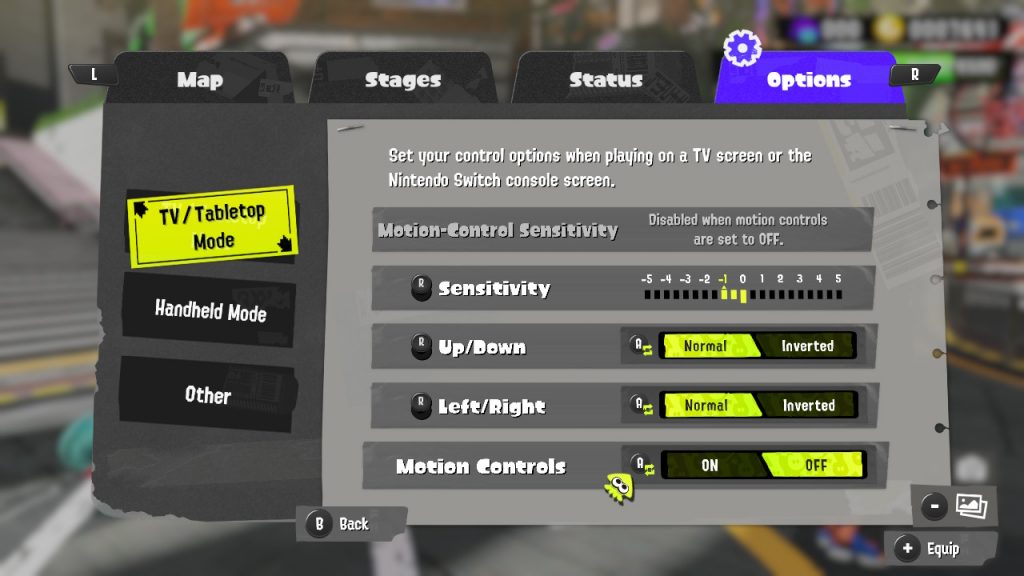
In Splatoon 3, the gyroscope controls will be on by default for looking up and down. While some fans swear by it, these motion controls come with a bit of a learning curve for new players. If you weren’t used to playing Splatoon 2 with gyro controls, it’s in your best interest to change these settings and put vertical aiming on the right stick as soon as you get the option.
To turn these off, press X to bring up your menu and navigate all the way to the right to the settings. From here you can turn off gyroscope aiming and adjust right stick sensitivity. You will need to adjust the setting twice, separately for handheld and TV mode.
Turn on Color Lock
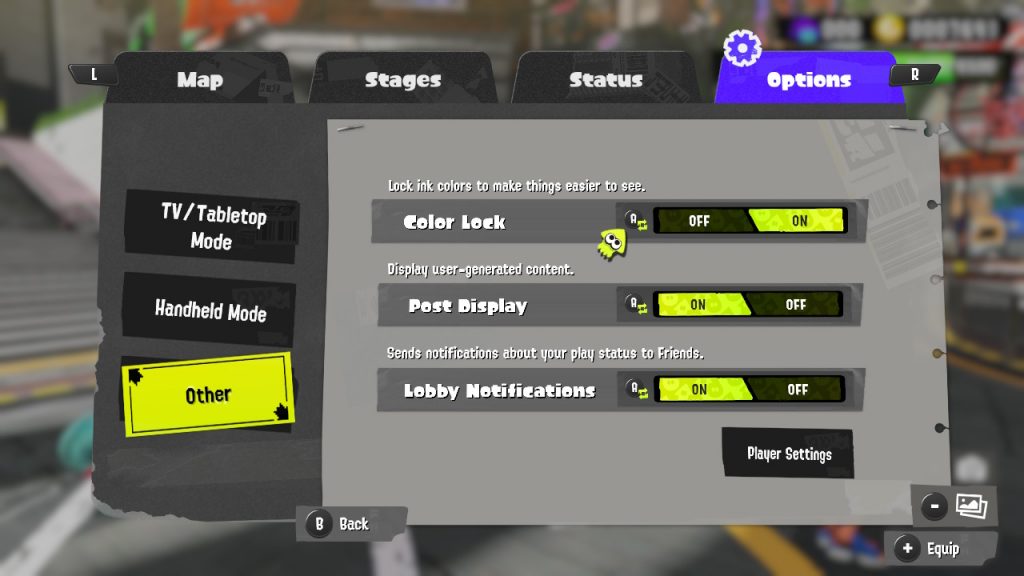
Color Lock is an option in Splatoon that can be really helpful for accessibility reasons like colorblindness. But it can also give you a competitive edge over time. Not having to worry about the colors switching should make your play more consistent as well.
By default, the colors of the Inkling teams you play as in Turf War vary as part of the rotating playlist. Turning the Color Lock option on ensures that you see each team as the same color in every match. The feature was been in the series since the first game.
In Splatoon 3, you can press X to open your menu and go to the settings tab. Scroll down to Other the Color Lock toggle to “on” to lock the colors to the default Blue and Yellow.
Change your Splatfest Region
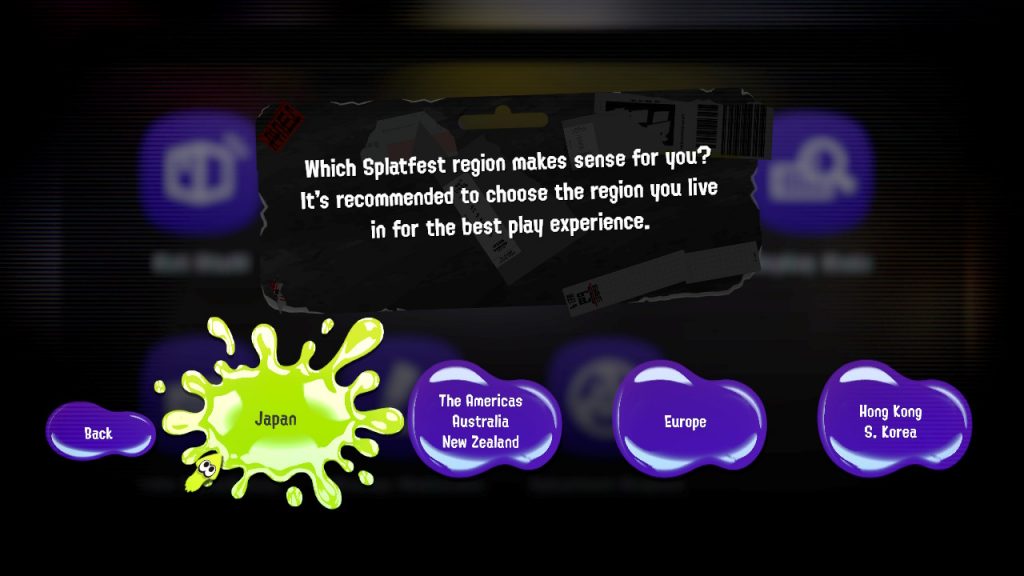
This one doesn’t apply to everyone. Splatfest Region determines which players you will match with during Splatfest events. From the get-go, Splatoon 3 automatically detects your location and assigns you one of the four following Splatfest Regions based on that information:
- The Americas/Australia/New Zealand
- Japan
- Europe
- Hong Kong/S. Korea
If you have a group of people you play games with regularly, you’ll want to make sure you are all in the same Splatfest Region. To change your region go to the Lobby Terminal in the Lobby. From this screen, select the Spaltfest Region option to switch it if needed.