
• Skip to main content
  • Skip to header right navigation
  • Skip to site footer
Gameranx

Gameranx

Video Game News, Lists & Guides

  • News
  • Features
  • Platforms
    • Xbox Series X
    • PS5
    • Nintendo
  • Videos
  • Upcoming Games
  • Guides

How To Play Temtem (Or Any Steam Game) On Mobile Devices | iOS & Android Streaming Guide

February 24, 2020 by Kevin Thielenhaus

Enjoy Temtem on-the-go with this quick guide explaining how you can stream Steam games for free onto any mobile device.

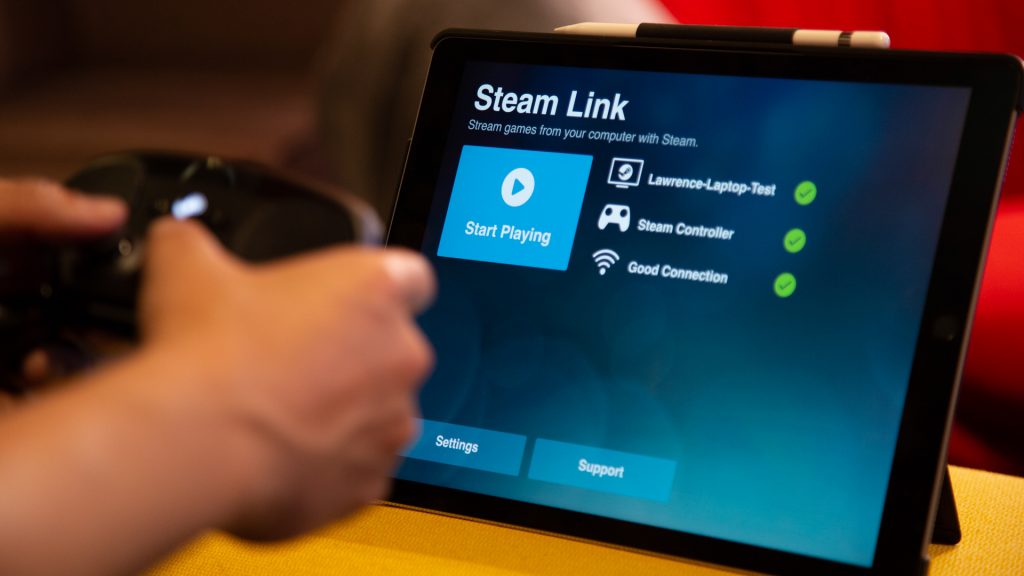
With Steam Link, you can play your Steam PC games anywhere — and no, you don’t need a physical Steam Link device to make it happen. This is all about playing your games on the go, and certain games like Temtem are perfect examples. Based on the handheld Pokémon games, it feels weird to catch critters while sitting at your computer. If you want to catch a few monsters before bed, or hang out on the porch for a sunny afternoon of gaming, then you’ll need to stream.

Temtem isn’t the only game you can play on mobile devices — literally any Steam game can be played this way. You’ll just need a compatible controller that works with the Steam Link app — the Steam Controller works, but you can use any other option. There are plenty of better controllers on the market that work great. Or you can just use touch controls. For a JRPG like Temtem, that’s easy. For action games? It might be a little trickier.
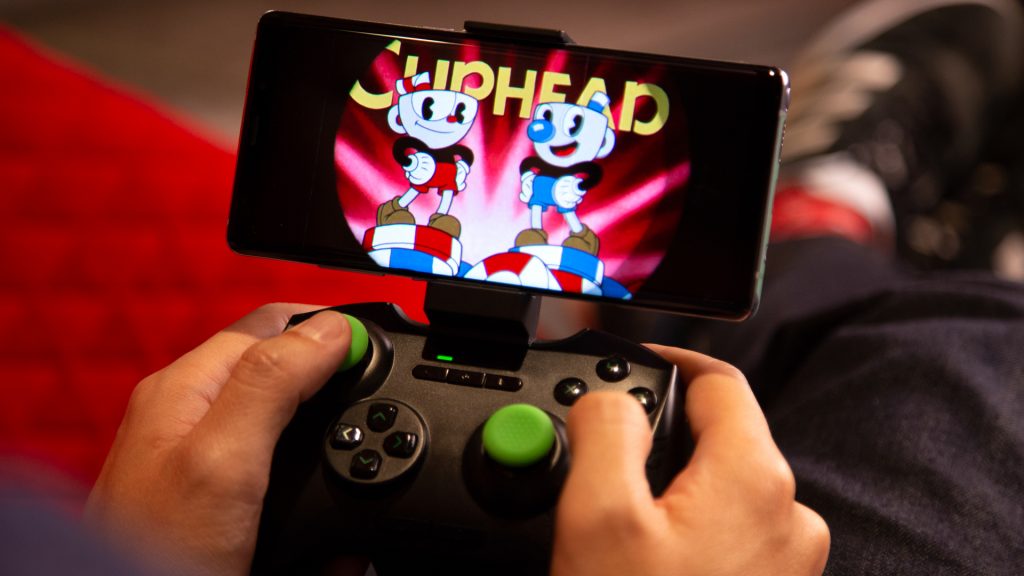
It’s super simple. Let’s go over the basic steps here.

  • Download the Steam Link app on your mobile device.
    • Download here: iOS | Android
  • Launch the app on your mobile device and follow the instructions to get connected.
    • Make sure the PC you want to connect to is ON.
  • Once you’re connected to your computer, open Big Picture Mode and begin streaming to your Phone, Tablet, or TV.

It’s very, very simple. But, you’ll want to focus on games where you don’t mind a little input lag. It helps to connect your computer directly to the internet router. If you’re connected to a wireless network on your computer, there will be much more input lag.

For best results, connect the PC / laptop you’re streaming from to your router, then play games wirelessly on mobile. There will still be a small amount of input lag, so turn-based games or slow-paced games like Temtem are perfect for this setup. Here’s hoping this works for you, and the faster your upload speeds, the faster you can stream!

Share this post:

FacebookTwitterLinkedInPinterest

Recent Videos

Diablo 4: Lord of Hatred - Before You Buy

Diablo 4: Lord of Hatred - Before You Buy

20 Upcoming SMALLER Games of 2026 That Excite Us

20 Upcoming SMALLER Games of 2026 That Excite Us

Top 10 NEW Games of May 2026

Top 10 NEW Games of May 2026

20 Insane Things Games Did That NOBODY NOTICED

20 Insane Things Games Did That NOBODY NOTICED

20 Open World Games That MAKE YOU FEEL LONELY

20 Open World Games That MAKE YOU FEEL LONELY

AC BLACK FLAG REMAKE BIGGEST CHANGES & MORE

AC BLACK FLAG REMAKE BIGGEST CHANGES & MORE

Saros - Before You Buy

Saros - Before You Buy

How Capcom Did The IMPOSSIBLE

How Capcom Did The IMPOSSIBLE

20 Games Where You REGRET Doing The RIGHT THING

20 Games Where You REGRET Doing The RIGHT THING

Category: FeaturesTag: Android, Guides, iOS, PC, Steam, Steam iOS, Temtem

Sidebar

Recent Posts

  • Rumor: Ubisoft Is Finally Remaking The First Assassin’s Creed
  • Rumor: Assassin’s Creed Hexe Delayed To 2027 After Multiple Setbacks
  • PlayStation Support Gives Conflicting Answers About 30 Day PS4/PS5 DRM Issue
  • Final Fantasy VII Rebirth Demo Is Now Up On Switch 2 and Xbox
  • Rockstar Games’ Developers Don’t Want Jason Schreier “Snooping To Our Company And Project” GTA 6

Copyright © 2026 · Gameranx · All Rights Reserved · Powered by Mai Theme

