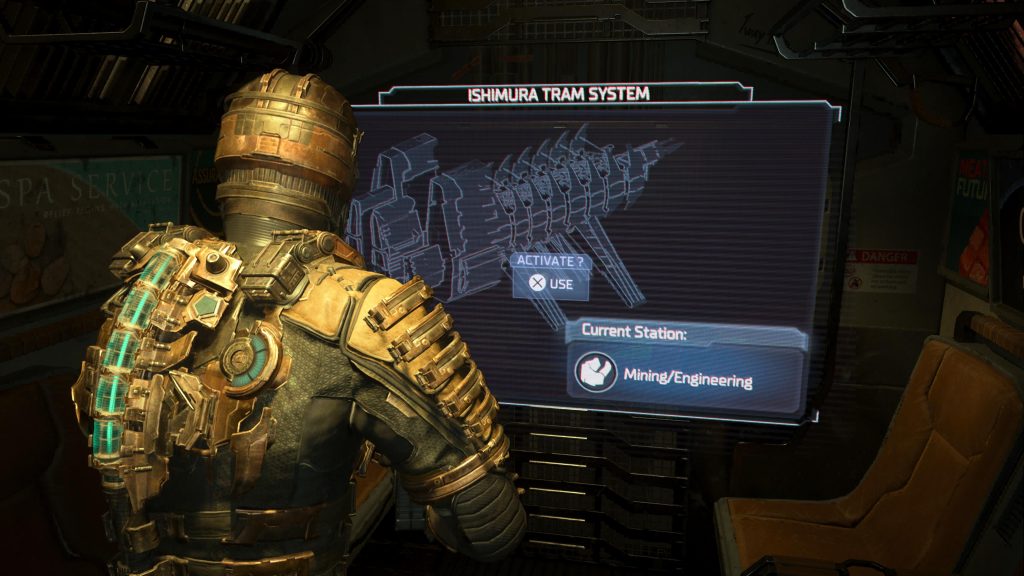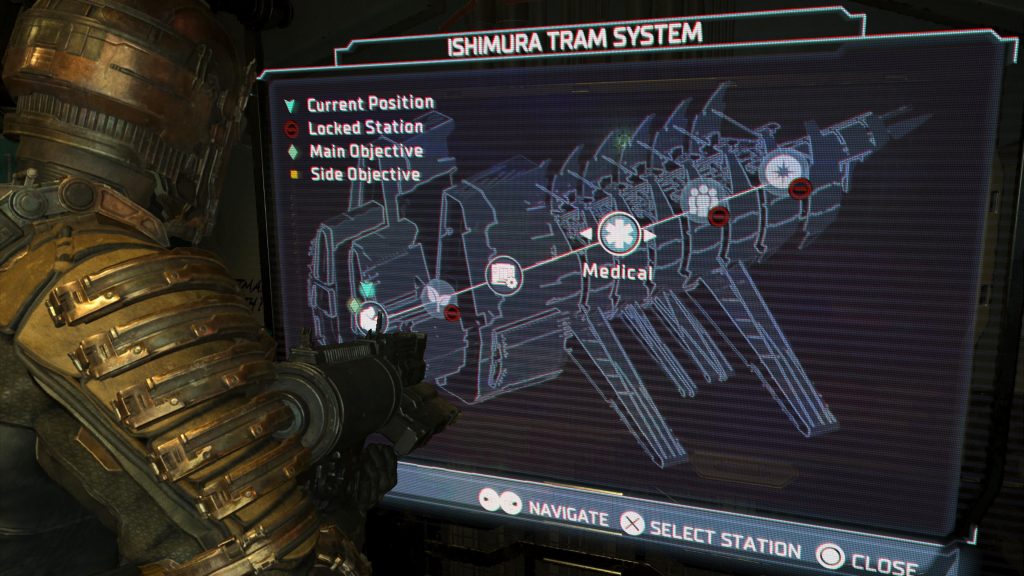
One of the major key differences between the Dead Space remake and the original 2008 survival-horror classic is that the USG Ishimura is a lot more interconnected and exploration is encouraged. While the original Dead Space is certainly an excellent game, it took a very linear, almost level-based, approach to telling its story. The remake, conversely, gives players a lot more freedom when it comes to seeing everything that the ship has to offer.
With the increased size of the Ishimura and the incentives in place to get players backtracking to previously cleared areas, the Dead Space remake adds an essential mechanic that’s key to getting around: fast travel. Here’s everything you need to know about how fast travel works in the Dead Space remake and how you can use it to quickly get from one end of the ship to another.
More Dead Space guides:
| How to Replace the Damaged Tram | Power Nodes Explained | How to Get Security Clearance Level 1 | How to Get Security Clearance Level 2 | ‘Scan RIG to Unlock Workstation’ Explained | How to Restart the Centrifuge | How to Find Autopsy Location | How to Beat the Brute Boss Fight |
Dead Space Remake Fast Travel Explained
While many other games allow players to simply open the map, select where they want to go, and instantly cut to a loading screen as they’re whisked away to their desired destination, fast travel in Dead Space isn’t as easy. In order to fast travel, you’ll need to have access to a tram station.
As you explore the different areas in the USG Ishimura, keep your eyes peeled for rooms labeled as tram stations. When you find them, always make sure to go inside and override the station’s lockdown status. When you do, the shutter doors will open up to reveal a tram that you can board. On the tram, you’ll find a screen that you can interact with that will take between the different areas on the ship.
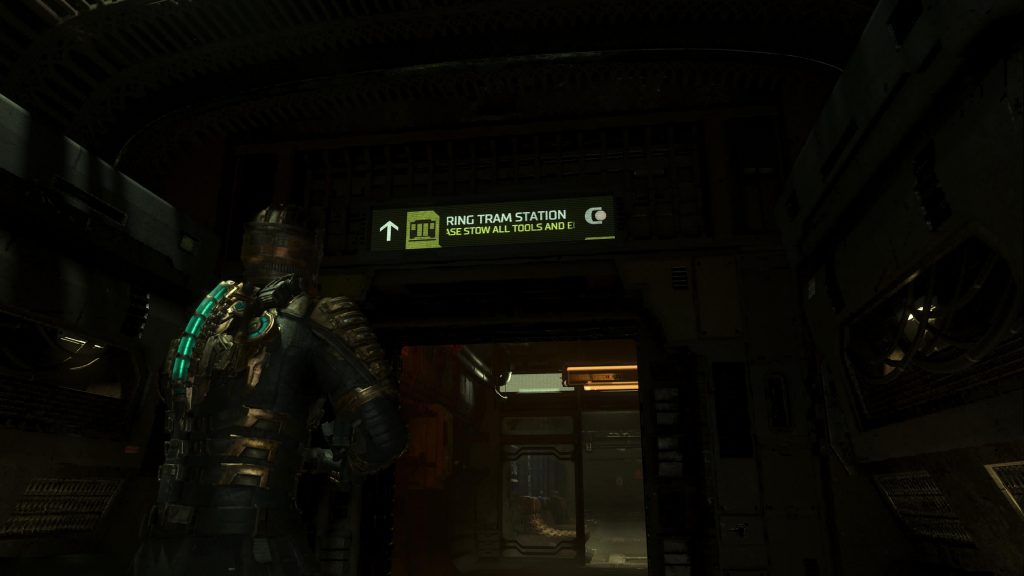
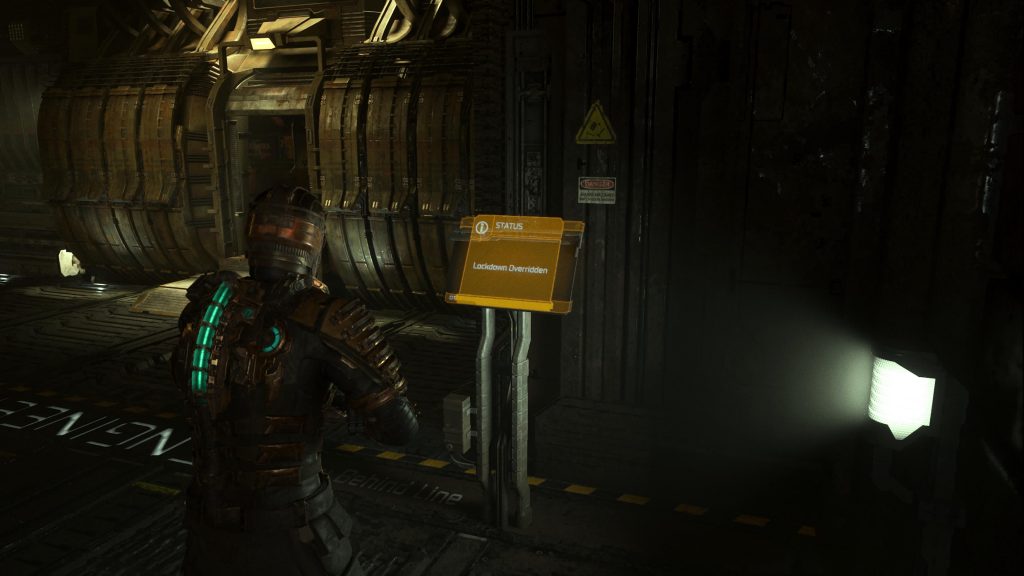
It’s important to note that you can only travel to the tram stations that you’ve overridden the lockdown on, so make sure that you’re overriding each one that you find. If you miss one, it means that you’ll need to walk back to the station on foot in order to open it up, so it’s always a good idea to override the lockdowns as soon as you see a tram station.