
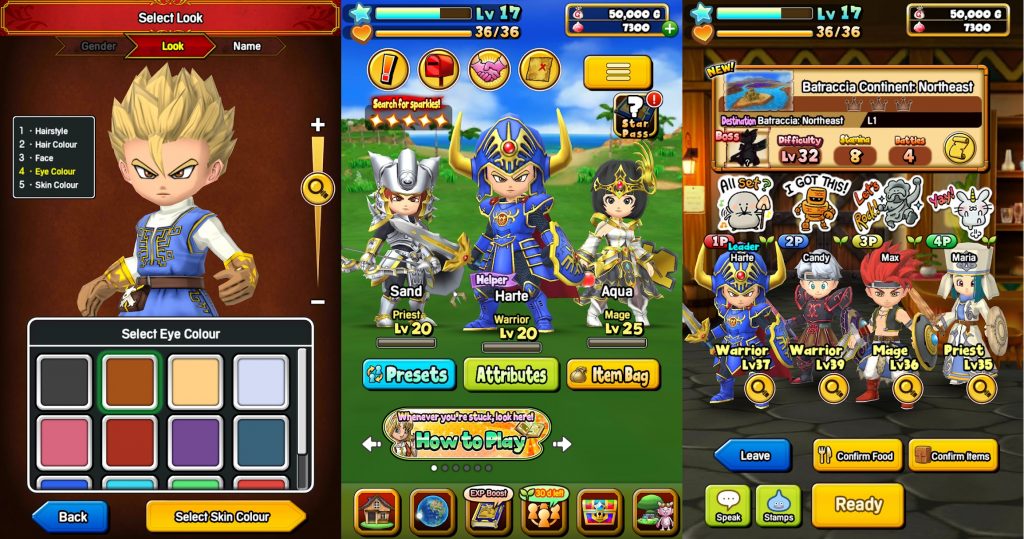
When you start playing Dragon Quest of the Stars, you’ll be offered a free trial membership to the Star Pass program. Like many free trials, it will automatically start charging your account when the trial period is up. That’s really, really annoying — and cancelling automatic payments isn’t so easy on iOS or Android. Depending on how you’re playing Dragon Quest of the Stars, you’ll need to follow these steps to make sure you don’t get charged.
The Star Pass is a monthly subscription service that gives you more items, and access to Full Auto Mode and Fast Auto Mode is locked behind the ‘VIP’ Star Pass. This is a Gacha game — to make progress, you’ll need to roll for fancy gear that your characters can equip. All the equipment is visible on your heroes, but you won’t be rolling for new adventurers to play as. It’s all about gambling to get the best stuff, and with the first free month of the Star Pass, you can at least nab some cool items.
If you don’t want to get charged, here’s what you need to do. You can download Dragon Quest of the Stars for free here: iOS | Android.
More Gacha game guides on Gameranx:
- Pokémon Masters: 10 Helpful Tips To Get Started & Stay F2P | Beginner’s Guide
- Pokémon Masters: How To Evolve & Mega Evolve Your Pokémon | Evolution Guide
- Pokémon Masters: How To Grind Levels Easily | Auto-Battle Guide
When you start up Dragon Quest of the Stars, you’ll be given the option to sign-up for a free VIP subscription called the Star Pass. The Star Pass gives you more rolls, more items, and access to Fast Auto Mode so you can grind levels easier. Signing up will give you a full free month of the Star Pass — but it will also automatically renew in 30 days and charge your account real money.
To avoid that, you’ll need to access your Subscriptions from an entirely different menu. The subscription / auto-renewal features are not available in the app itself — you’ll need to access your iOS settings.
- NOTE: If you choose to cancel the Star Pass, it will remain active until the end of the current monthly period, so you’ll still get the benefits even if you cancel early.
To manage your subscriptions (or cancel them), open the App Store app and follow these steps.
- In the App Store, access your profile.
- You may need to scroll down and find Apple Account
- -Or- tap Profile in the top-right corner.
- Select Show Apple ID -> Subscriptions -> Scroll to find Dragon Quest of the Stars.
- Tap Dragon Quest of the Stars to see your current subscription status.
- Tap Cancel to cancel the Star Pass subscription and stop auto-renewal.
Even if you cancel early, you’ll still get all the benefits for the remainder of your Star Pass monthly time, so don’t worry about signing-up, then immediately cancelling your subscription to avoid auto-renewal.
I know I always forget to cancel if I don’t do it early, so here’s an easy way to give Dragon Quest of the Stars a test-play, see if the Star Pass is worth it, and avoid getting charged if you don’t want to continue. If you do want to keep going, just start up your subscription again from the same menu.








