
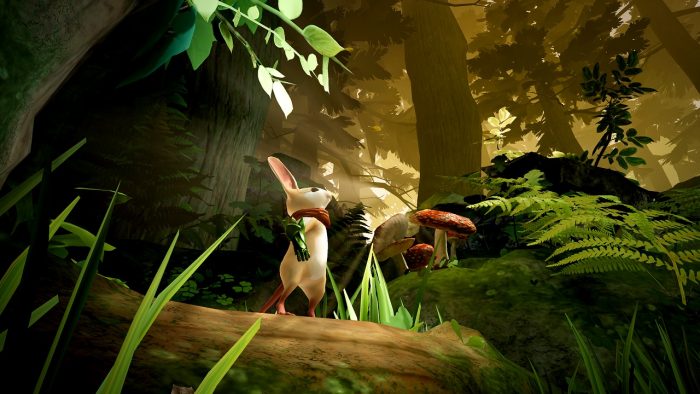
Moss isn’t exactly the toughest game in the PSVR line-up, but completing it all without dying once is a pretty tall order. It isn’t the easiest task, especially as you near the final battle. There are plenty of chances to die — either in combat or falling between the cracks on tricky jumps. If you die even once, you’ll lose out on the ‘Protector of the Realm’ trophy, and have to restart the multi-hour adventure from the very start.
Sounds like fun? Yeah, no. Instead of failing, try using a simple trick that’ll send you back to the last checkpoint without knocking you for a death. It’s very easy to use, and you’ll even have a few seconds to pull it off — the death animation takes longer than it looks. Learn about the trick below, and checkout the rest of the guides on Gameranx for a deeper dive into the mousey world of Moss.
More Moss guides on Gameranx:
- Moss: Forgotten Fragments Scrolls Locations | Collectibles Guide
- Moss: Relic Dust Locations | Collectibles Guide
No-Death Run Trick | Trophy Guide
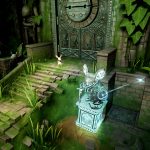
Unlocking the ‘Protector of the Realm’ trophy and -by extension- the Platinum trophy, requires you to complete the game without dying once. If you die, you’ll need to restart the game from the start.
To avoid this time-consuming fate, there’s a simple trick you can use that’s baked into the PS4 firmware. It’s actually really obvious. You can quick your game mid-run at any time, but you can’t die. A death and reload will count against you, but a simple save / quit is perfectly acceptable.
- To avoid a death count, press the PS Button — this will stop the game and bring up the overlay menu. Press the button if you die, or if you know you missed a jump and you’re falling into a pit.
- Select “Close Application” at the top of the menu to quit out.
The death animation is a few seconds long, so you’ll have time to exit before the death animation / screen appears. If the death screen appears, it’s already too late!
Closing the application will stop your incoming death, and send you back to the previous checkpoint. You’ll have to recollect any collectibles you might’ve grabbed, but you won’t have to restart from the beginning. That’s a nice bonus.





