
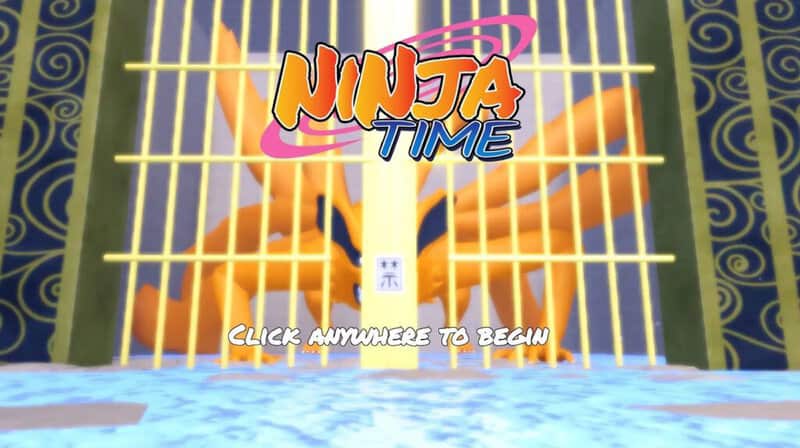
Are you ready to be a ninja and then fight alongside other ninjas in blocky-based action? Roblox Ninja Time is exactly what the title implies, and when you look at the art for the game, and yes, that’s official art, you can see exactly what particular kind of “ninja fanbase” the title is going for. Questionable legality aside, the title not only lets you play in this world on your own, but you can play with friends or others at parties so you can take on challenges together and see how well you come out in the end. But how do you make or join a party?
How To Create A Party Or Join One
Thankfully, it’s not the hardest thing to do. Once you’re in Roblox Ninja Time, all you have to do is hit “M” to open up the main menu. Then, you’ll go to the “Extra” section. You should see a “Party” button there. Click on it. That will allow you to create a party that your friends can enter so you can all have fun together. To find your friends, merely type in their player names, and you should be able to send them an invite with ease.
Now, when you want to exit the party to either have some fun on your own or head to another world, you don’t have to worry about a complicated process to get out. Instead, you just need to click the “Leave” button, and the game will do the rest. The other members of your party will be together, still, so you they won’t have to restart the party process. Instead, you’ll basically be put into two “groups,” with one just being you by yourself.
As for joining a party, all that requires is one of your friends sending you an invite. That will give you a notification where you can go and accept it if you’re up for some ninja time with friends.
Another benefit of cooperative play is that any and all progress you make with your ninja party won’t go away once the party is disbanded. Many recommend that you do the game with parties for this reason, especially since the game can be difficult to start.
Plus, playing with others is always fun, especially when you all get to be ninjas.
With that being said, nothing is stopping you from trying the game on your own. When you are ready to take it on with a crew, you now have the means to do so.



