
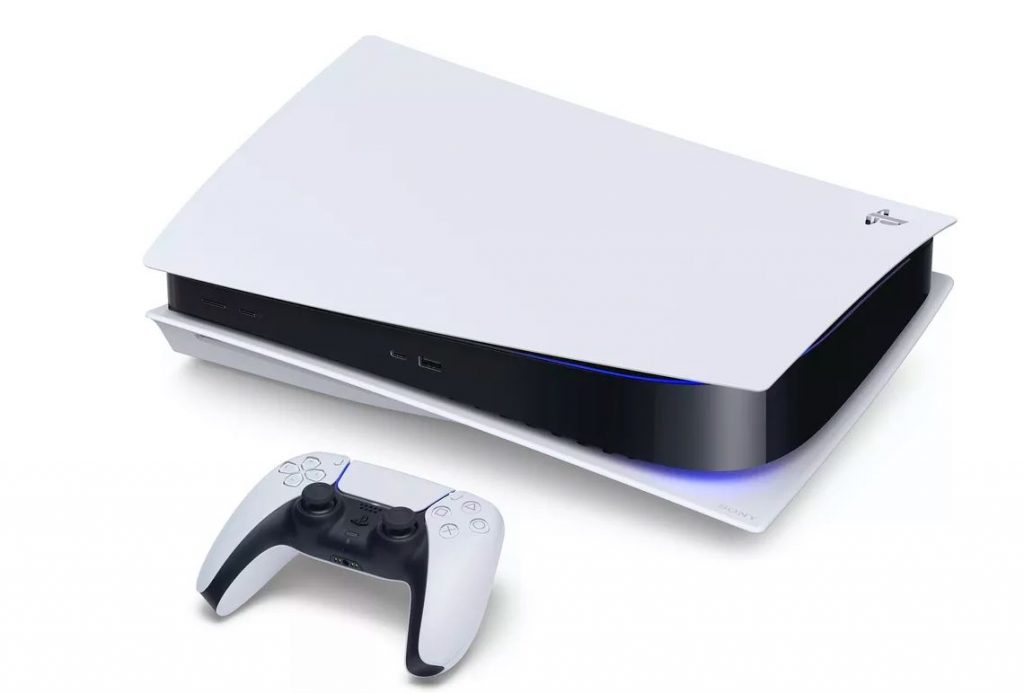
The PlayStation 5 just got its first major software update, and it’s bringing a number of improvements to the console. These include the ability to save your PS5 games onto a USB device, as well as new social features, an improved Game Base, and finally improved HDR support.
One of the biggest and most useful features in this new update is the ability to transfer your PS5 games to a USB storage device. While they cannot be played from the USB drive, it is easier to transfer them back when you wish to play them than it is to redownload them, Sony says: “With this feature, you can now transfer your PS5 games to USB extended storage from your console’s internal storage. It’s a great way to extend the storage capabilities of your PS5 console, and you can seamlessly copy your PS5 games back to the console’s internal storage when you’re ready to play.”
Another update is social features, including the ability for PS5 players to invite PS4 players to play PS5 games via SharePlay. The Game Base has also been improved to allow for easier access to the PS5’s features. The PS5 app is also getting an update that allows users to “join a multiplayer session on PS5 from the app, manage your PS5 console storage, compare trophy collections with friends, and sort and filter products shown in the PlayStation Store.”
Finally, there are some updates that weren’t included in the initial announcement, but which can be found in the patch notes. TVs or monitors that can display 120 Hz now support 120 Hz in games. Users can also disable HDR when they’re using software that doesn’t support HDR. Players also have more granular control over the One-Touch features: “When one-touch play is enabled, turning on your PS5 console will also turn on your connected display. When power off link is enabled, turning off your connected display will put your PS5 console in rest mode.”
Source: PlayStation Blog