
Table of Contents[Hide][Show]
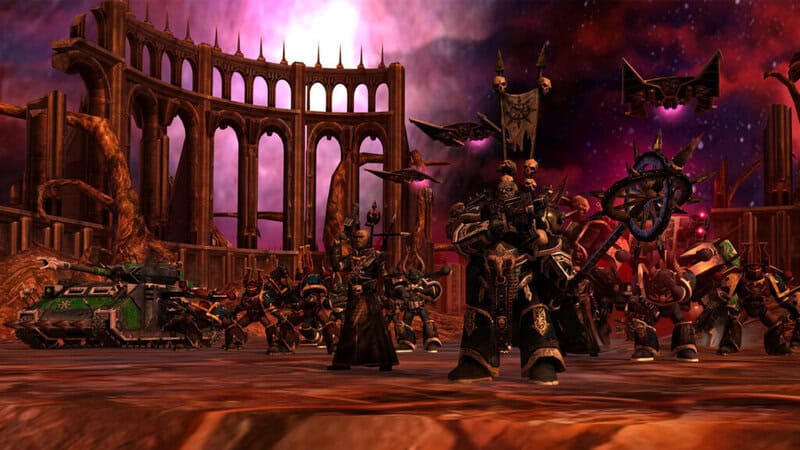
Warhammer 40,000: Dawn of War – Definitive Edition has cheats that can be activating in singleplayer, skirmish and multiplayer. The singleplayer campaigns allow cheat codes by default, but you’ll need to toggle on the cheats in Skirmish or Multiplayer before they can be activated, but that’s all done in-game and it’s very easy to do. Here we’ll explain how to cheat and all the codes that you can use to turn the tide of battle. Or just check your FPS.
These cheats were all from the original release of Dawn of War and they’ve all been ported over into the Definitive Edition which includes every faction and campaign from Dawn of War and its three expansion packs. There’s a lot of content to tackle, so if you just want to blaze through the singleplayer or goof around with infinite resources in skirmish, here’s how to do it.
How To Use Cheat Codes
Cheat codes are available by default in singleplayer campaign modes. To use cheats in skirmish or multiplayer, toggle on cheats — find the “Enable Cheats” rule and set it to on before launching a game.
- How To Open Console Window: In-game, press [Ctrl + Shift + Tilde (~)] at the same time.
- This will open a text input window. Type in the cheat code you want to activate and press enter.
Press the same keys to close the console. This can be done in-game to activate cheats like revealing the full map or giving resources to the player. There are many cheat effects and other toggles you can flip on or off — remember, you need to press all three buttons at the same time, similar to [Ctrl + Alt + Del] to activate the console.
Some console commands can be used to debug — useful for the new version of Dawn of War. Here’s the full list of available cheat codes that we’ve tested and how they work.
Cheat Codes List
Cheat codes are entered in the console window. Cheats are enabled in singleplayer by default. Cheats must be activated in Skirmish or Multiplayer by selecting “Enable Cheats” before launching a match.
Replace [###] with a number. For example, the cheat “cheat_power [###]” would be typed into the console as “cheat_power 500” without the parenthesis. Set the number to any amount you want. Any other specific use cases for cheats will be explained in the list below.
| Cheat Code | Effect |
| cheat_revealall | Reveals all map. |
| cheat_requisition [###] | Adds requisition to the player. Set by replacing [###] with a number. |
| cheat_power [###] | Adds power to the player. Set by replacing [###] with a number. |
| sd_instant_build 1 | Toggles on instant building. Input with 1 to toggle on. Input with 0 to turn it off. |
| cheat_killself | End game. |
| cis | Clears the console command window. |
| quit | Exit the game. |
| statgraph | Unlocks statgraph functions. |
| statgraph_channel(“fps”) | Creates graph showing current FPS. |





