
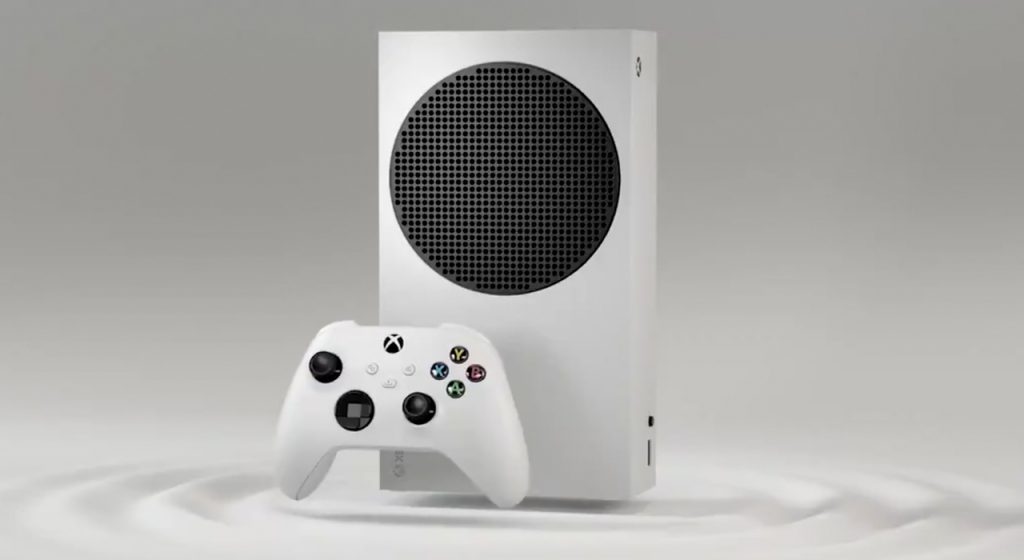
The Xbox Series S is a really solid console that offers an excellent gaming experience for nearly half the price of an Xbox Series X. Even if relegated entirely to a “Game Pass machine,” the Series S brings a lot to the table and is a great way to experience everything that Microsoft is currently offering with Xbox.
One of the major differences between the Xbox Series S and the Xbox Series X, however, is the fact that the Series S doesn’t feature an internal disk drive. This means that it’s classified as an “all-digital console,” the same as the PS5 digital edition. While there are plenty of reasons to go all digital with your gaming library, some Xbox Series S owners are still looking to add an external disk drive to their console. Here’s everything you need to know about outfitting an Xbox Series S with an external disk drive.
Can You Add a Disk Drive to an Xbox Series S?
To be blunt: currently, there isn’t a way to hook up a disk drive to an Xbox Series S. Obviously, you’re able to physically attach a disk reader to the console, however, the Xbox won’t read any of the information on the disk. Despite Xbox’s current “play your way” reputation that allows Xbox owners to be a little more flexible with the hardware they use especially when streaming, the Series S simply doesn’t have the ability to read disks.
While it’s certainly disappointing for Series S owners that are looking to watch Blu-Rays or simply play games via physical copies, Microsoft filed for a disk drive patent in 2022 seemingly suggesting that a disk reader option is coming eventually. Obviously, the fact that the company filed for a patent doesn’t mean that the feature is coming soon or even at all, but it does mean that it’s a possibility that Microsoft is considering.
That said, if Microsoft is planning on adding the ability to use external disk readers on the Xbox Series S, it likely won’t be coming anytime soon based on how recently the patent was filed and how long it can take for something like that to actually be developed.
For now, however, the only way to use physical media on an Xbox is to own a console with a disk reader. The current lineup of Xbox consoles with disk drives is as follows:
- Xbox Series X
- Xbox One
- Xbox One S (disk drive edition)
- Xbox One X (disk drive edition)





