

Take a swim and start collecting the riches of the ocean in Animal Crossing: New Horizons! The Summer Update is upon us, giving you access to the new Wetsuit outfit. These fancy suits let you swim and dive underwater in search for treasure or sea critters — and there are a couple of ways to get your own.
The Summer Update landed on July 3rd, and includes a huge variety of new sea creatures you can capture and share with Blathers. These new specimens will appear in the aquarium section of the museum, and you’ll earn even more NookMiles rewards for grabbing these grubs daily. Wetsuits are a returning feature from Animal Crossing: New Leaf — New Horizons originally didn’t have swimming, to the dismay of all of us. But now you can explore even more of your island paradise!
More Animal Crossing: New Horizons guides:
20 Tips Absolute Beginners Need To Know | 5 Ways To Make Tons Of Bells | Early Money-Making Tips & Tricks | How To Get The Polevault & Ladder | Navigation Tools Guide | How To Import Images & Custom Designs | How To Create A 5-Star Island | Perfect Rating Guide | How To Spot Fake Art & Avoid Getting Swindled By Redd | Authentic Art Guide | How To Unlock The Island Designer App | Terraforming Guide

How To Swim | Where To Get A Wetsuit
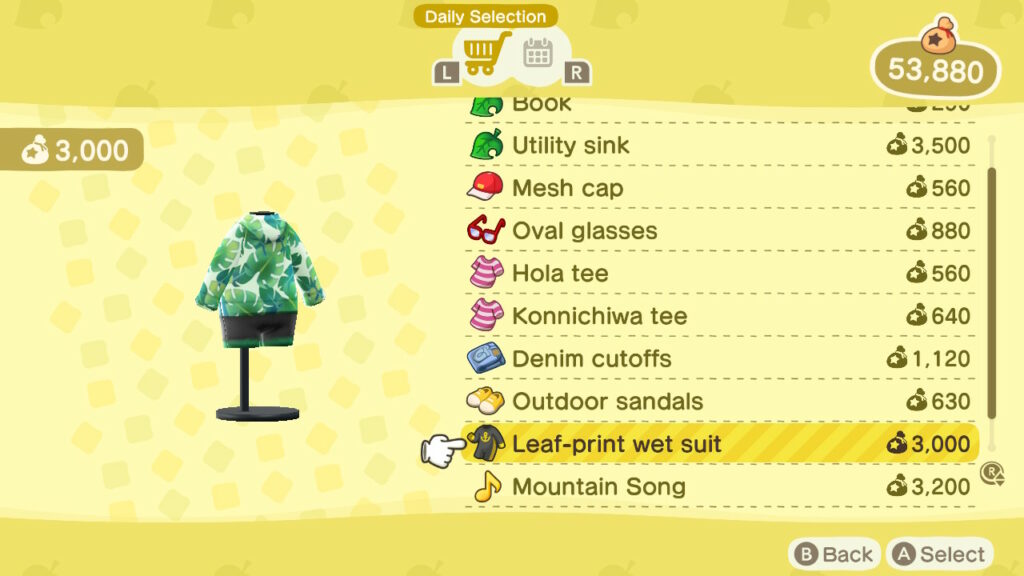
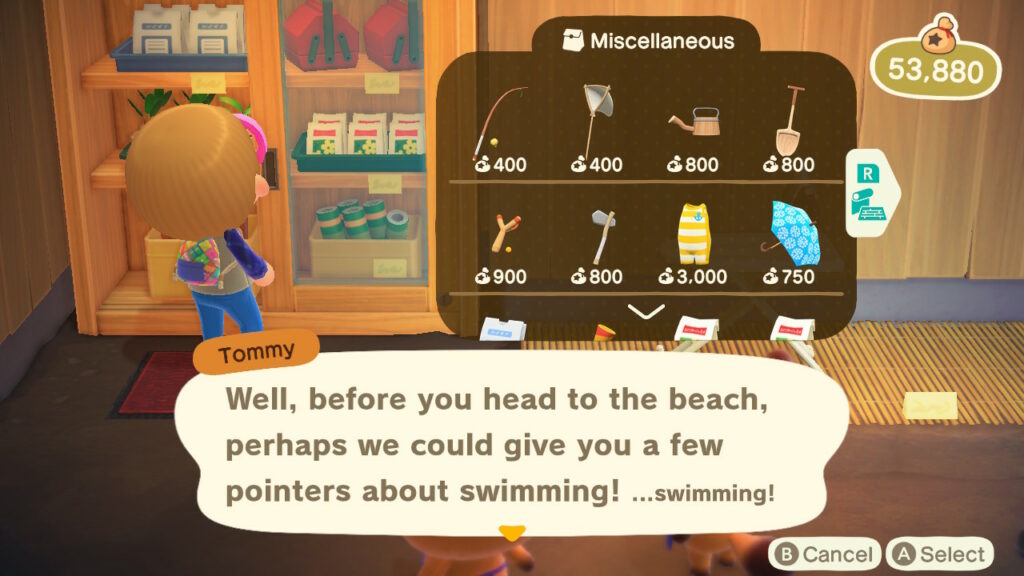
To start swimming, you’ll need to buy yourself a Wetsuit! These are multiple different wetsuit patterns, and you can find them for sale at Nook’s Cranny or at the Nook Stop terminal.
- Wetsuit: Costs 3,000 Bells from Nook’s Cranny. Check the cabinet for misc. items!
- It also costs 3,000 Bells from the Nook Stop, Nook Shopping section. Access the Special Items menu to find the wetsuit.
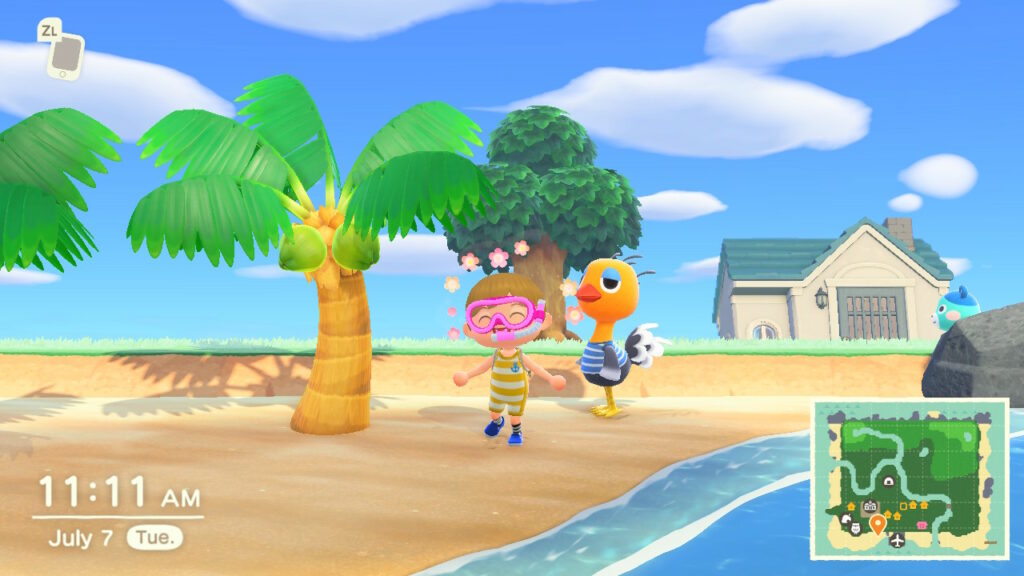
That means you can check for new wetsuit styles often. I recommend grabbing one early, and worrying about the style later! To swim, you need to be wearing a wetsuit — you can also find a matching snorkel by checking your mail box. The snorkel isn’t required!
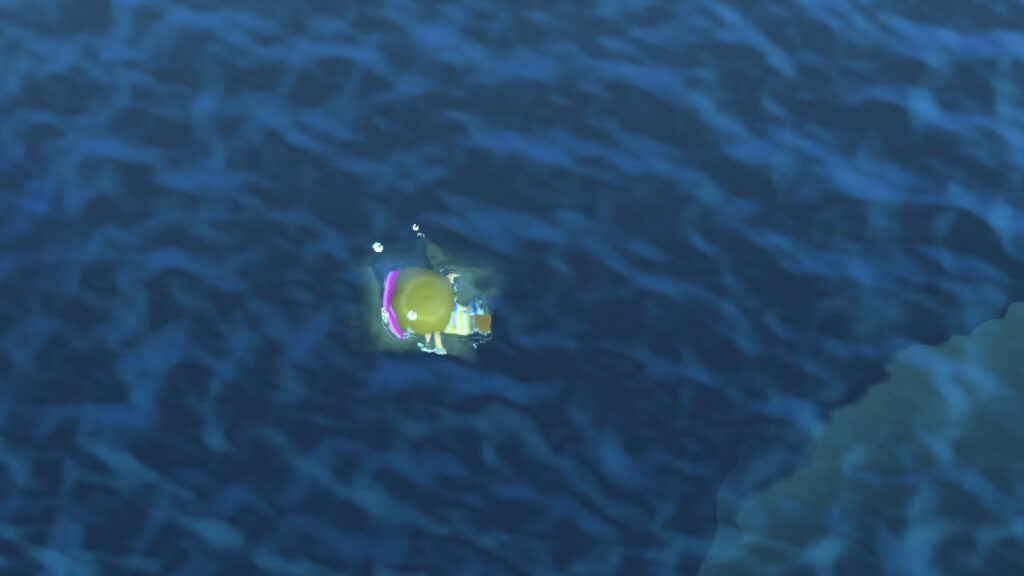
To swim, go to the shore and press [A] — tap [A] to swim faster! Look for bubbles in the ocean, and press [Y] to dive. Press [A] while you’re diving to swim faster. To dig up shadows underwater, you just need to move close to the source. You can find valuable stuff like pearls or sea creatures. Yup, that means there are even more animals to collect for Blathers. Go to the museum to start making sea life donations!