
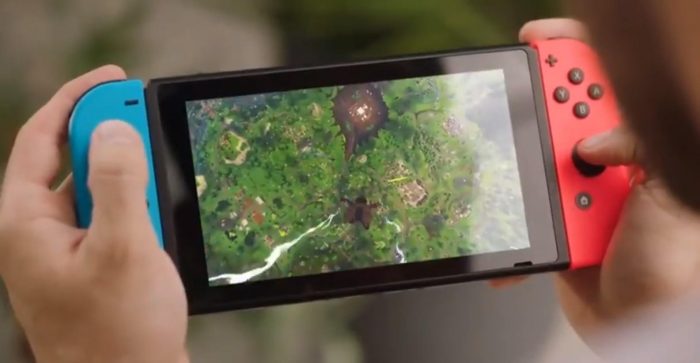
If you’ve been playing the new NES Games app that comes included with a Nintendo Switch Online subscription, there’s an ugly visual bug you’ll want to avoid if you can help it. The handheld / console hybrid has only just released its NES emulation, and already players are experiencing funky glitches that can (and should) be avoided. Here’s hoping Nintendo puts out a quick fix to stop this from happening — but if you experience bleed-in and ghost images on your handheld mode screen, don’t panic.
When playing the NES app, some players are experienced after-images that appear to look like burn-in. Burn-in occurs when a static image is displayed on your screen for too long. Usually this occurs if a program leaves a fully-bright, completely static image on your screen for too long. That’s why screensavers were invented — to help fight the blight of monitor burn-in. Burn-in is a permanent problem, but that isn’t exactly what is going on here. It might look bad, but you can fix the issue.
Below, I’ll explain what (probably) causes the NES visual glitches, and how to fix your handheld screen if this happens to you.
More Nintendo Switch guides on Gameranx:
- Nintendo Switch: Everything You Need To Know About The New Online Subscription Service
- Nintendo Switch: How To Earn (& Spend) Nintendo Gold Points | Free Online Subscription Guide
- Nintendo Switch: How To Transfer Save Files & Capture Video | Update 4.00 Guide
- Nintendo Switch: How to Take (And Share) Screenshots
- Nintendo Switch: You Can Play NES Golf With This Fun Tribute To Iwata
- Nintendo Switch: How to Add Friends & Send Friend Requests
How To Fix Annoying NES Games Library Bleed-In
The “bleed-in” effect looks a lot like burn-in — you’ll see an after-image of the NES game you played on your Nintendo Switch handheld mode screen. This issue only seems to occur with NES games, and only in handheld mode with a specific visual option toggled on.
- To avoid experiencing visual bugs when playing NES games on Nintendo Switch, I recommend disabling the CRT Filter effect. This optional visual filter for NES emulation seems to be the cause of the lingering visual bug.
If you have experienced a strange “bleed-in” effect, and can see visual ghosts of the NES game you just played even after exiting the app, there is a way to fix the problem. The visual bugs are not permanent, and can be removed from your handheld screen.
- To remove visual bugs caused by the CRT Filter effect, load up a game (any game) with lots of motion. Simply move around for a few minutes (it may take longer) until the effect is cleared up.
That’s all you need to do. Cycling the pixels with a moving image on your handheld Switch screen should clear up any lingering static effects after a few minutes.
Source: [1]
Let us know if you’ve been experiencing bugs with the NES online library with a comment, or e-mail us directly here.


