
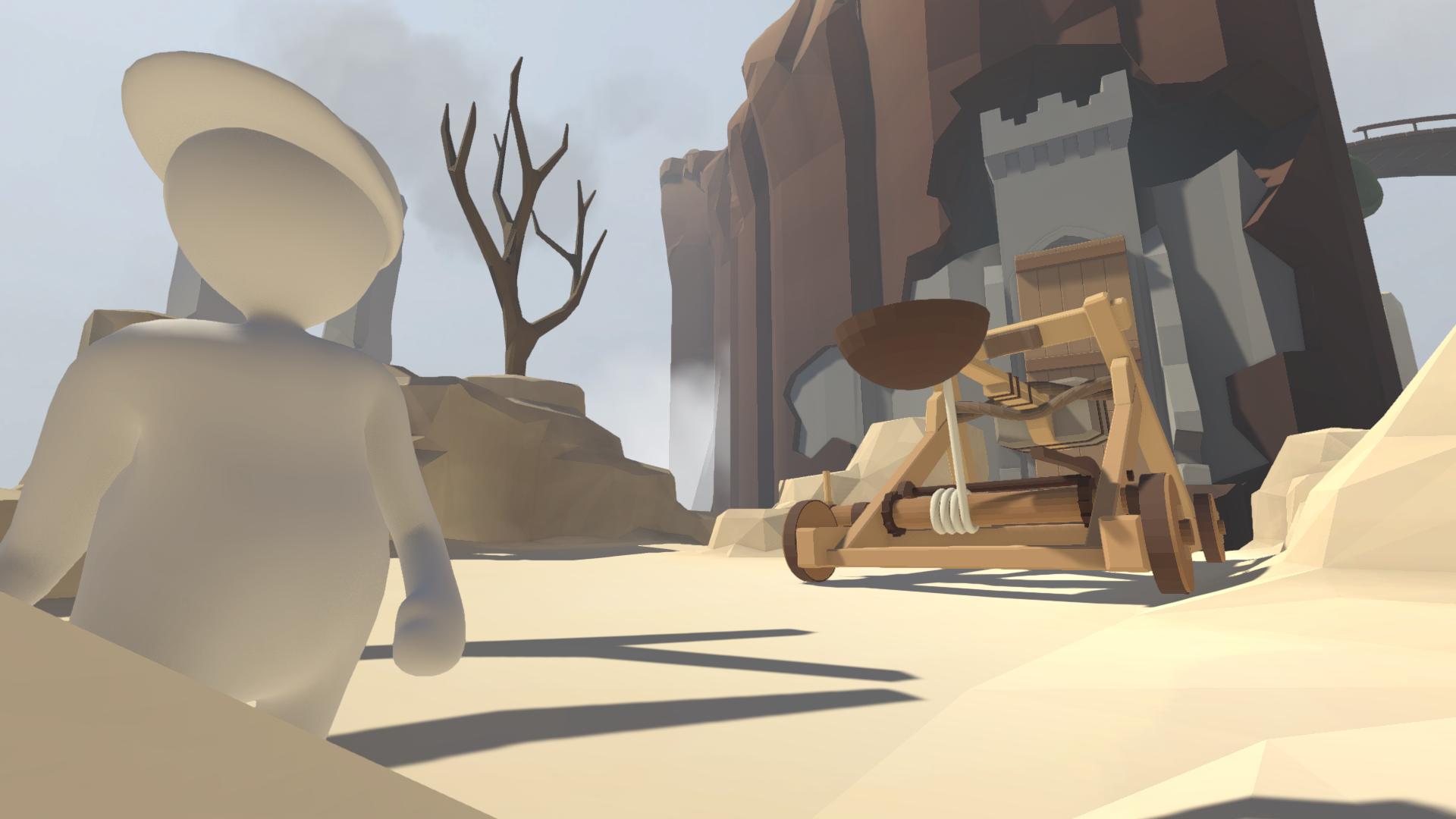
Currently, the Steam version of Human: Fall Flat does not support the workshop. To actually use the workshop mods you’ve subscribed to, you’ll need to take a few extra steps. Like any other Steam game, you can download mods through the Steam Workshop feature — just go here if you’re lost — and subscribe to different mods you want to use.
To actually use those mods, you’ll need to download some additional modder support for Human: Fall Flat. Eventually, custom levels will surely be available in the normal version of the game, but for now we have to settle for a beta client instead. It isn’t the worst, and everything you need is available right in the normal Steam interface, so there’s no oddball tweaking you need to do. Below, we’ll go over the simple steps and explain exactly how to start playing wacky, fun user-created content.
How to Play User-Created Levels & Download Modder Support












To get started, you’ll first need to join this Steam group called the HFF Workshop. After joining, you’ll find you now have a Workshop tab available in the Human: Fall Flat community hub.
The workshop is still in its early Alpha state — to access Workshop features in Human: Fall Flat, you’ll need to download the Beta Client.
- How to Download the Beta Client:
- Right-click on Human: Fall Flat in your Steam Library and select ‘Properties’
- Go to the ‘Betas’ tab and find “Enter beta access code to unlock private betas:”
- Enter the code c9HStpsi34Q69F
Once the Beta Access is unlocked, select the “Modder” version from the drop-down menu above the code input bar. Steam will automatically begin downloading the client.
- NOTE: To actually play Workshop levels, make sure you subscribe to levels in the HFF Workshop group. Search #levels to or use the link provided above.
Next, launch the Human: Fall Flat [MODDER] version from your Steam Library like normal. Choose the new ‘Workshop’ category to find all the levels you’ve subscribed to in the workshop. Select a map and you’re free to start playing.
Source: [1]








