Table of Contents[Hide][Show]
Want to keep your stolen items forever in Starfield? Certain objects in the Settled Systems are marked with a red tag that denotes that you’ve stolen the item instead of purchased it (or picked it up) legally. These items are in constant danger of being appropriated by the proper authorities. If you ever have to pay a fine for a mistaken crime, you’ll lose all stolen goods in your inventory. That’s incredibly annoying, and some perfectly normal items will be marked as stolen just from collecting them in a base full of enemies. If you want to keep a stolen weapon or armor set forever, use this trick to make it legit and remove that annoying red marker.
More Starfield guides:
Best Skills | Best Ship Upgrades & Mods | All Companions | All Romance Options | All Settlement Locations | Join All Factions | How To Pirate Ships | Secret Companion | Secret Ship & Suit
What Are Red Stolen Markers?
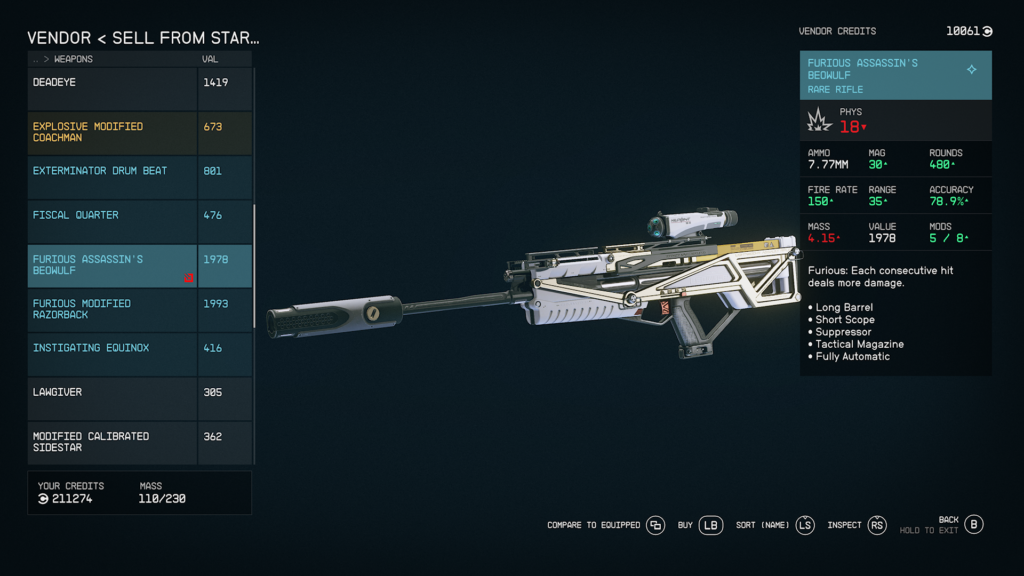
When you steal in Starfield, some items will be marked with a red icon — this tag (or marker) will remain on a stolen item forever. If you’re ever caught by security forces of a faction for a crime, even a misdemeanor that only costs a small fine, all stolen goods will be removed from your inventory automatically. This also happens if you’re caught with contraband on your ship during the scanning process.
Items with red tags may be found without even committing a crime — many times, in the process of a main story mission or other quests, you’ll find items with a red stolen marker even if you’re fighting enemies in the area. This is rare, but it does happen. That’s why you’ll want to remove red markers — you can get a weapon legitimately and then fear losing it after a small infraction. A stolen item is always in danger until you remove the red marker.
- NOTE: Stolen items WILL NOT trigger planetary scan alarms and can’t be detected unless you’re caught committing a crime or caught with contraband on your ship. Contraband has a yellow marker.
How To Remove Stolen Tags

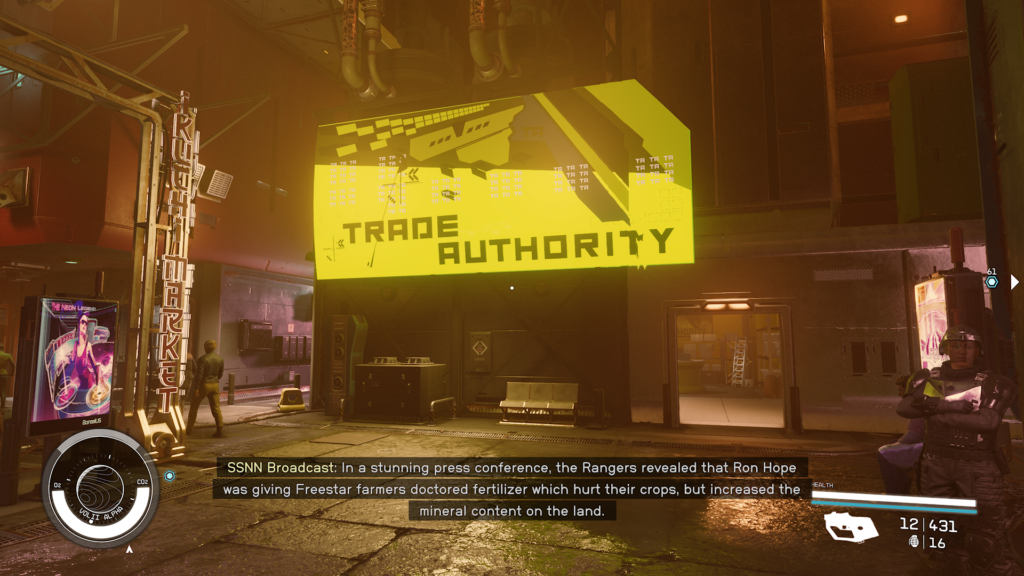
Removing a stolen tag is easy — and it costs no credits. It can be done at any major settlement free of charge at the Trade Authority vendor. Make sure you are not carrying contraband when landing at a settlement. If you are carrying contraband, either dump it in space or store it in Shielded Cargo Holds to lower the chances of it being detected. When you’re ready to remove a red mark on your weapons or gear, here’s how to do it.
- Removing Stolen Tags | Red Mark Removal:
- Go to a Trade Authority vendor. There is one in Cydonia (Mars) or Neon (Volii Alpha) in the main area of the city.
- Open the Buy Menu and swap to Sell [LB]. You can also store stolen items in your ship cargo — swap to Sell From Ship Inventory [LB] to sell here.
- Sell the stolen item to the Trade Authority vendor. Only Trade Authority (and Crimson Fleet) vendors will trade stolen items.
- Switch to the Buy menu. Scroll down to the Buyback tab and select the weapon / suit / item you just sold.
And that’s it! Sell and then buyback a stolen item to clear the stolen tag forever. When you Sell and Buyback, you’ll use the exact same number of credits used to buyback as what you sold for — meaning you won’t spend a credit to clear the stolen tag.
Your item is now perfectly legitimate and won’t be taken by security forces. This is especially useful for powerful weapons, spacesuit and other pieces of armor. Random items like Med Packs, aids, food items, Digipicks and more are relatively low value and usually don’t require removing the red tag.
This is only useful for items you want to keep and keep in your personal inventory all the time. A good weapon is a perfect candidate for this criminal trick.