
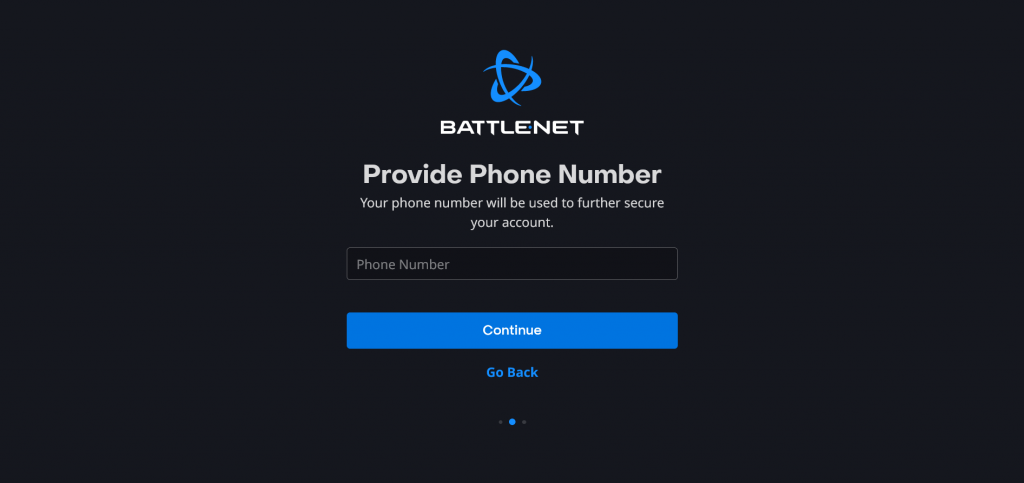
Want constant updates on your favorite new F2P hero-shooter? You can setup SMS on your phone. You’ll get notifications for updates, special events, and much more. To get access to SMS, you’ll need to properly setup your Battle.net account. SMS isn’t just for notifications — it can also be used to keep your account safe.
Any new Overwatch 2 account on Battle.net requires a phone number — merging old Overwatch accounts may require you to input your phone number and country of origin for SMS Notifications. SMS Notifications are text messages and may result in additional charges on your data plan. Not very likely, as text messages require very small amounts of data usage.
- Sign up for SMS Notifications to receive texts for the following events:
- Approve password reset requests
- Recover lost account name
- Remove an authenticator that was lost
- And unlock your Battle.net Account
- If your account is locked due to login attempts
- If your password has been changed
- If any security settings have been changed on your account
It’s important to note that prepaid phones and plans are ineligible for SMS or for use with Battle.net, Once you’ve decided that you want notifications, follow the instructions below.
More Overwatch 2 guides:
How to Unlock the Founder’s Pack | How to Unlock Role Queue | How to Unlock Every Character | Can You Fix “0 Players Ahead of You” Error? | Does it Have Crossplay and Cross-Progression? | How to Merge Accounts | Which Characters are Unlocked and Free? | Best Characters in Each Class For Beginners | How to Play Tracer | How To Play Kiriko
How To Sign Up For SMS Notifications
To sign-up for SMS Notification on your Battle.net Account, you’ll want to start with these two links.
- Login to your Battle.net account. If you don’t already have a Battle.net account, you can register for one here.
- You can also login with your Facebook, Google or Apple account.
- Go here to add Battle.net notifications.
- You can also add phone number updates or remove a current number on your account details page.
Phone number is required for playing Overwatch 2, Call of Duty: Modern Warfare and Call of Duty: Modern Warfare 2. If a number is removed from your account, you will be unable to play these titles.
If for whatever reason you stop receiving SMS Notifications you may want to download the Battle.net Account Authenticator app — you can download the app for free here.
The Authenticator App is an additional security step you can use to confirm you’re the only person logging into your Battle.net Account. Whenever your account is logged into, an authentication request is sent to your device. If the codes match, select “Approve” to login. You can also use the app to manually input the numeric code.
You can also set the Authenticator App to require approval after every login attempt. If you’re worried about hackers or users attempting to steal your account, this app makes it impossible to steal your account remotely.
Sources: [Blizzard Support]







