
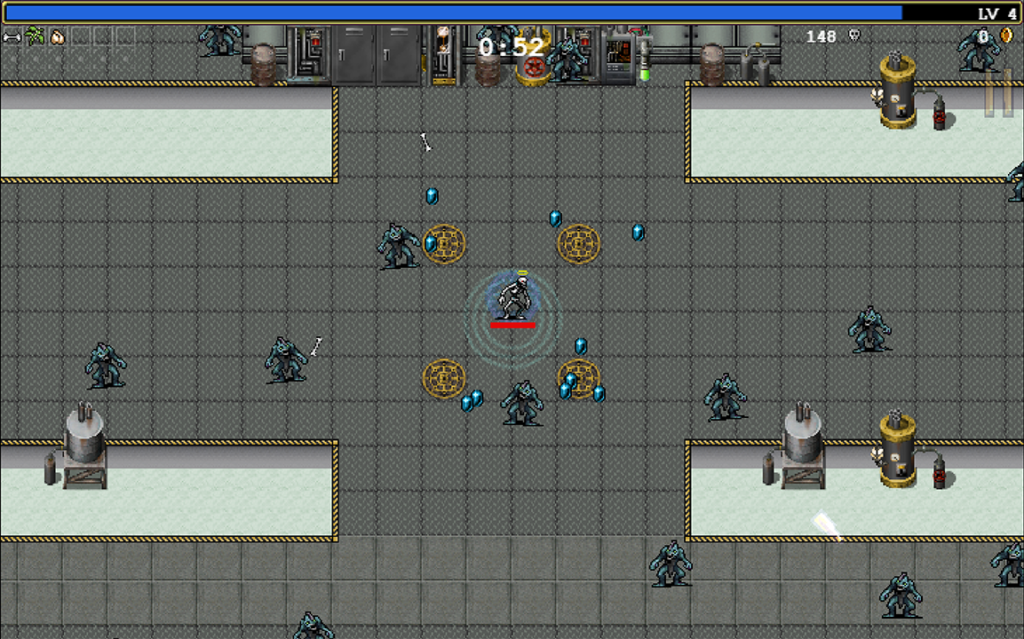
There have been a lot of major changes to Vampire Survivors this year. It seems like the content is doubling every month or so which is great for those wanting more out of the game, but less ideal for people trying to stay current with it who take a few months off from playing.
Vampire Survivors has added a viewable map to the Dairy Plant level and, depending on how it’s received, it seems like more maps could be added in the future. Take a look below to see how to find the map and once you’ve got it, how to use it.
More Vampire Survivor guides:
How to Unlock Every Character | How to Upgrade Every Weapon | How to Farm Coins | How to Unlock Every Map | Best Items to Pick First | Vampire Survivors: All Achievements | Suor Clerici Achievement Guide | Tiragisu Achievement Guide | How to Survive Hyper Mode | How to Unlock Poppea Pecorina
Using the Milky Way Map in Vampire Survivors
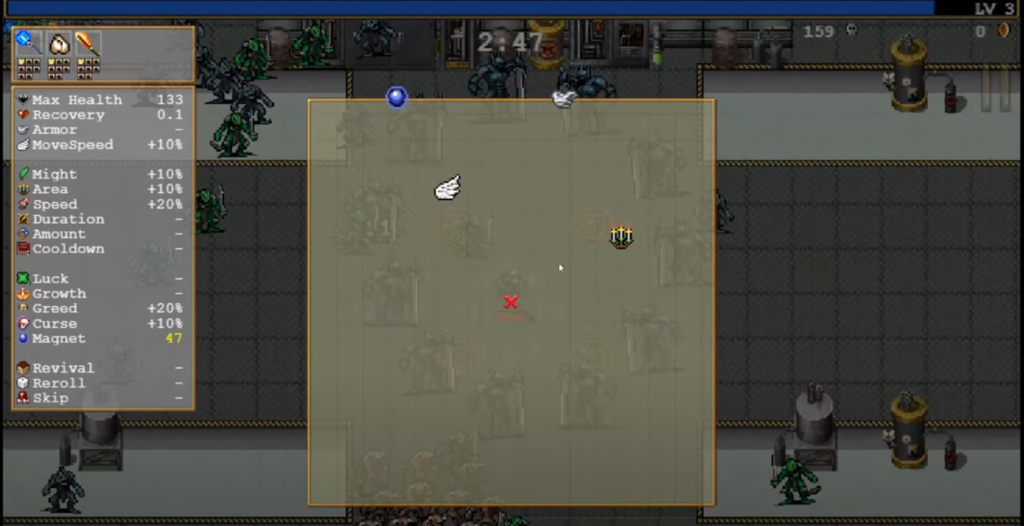
The official name of the map found in the Dairy Plant level is the Milky Way Map. To find it, simply load into the level (which itself is unlocked by reaching level 40 in the Inlaid Library) and begin following the green arrow on the corner of the screen.
As you follow the arrow, you’ll need to be fighting off the hordes so make sure that you’re taking the time to pick up the XP gems given from fallen enemies. Once you get to the map, a ring of enemies will spawn. You don’t need to take them out immediately, however, they’ll become a problem sooner or later, so it’s a good idea to kill one or two of them so that you can make a clean escape once you’ve grabbed the map.
Touch the map and you’ll pick it up. The item description says that it will show the player where they can find all sorts of resources throughout the level. It can be viewed anytime you pause the game and if you’re looking to track down specific items showcased on it, you can turn on arrows that point to them in the same fashion as the green arrow that pointed you to the map in the first place.
The map is pretty simple to use and could be implemented in other levels somewhere down the line. If it is used, it will likely go through a few transformations.


