
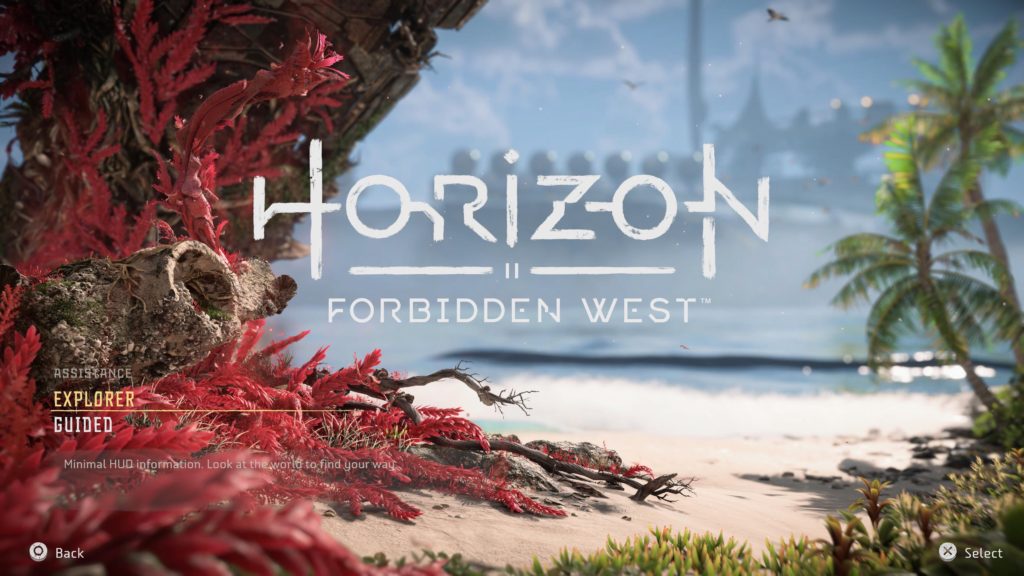
Sony first-party games have taken many steps forward in terms of accessibility offering a plethora of options for those looking to experience PlayStation titles. Horizon Forbidden West is no exception and gives the player many different options from the get-go via the title screen.
When starting a new game, the player is asked what difficulty option they’d like Horizon Forbidden West to be set to. After choosing, the menu asks if they’d prefer “Explorer” or “Guided” mode, options not previously available in the first Horizon game.
This has caused a little bit of confusion for players looking for the “intended” experience for the game as there’s no indication as to what the “default” option is. Luckily, there’s no right or wrong answer when it comes to in-game assistance as the differences are small, but can tailor the experience to the player’s liking.
Horizon Forbidden West Explorer vs. Guided Mode
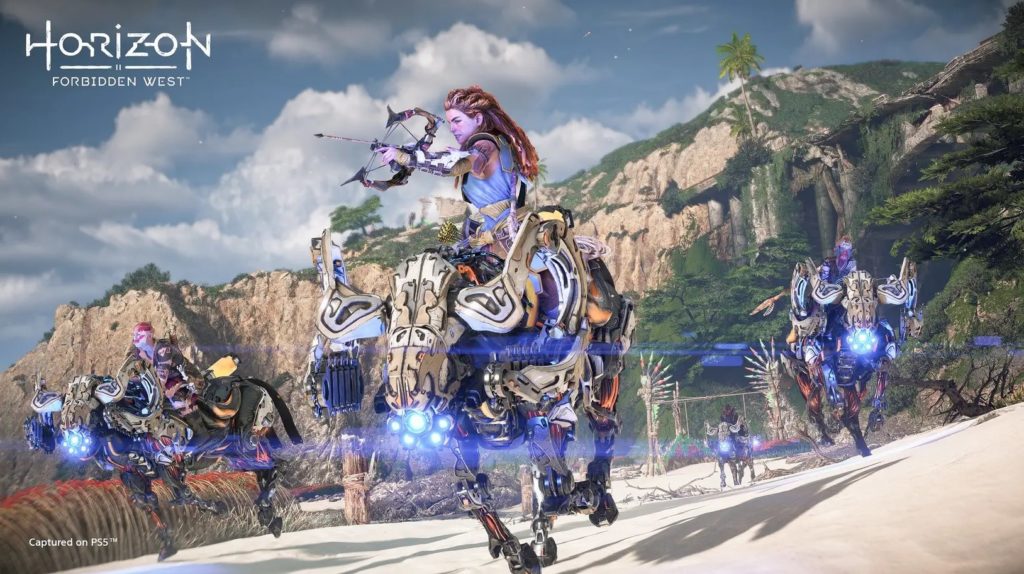
Essentially, what the assistance setting boils down to is how the player wants to experience exploration in Horizon Forbidden West. No matter what the player chooses, difficulty won’t be impacted and the mode can be switched at any time once the game starts through the “General” or “Accessibility” tabs in the settings (the option appears in both.)
Explorer Mode Explained
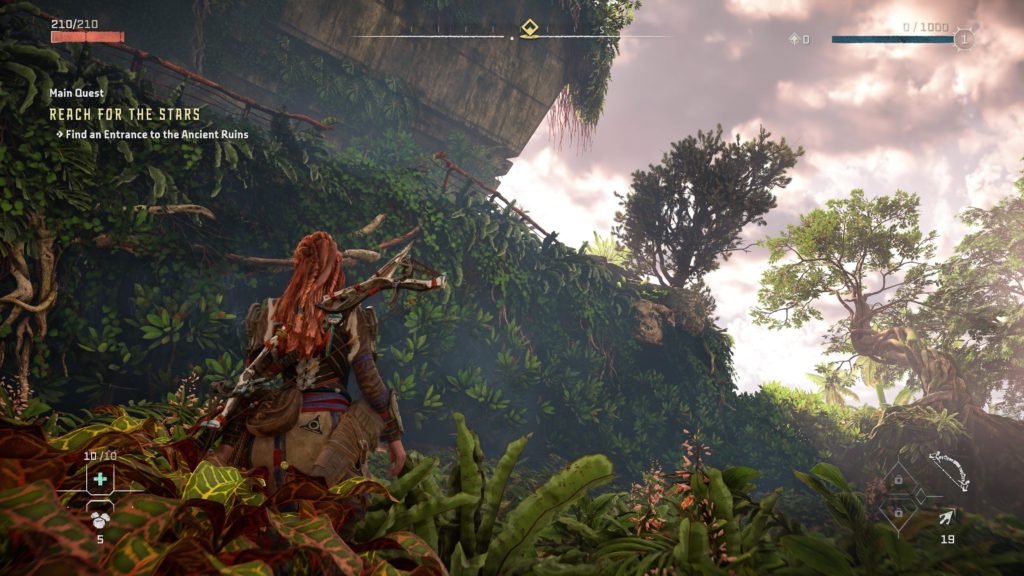
With Explorer mode active, the player will have disabled some HUD indicators such as waypoints that directly tell the player where to go next to advance their current quest. In Explorer mode, players will need to pay more attention to things like dialogue and environmental cues to know where they’re headed. Explorer mode is good for anyone looking to be completely immersed in Horizon Forbidden West‘s vast world with minimal HUD distractions reminding them that they’re playing a video game
Guided Mode Explained
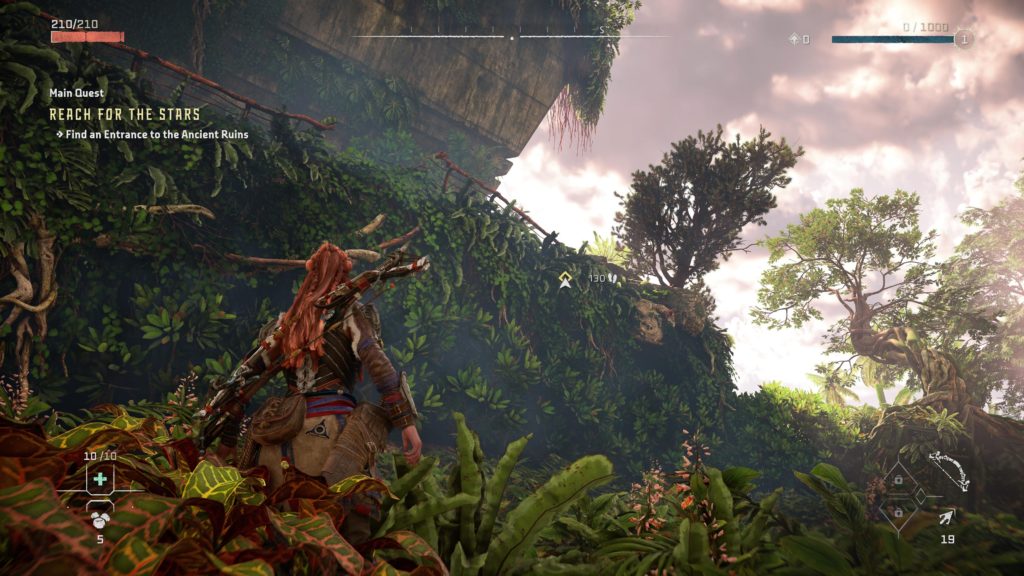
Guided mode isn’t that different from Explorer mode, it just includes waypoints that direct the player to where they’re headed to next. Horizon Zero Dawn featured waypoints and other HUD directions in the same way as Guided mode in Forbidden West so anyone looking for an open-world experience similar to the first game should choose Guided.


