
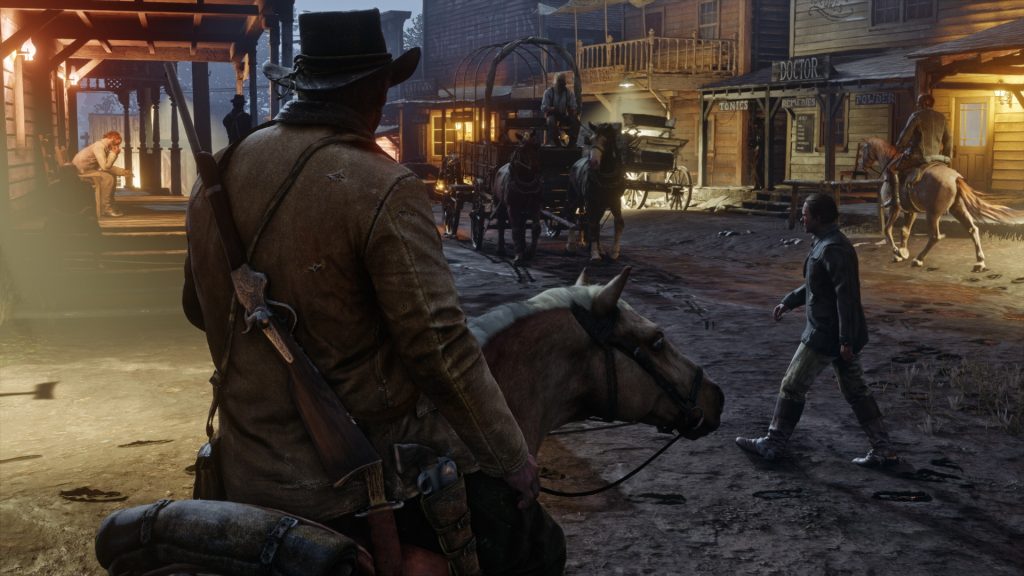
Red Dead Redemption 2 is one of the most beautiful games on PC — but you don’t need a monster rig to run the game properly. Not all graphics settings are created equal, and certain settings are going to slow your game down significantly. Here I’m going to go through the culprits that cause the most damage to your GPU. These settings can crush even the most powerful PCs, and if you’re willing to trade fidelity for silky-smooth framerates, these are the first settings you should disable.
It helps that some of these settings are completely unnecessary, and unless you’re paying close attention to the exactly how realistic the water physics are in some rare scenes, you’ll probably never tell the difference. This isn’t just for the singleplayer story mode, but for the multiplayer Red Dead Online — you’ll need even faster reaction time to survive the insanely-fast shootouts online. Every frame counts, and here’s how you can reclaim your FPS without sacrificing too much graphical fidelity.
More Red Dead Redemption 2 guides:
36 Tips, Tricks & Hidden Mechanics | Get Unlimited Ammo, Super Horses & More | Cheat Codes List | How To Solve Every Treasure Map | Locations Guide | How To Earn Money Fast | Easy Cash Guide ($3,000+) | How To Get A (Free!) Elite Horse | Taming Guide | How To Unlock Free Fast-Travel | All Legendary Hunting Locations | Master Hunting Guide | Where To Find The Legendary Fishing Map | How To Get Perfect Pelts | Hunting Guide
There are four primary offenders that cause the most slowdown in RDR2. These are the settings, in order, you should lower first to improve performance on PC. They range from almost useful (MSAA) to completely pointless (Water Physics Quality) — and some of them, like Triple Buffering are almost impossible to tell the different when turned on / off.
- Tweaks: Disable / Lower These Settings First!
- Water Physics Quality: Lower this! It’s hard to even tell what the difference is, even at the lowest. Set it to 50%.
- Triple Buffering: Isn’t worth it for the serious performance hit.
- MSAA: This anti-aliasing technique runs terribly on RDR2. Use TAA instead.
- Tree Tesselation: This is the coolest feature that does make trees look pretty great, but it’s a ridiculous system hog.
Those are the worst when it comes to GPU usage. There are more settings that I recommend lowering first, but these are all up to you. Test these and if you can keep them at high, do it — the following settings actually do stuff that’s very noticeable.
Any settings not on the following list? Go ahead and crank those to High / Ultra.
- Graphics Recommendations: Change these at your own discretion!
- Lighting Quality: Medium
- Reflection Quality: Medium
- Water Quality: Medium
- Volumetrics: Medium
- Advanced Graphic Recommendations: For advanced graphics only.
- Graphics API: Vulcan
- Near Volumetric Resolution: Low
- Far Volumetric Resolution: Medium
- Particle Lighting Quality: Medium
- Grass Shadows: Medium
- Full Resolution SSAO: Off
- Water Refraction Quality: Medium
- Motion Blur: Off
- Geometry Level of Detail: 60%
- Grass Level of Detail: 40%
- Tree Tessalation: Off
Lower these settings, and you should be able to attain 60 FPS while the game still looks incredible. Good luck out there, cowpokes!







