
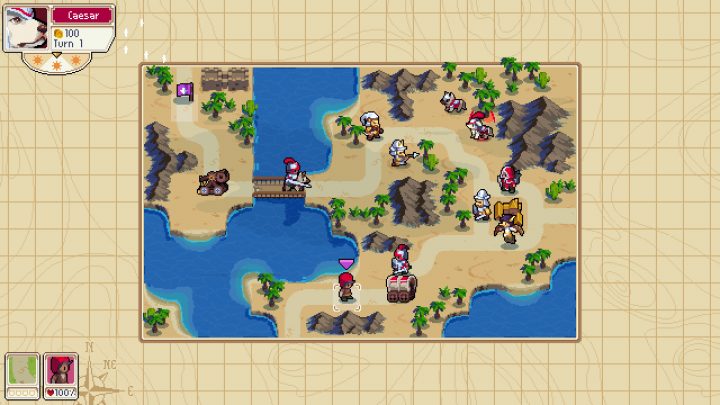
Wargroove is not a cooperative game by design — it’s all about war! You can play against your friends online, or work together in team matches, but there is no standard mode that lets you play with a friend and stomp AI enemies.
It’s a super-fun game, and one of the best features is the custom map editor that comes included with all versions. Yes, even console versions. Using custom maps, you can create your own campaigns — and new game modes, like online coop.
Playing online coop isn’t straightforward. It really isn’t a standard mode, so you’ll need to follow a few steps to make an in-game battle against the AI with your friends happen. Don’t worry, it’s really pretty simple, and you’ll be able to make your own coop maps if you’ve got a little bit of inspiration.
More Wargroove guides on Gameranx:
How To Play Online Coop With Friends | Players-vs-Bots Guide



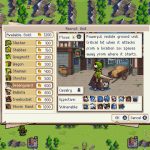


To play with your friends and fight bots / AI opponents, you’ll need to follow a few simple steps.
- Select [Custom Content] -> [Share] on the Main Menu.
- Download a map with “Coop” / “Co-Op” in the title.
- Usually, they will be named after edited campaign maps.
- “2P”, “3P”, or “4P” will let you know how many friendly players will be available.
- After downloading a coop map, go to [Multiplayer] -> [Online] on the Main Menu.
- Select [New Match] and begin hosting.
- Select the book icon to choose your map. Select any of the “Coop” maps you’ve downloaded.
- Now invite your friend / friends to the match.
- Use [Friend Invite] or send your friend the [Invite Code].
And that’s really it! Anyone can create cooperative maps in the custom level editor and share them. Lots of players already have, so there are plenty of cooperative maps you can choose from. You’ll know the relative difficulty if you look for maps with campaign names in the title — that will give you a good idea of what you’ll be facing, if you’ve managed to complete the story.
Whatever the case, this is an incredibly cool little feature, and I’m excited to see what other awesome things the community does with the powerful editor tool.
Source: [1]





