Table of Contents[Hide][Show]
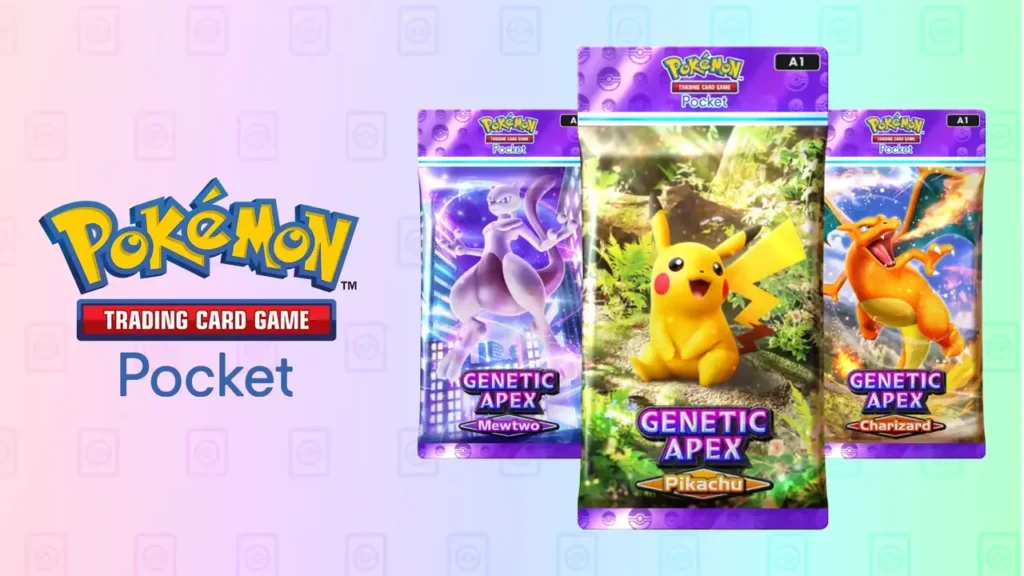
You can finally trade cards with other players in the Pokemon Trading Card Game Pocket, the mobile (and free to download) version of Pokemon TCG. But, not all cards can be traded and there are severe limitations to this system. It’s also pretty complicated if you’re new to Pokemon TCG Pocket, so we’re going to try to break down exactly what you need to know and make it as simple as possible. Here’s how to start trading cards with friends in Pokemon TCG Pocket.
How To Trade Cards
Here’s a basic overview of how trading works in Pokemon TCG Pocket now that this feature is live and available for everyone to try. Originally, the wording in this Community Letter post left the actual details vague. Now we know how to trade — so here’s how it works.
- Go to the Social Hub tab and select Trade to begin a trade.
- Your friend’s list will appear — choose a friend to trade with. You can only trade with players on your friends list.
- You can only trade if you have Trade Stamina and Trade Tokens. We’ll explain these later.
- Select the card you want to trade and apply flair if you want.
- The card will be sent to the friend’s Social Hub and remain for two days. They’ll have two days to accept the trade. To accept, they’ll need to send you a card offer.
- The offered card will appear in your Social Hub. You can choose to accept the offer or cancel the trade. This will still use up any Trade Tokens and Trade Stamina you’ve used.
Accepting a trade isn’t as simple as it sounds. Trading will cost Trade Stamina and Trade Tokens, but accepting a trade ALSO costs Trade Stamina and Trade Tokens — the other player will need to expend consumable Trade Tokens and even apply any flair that you’ve applied to your card before they can accept the trade. The trade partner must also trade back a card of matching rarity. You can’t trade nothing. You can only trade cards of matching rarity.
I
Important Details You Need To Know
Trading can sound complicated because it is — there are multiple currencies you’ll need to spend to trade, and both players need to spend identical currencies before a trade will be official. There’s a lot you can’t do with the trade system, so here’s a quick breakdown of details you need to keep in mind before attempting to trade.
- Trades can ONLY be done with players on your friend list.
- Trades can ONLY be made with the same rarity. If you are trading a 1 Star rarity card, the player you’re trading with MUST trade a 1 Star rarity card back to you.
- Only certain rarity cards can be traded. Only 1 Diamond – 4 Diamond or 1 Star rarity cards can be traded. Anything above 1 Star cannot be traded.
- The higher the rarity, the more Trade Tokens you’ll need to spend. Trade Tokens are earned by destroying duplicate cards. You’ll earn more trade tokens for destroying higher rarity cards.
- Only cards 3 Diamonds and above can be destroyed for Trade Tokens.
- 1 Diamond and 2 Diamond rarity cards cost nothing to trade.
- Trade Stamina is automatically generated and restores at a rate of 1 Trade Stamina per 24 hours. You can also purchase more Trade Stamina with in-game purchases.
It’s an aggravating system that has lots of players confused and angry — it’s meant to severely limit how much you can trade cards, so trading is only viable in a very limited way. You’ll need duplicates of high value cards to get Trade Tokens and extras to trade to other people so you can get identical rarity cards, but only up to 1 Star rarity. Hopefully this system will be updated to make trading more viable.