
Table of Contents[Hide][Show]
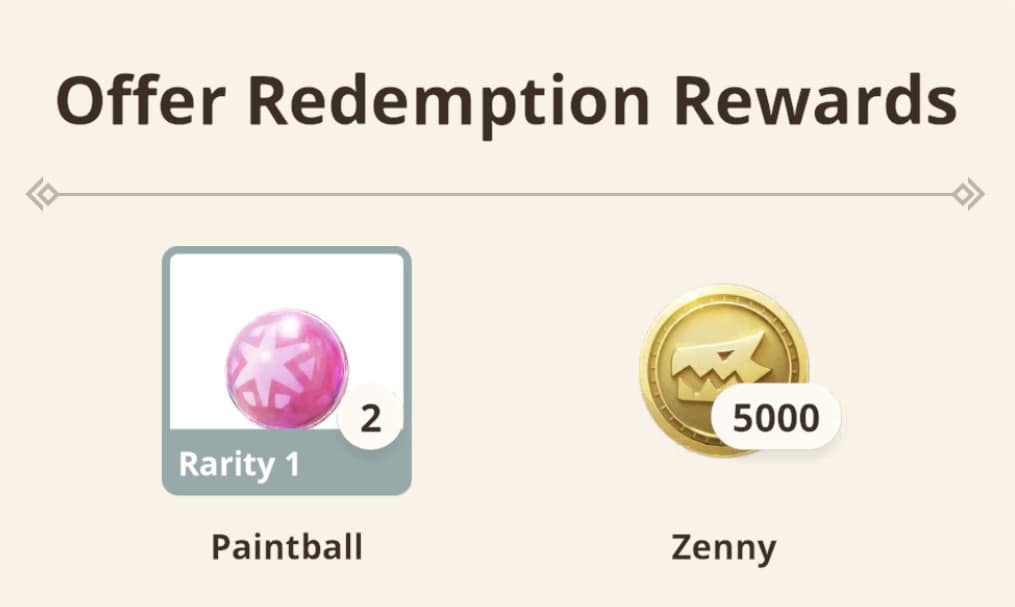
Though infrequent, Monster Hunter Now will occasionally offer redemption codes. Recently, the Monster Hunter Now X (formerly Twitter) account released a redemption code in honor of the game achieving 5 million downloads worldwide.
A Beginner’s Guide to Monster Hunter Now | Monster Hunter Now Is Niantic’s Latest Upcoming AR Game With Capcom
Unfortunately, you can’t redeem codes in-game. However, you can go through the Niantic website. You should be able to log in using a Google account or your Apple ID. Make sure your game is connected to the appropriate account or you won’t get the rewards.
Redeeming the Code
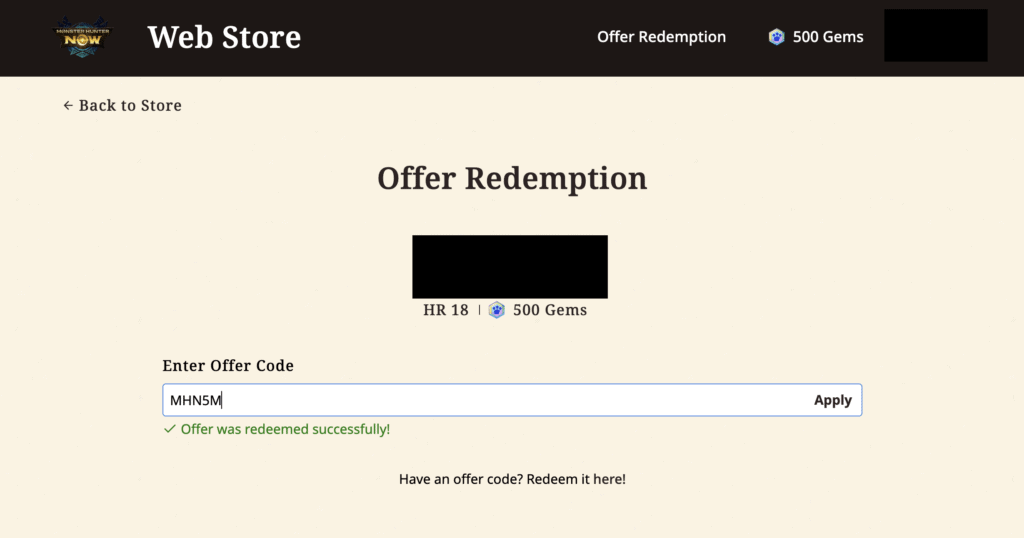
- Go to this website.
- Log in using the same credentials as your Monster Hunter Now account.
- Enter the offer code. You can copy and paste it. If you do type it, make sure that there are no spaces. These codes will never use spaces.
- If successful, you will see a confirmation message at the bottom of the screen.
- Open the Monster Hunter Now app to receive your rewards! They will automatically pop up on your screen.
You can try out the steps above with the 5 million downloads redemption code: MHN5M
This code will give you 5,000 Zenny and 2 Paintballs. The code will expire on October 12, 2023, so make sure to redeem it before then!
Linking Accounts
Currently, this is the only way to redeem codes. If you receive an error message, you have either redeemed the code already or Niantic can’t access your account. Again, make sure your Monster Hunter Now profile is linked to at least one external account. This will allow you to log in through the Niantic website whenever a redemption code is published. You only need to do this once, the game will save the information for future use. If you ever delete the game and deactivate your account, remember which account you linked to it.
You can link an account through the app by doing the following:
- After opening the app, select your character.
- Go to Settings.
- Scroll down until you see your character name and Niantic ID.
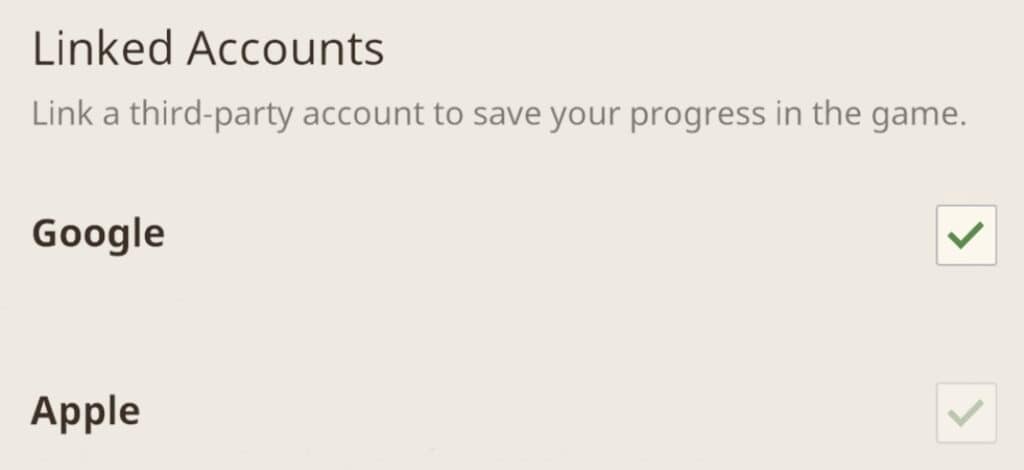
- Check the box for the account you want to link. This will bring up a pop-up browser window for you to log in with. Once complete, the pop-up window will close automatically.
- The checkbox will now have a green check mark in it.
After this, try doing the redemption steps again and it should work! Keep an eye on the Monster Hunter Now social media accounts for more special redemption codes. These types of games typically don’t share a lot of redemption codes, so make sure you know when they do. Though Monster Hunter Now released a little over a week ago, based on their conduct, the team will most likely publish codes for milestones.
Related Guides: Niantic Announces Peridot – An AR Twist On Tamagotchi | Pikmin AR Game Announced From Niantic And Nintendo | Brand new Pokémon GO Accessory Possibly in the Works, Says Niantic







