
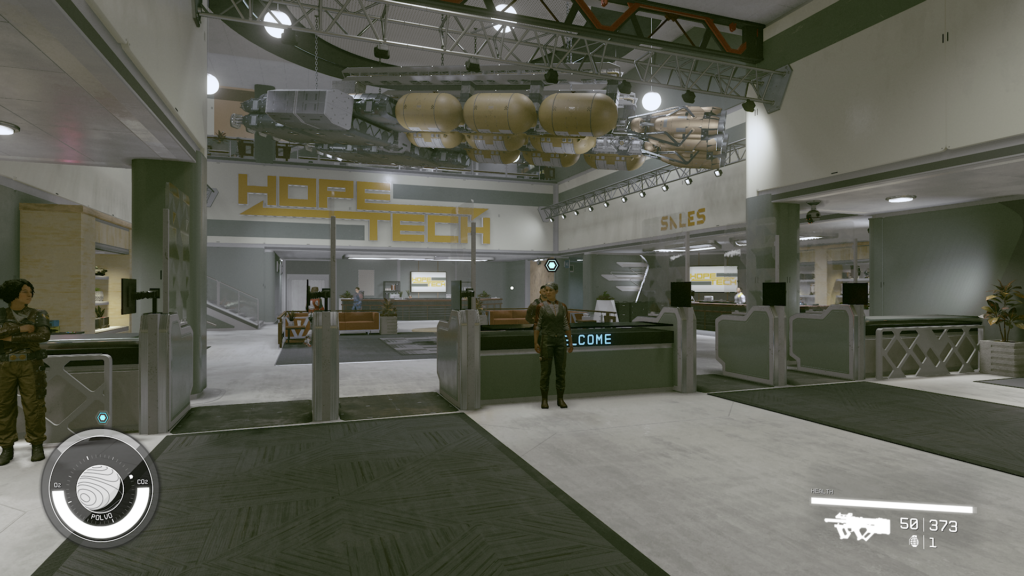
Earn extra cash and clear out your inventory in Starfield with selling. Like Skyrim and Fallout 4, selling is an important feature that basically every vendor will do. Selling isn’t as obvious in this game — but selling can be done quickly and easily from kiosks or from NPC vendors. Not all vendors will buy the same stuff from you, and there are more small wrinkles to the system that can make things more complicated, but with the right skills (and the right vendors) you’ll be able to earn plenty of bonus cash to buy the ship of your dreams. And yes, you can even sell starships.
If you want to make illegal trades — like selling stolen items or contraband — learn how that works here.
More Starfield guides:
Best Skills | Best Ship Upgrades & Mods | All Companions | All Romance Options | All Settlement Locations | Join All Factions | How To Pirate Ships | Secret Companion | Secret Ship & Suit
How To Sell
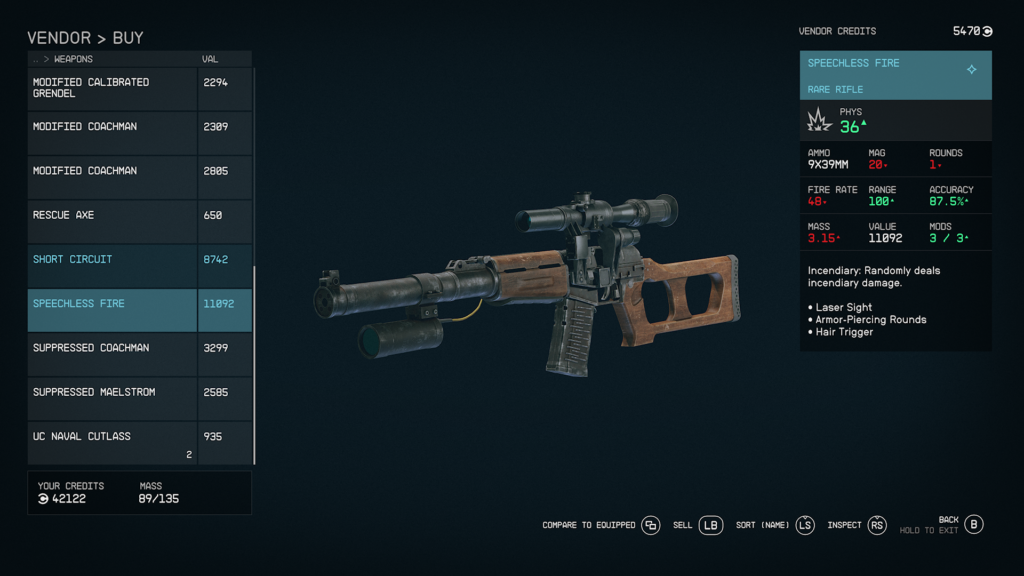
Selling loot isn’t immediately obvious in Starfield, but every vendor in the game will purchase from you. There are also easy sell kiosks at every settlement landing pad run by the Trade Authority.
- Trade Authority Kiosks: Look for a yellow trade authority kiosk outside settlement landing pads. These are found in major and minor settlements — anything with human presence will have one of these kiosks. Trade Authority Kiosks will buy any items you sell.
- Switch to the Sell Menu with [LB] — or switch to the Cargo Sell Menu by pressing [LB] again. The Cargo Sell Menu allows you to instantly sell from your Ship’s Cargo. Very, very useful. Make sure to store items you want to sell in the Ship’s Inventory.
- Interact and you’ll immediately enter a sell menu. These kiosks carry 5,000 Credits standard. You can also sell Contraband and stolen goods at these kiosks. No questions asked.
- You can also buy from these kiosks. Trade Authority Kiosks typically sell Ship Parts and Resources.
Otherwise, you’ll encounter vendors that typically drop you into a Buy Menu. All vendors also have a Sell Menu you can access.
- Vendor Selling: At any vendor, talk and enter the Buy Menu. From the Buy Menu, press the [Sell] key listed at the bottom-right of the menu. On Xbox Console, this button is [LB].
Vendors have a limited credit inventory — similar to Fallout and Skyrim. Buy buying things from these vendors, they’ll increase their credits (by your purchase amount) and allow you to sell more instantly. Typically these vendors will also restock and refill credits every handful of days that pass.
- Earning More Money: To earn more credits from sales, unlock the Commerce Skill. At Rank 1, you’ll earn +10% more for each sale. Increasing this skill up to Rank 4, you can increase your sales earning by +25%. Buying will also be cheaper the more you rank this skill up.
Most vendors will NOT purchase contraband or stolen goods. They’ll even report you if you attempt to sell. Only sell contraband or stolen goods straight to the Trade Authority — or other shady vendors like the NPCs in the Crimson Fleet or the Red Mile.





