
Table of Contents[Hide][Show]
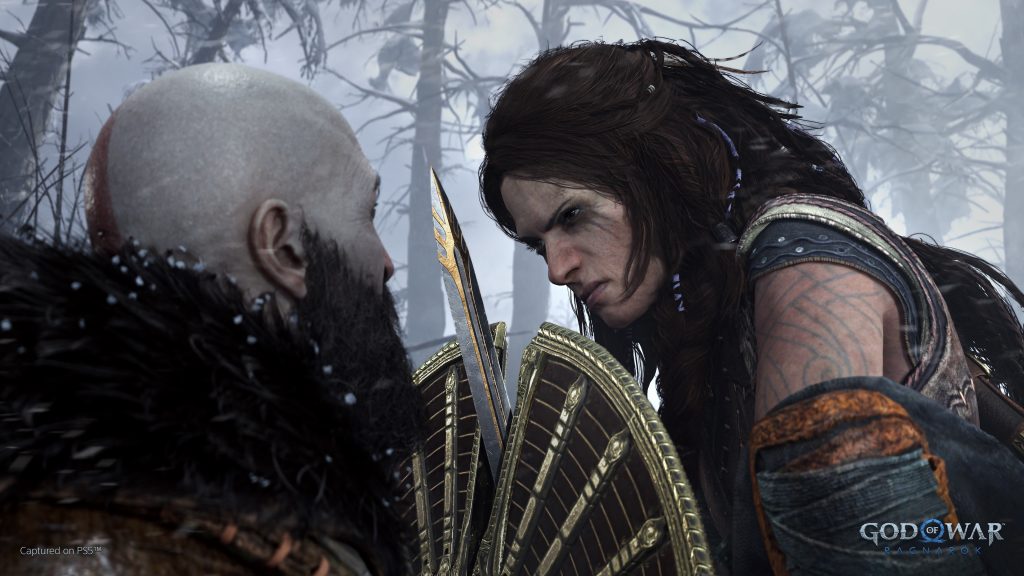
There are three types of weapons in God of War Ragnarok that Kratos can freely switch between in or out of battle. Technically, there might even be four weapons — or even more if we’re counting the different weapons his companions will wield. Swapping weapons has some surprising depth, with Kratos able to fight hand-to-hand with his fists, slash enemies with his chains, or command Atreus to use different types of arrows. Below, we’ll break down all the different ways you can swap weapons — and how you can give yourself even more control in the [Options] menu.
After earning a weapon in God of War Ragnarok, Kratos will never get rid of it. Kratos never drops his Leviathan Axe or Blades of Chaos. You can swap the weapon attachments freely to customize your playstyle through the Character Menu. Below, we’ll talk about the controls and how to customize your weapons with attachments in the [Options] menu.
Learn the story so far in our God of War Ragnarok series recap here.
How To Use Weapons | Controls Guide
At the start of your adventure with Kratos, you’ll have three major weapons and several optional abilities to unleash. As you progress, you’ll gain more.
- How To Use Each Weapon:
- Leviathan Axe: Press [D-Pad Right]
- Blades of Chaos: Press [D-Pad Left]
- Draupnir Spear: Press [D-Pad Down]
Fists are a sub-weapon that become available after throwing your Leviathan Axe, or when your weapons are sheathed. You can manually sheathe weapons by pressing [D-Pad Down] — in the [Options] menu, weapons are set to automatically sheathe when outside combat.
- Fists: After Unlocking Draupnir Spear: Press [D-Pad Down] twice.
- Before Spear: Press [D-Pad Down] once.
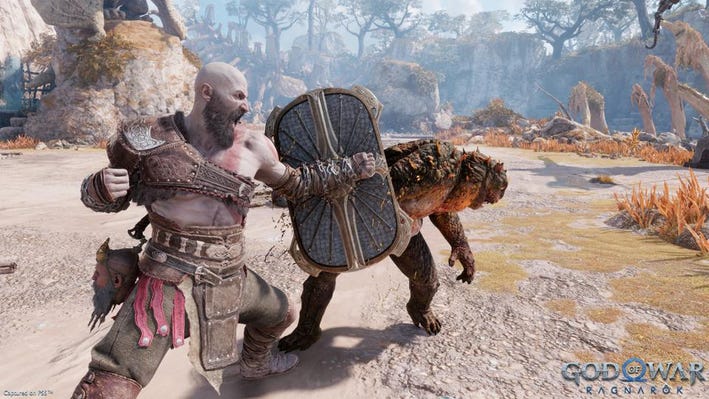
In addition to standard weapons, Kratos has a range of special abilities. The Shield, Spartan Rage, Relic, and Runic Attacks can all be activated in combat with the right combination of buttons.
- How To Use Kratos Abilites:
- Shield: Press [L1]
- Spartan Raage: Press [L3 + R3] when red meter is full.
- Relic: Press [L1 + Circle]
- Light Runic Attack: Press [L1 + R1]
- Heavy Runic Attack: Press [L1 + R2]
When Atreus is with Kratos, he serves as a companion that you can control through commands. While you don’t take direct control, Atreus will shoot enemies you have in your view with arrows when commanded. He will eventually have access to two different types of arrows and will also gain the Runic Summon skill, which can be further customized in his Character menu.
- How To Use Atreus Abilities:
- Switch Arrows: [D-Pad Up] swaps between Sonic Arrows and Sigil Arrows
- Shoot Arrow: Press [Square]
- Runic Summon: Press [Square] and Hold
How To Customize Weapons | Character Gear Guide
When you’re not using weapons, you’ll want to customize your gear. You can change weapons and swap attachments at any time through the Character Menu. This becomes even more complicated when you have a companion.
- How To Change Kratos Weapons & Gear:
- Open the Character Menu with the [Touchscreen Button].
- You will open to the Weapons Tab. From here you can select Weapon Type (Axe, Blades or Spear), Shield, Spartan Rage, or Relic.
- Select one a piece of equipment and press [Cross] to open a sub-menu. From here you can select Weapon Attachments / Runic Attacks and equip to each weapon type. You cannot change weapons, only Weapon Attachments and Runic Attacks.
- Shields, Spartan Rage, and Relic can be changed in sub-menu. You’ll unlock more of each type as you progress.
Each weapon Kratos carries can have one Weapon Attachment, one Light Runic Attack, and one Heavy Runic Attack.
- How To Change Companion Weapons & Gear:
- Open the Character Menu with the [Touchscreen Button].
- On the Weapons Tab, press [L1 / R1] to select your companion.
- With Atreus, you can select Bow, Bow Ability or Runic Summon.
Unlike Kratos, Atreus can change Bow types. You will automatically unlock new bows as you progress, and each has a different effect. The starting bow shoots arrows normally — later bows give Atreus a spread shot, or fire arrows in a burst.
With so many menus, God of War: Ragnarok can get confusing. Don’t forget to equip every slot for your weapons, armor, and your companions by tabbing over to the Atreus Character menu. It’s very easy to miss.








