
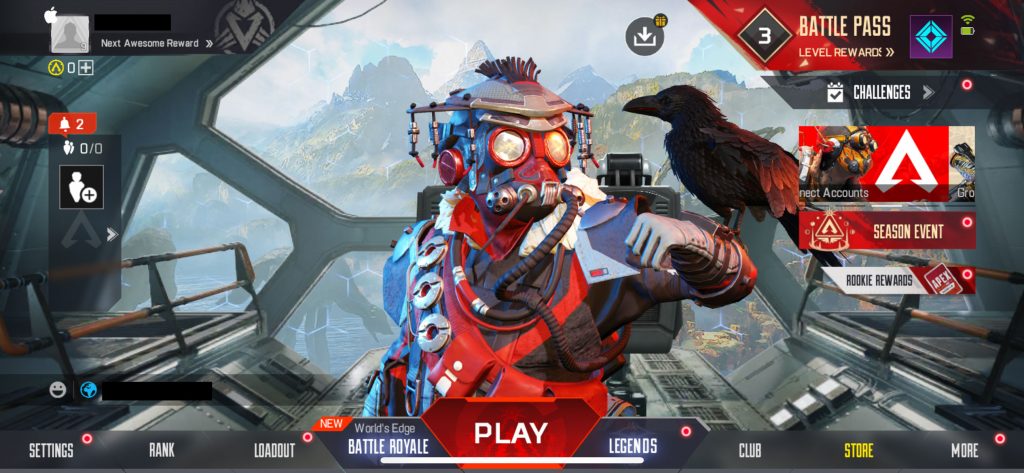
Now that it’s finally here, Apex Legends Mobile is a surprisingly faithful adaptation of the mega-popular free-to-play battle royale shooter that’s had something of a chokehold on competitive FPS’ since its release. Fans were pleasantly surprised with how many of the game’s complex systems and mechanics made the cut for the mobile version, but one aspect of Apex Mobile seems to be a little bit of a downgrade: the menus.
Apex Mobile‘s menus aren’t terrible by any stretch of the imagination, however, there seems to be a certain level of clunkiness when it comes to navigating them. Compared to the simplicity of the base console/PC versions of the game, Apex Mobile‘s menus are a bit of a headscratcher. As a result, finding things like unopened Apex Packs is something of a pain. If you’re looking to parse the UI in search of unclaimed goods, take a look below to see how.
More Apex Legends Mobile Guides:
| Can You Play Solo Queue? | Can You Play With a Controller? | Does Apex Legends Mobile Have Cross Progression? | How to Unlock Fade | 5 Tips For Getting Started
How to Open Apex Packs in Apex Legends Mobile
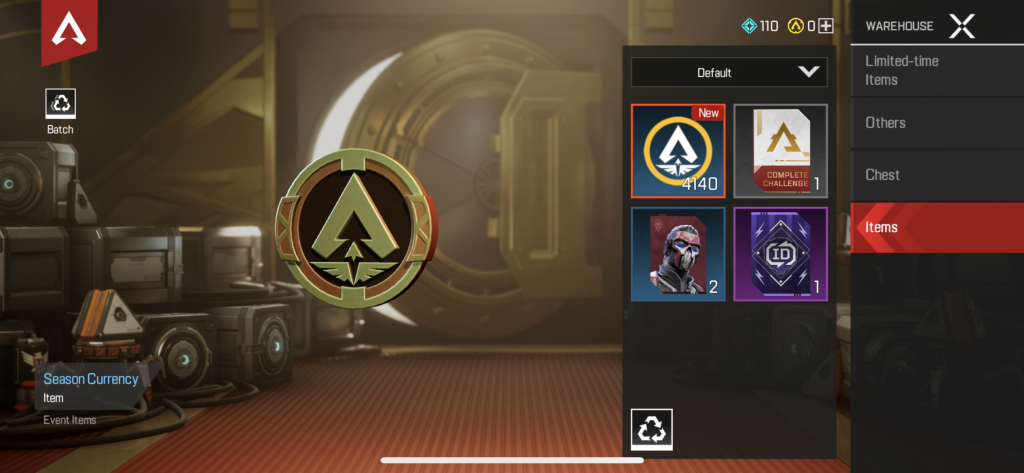
Apex Packs are full of all sorts of goodies from weapon and character skins to banner cosmetics so players are always looking to open them as soon as they’re awarded in hopes of finding something unique and good looking. Unfortunately, Apex Mobile doesn’t make Apex Packs easy to find in the same way that the console and PC counterparts do.
In order to find and open packs, start at the main game menu. From there, select “More” in the bottom right corner of the screen which will pull up a menu to the right. Select “Warehouse” and be taken to an entirely new screen. Inside the warehouse, select “Items.” This should pull up all of the items you have unlocked throughout your time with Apex Mobile which includes things like Fade Pieces, Season Currency, and, most importantly, Apex Packs.
Select the Apex Packs and then hit “Use” at the bottom of the menu. This will open it and you’ll be rewarded with three items of variable rarities. If you have ten packs and don’t want to open them all individually, you can open them in bulk from this menu as well. Unfortunately, if you don’t have at least ten, you’ll need to watch the unboxing animation for each pack.







