
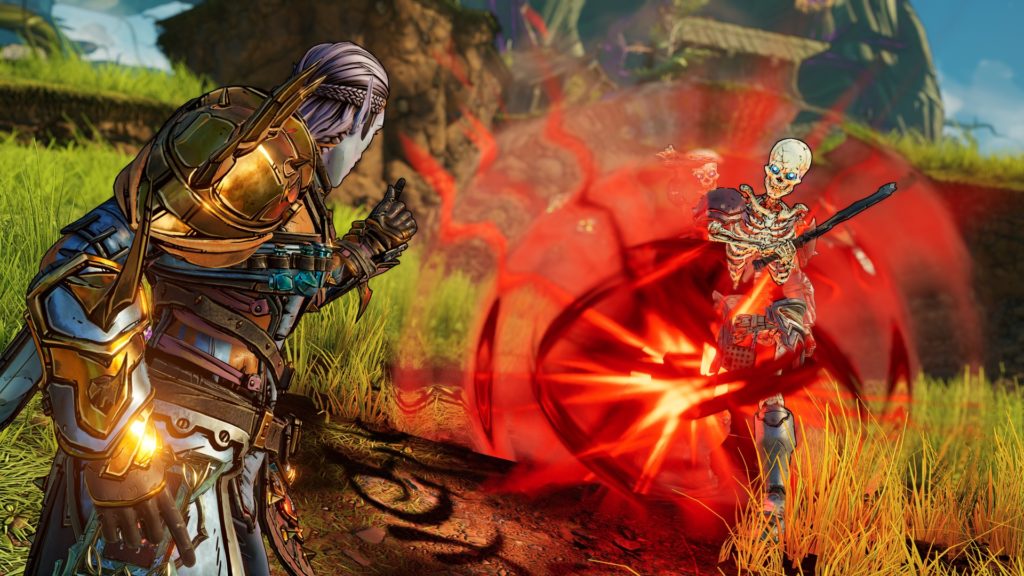
Tiny Tina’s Wonderlands takes a lot of the common elements found in the Borderlands series but turns them on their heads to fit the fantasy setting of the in-fiction game Bunkers and Badasses. While much of the core of Borderlands is still present just simply renamed/repurposed, there are some mechanics never before seen in the franchise that are featured prominently in Tiny Tina’s Wonderlands.
One of the biggest additions to the game is the Overworld. The Overworld allows players to traverse the map and enter different zones. Prior Borderlands titles have taken place in one large open world, however, Tiny Tina has segmented its areas off and filled the Overworld with secrets and random encounters.
Random encounters are typically not looked kindly on in today’s gaming landscape as sometimes they impede players while they’re just trying to get where they’re going. Tiny Tina’s Wonderlands leans fully into its RPG setting so the inclusion of random encounters does fit in that regard. Luckily, there is a way to completely avoid them for those not interested in the extra grinding.
More Tiny Tina’s Wonderlands Guides:
How to Fast Travel in the Overworld | Shift Codes List March 2022 | Class Guide | ‘Connection Lost’ Shift Error Fix | Elemental Damage Explained
How to Skip Tiny Tina’s Random Encounters
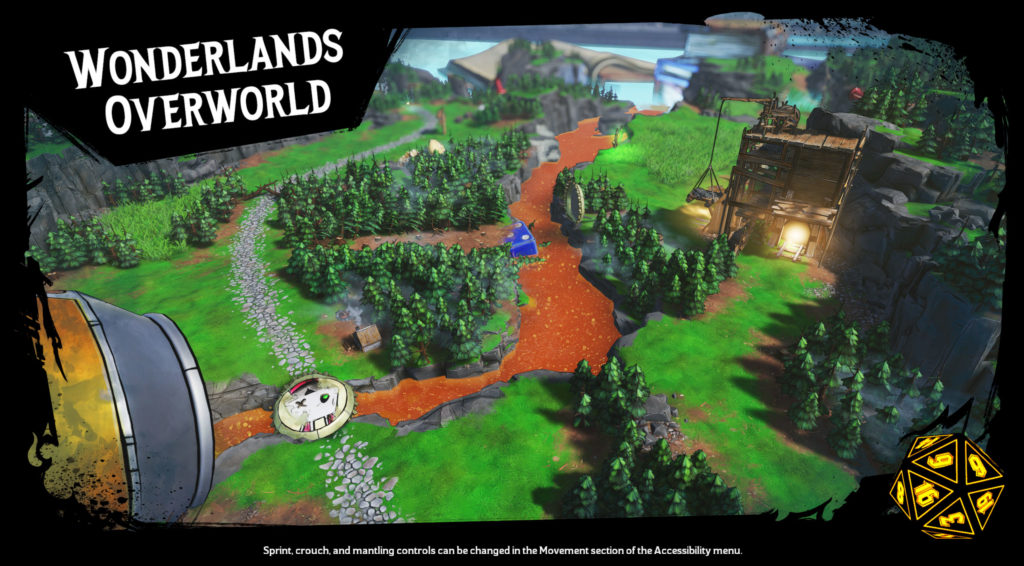
Skipping random encounters in Tiny Tina’s Wonderlands is extremely straightforward and, unlike other RPGs where players can earn the option to skip them later in the game, the option is available right from the start.
As soon as the player enters the Overworld, they’re given a melee skill that can clear debris and open up new paths to other areas in the game. The melee attack can also be used on random enemy encounters when they pop up, completely shutting them down and keeping the player out of combat.
To do it, hit the melee button by clicking the right thumbstick on consoles and pushing the V key on PC when approached by an enemy that spawns in the tall grass. They’ll disappear instantly and the player can go about their missions without needing to be interrupted when traveling to new locations. Make sure to time the attack properly, however, as a mistimed swing can give the enemy an opening to engage with you trapping you into the encounter.








