
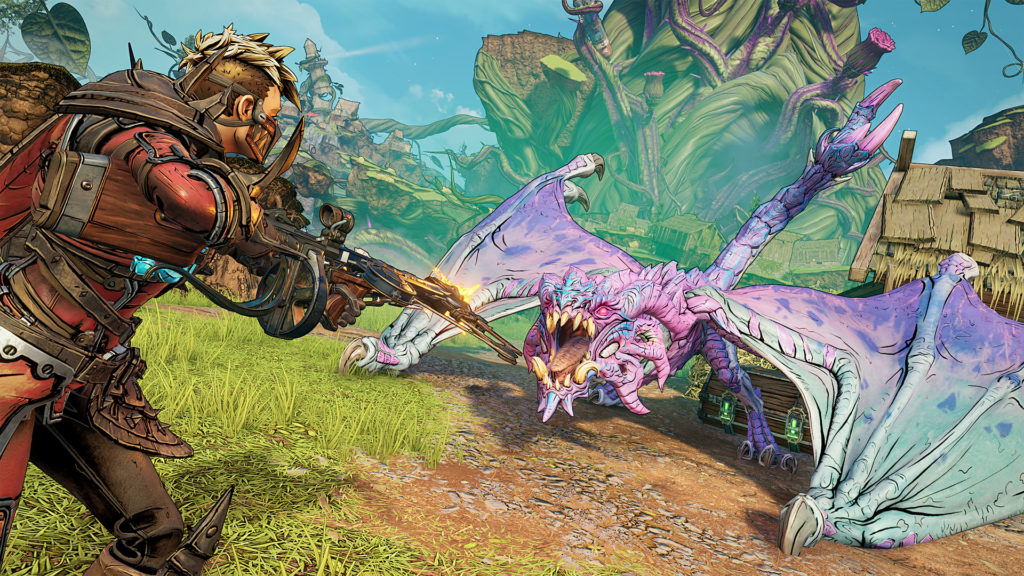
Tiny Tina’s Wonderlands takes the tried and true Borderlands formula but switches things around with its high fantasy setting. Since the game takes place within a tabletop RPG, TTW ditches the traditional sprawling open-world meant to be traversed with cars of games past in favor of a gameboard set up by Tiny Tina herself.
This backdrop leads to fun setpieces where Tina needs to rearrange certain elements of the game. As the player progresses through the story, they’ll find that Tina’s gameboard, the Overworld, is quite vast often resulting in the player needing to walk great distances and engage in frustrating random encounters just to make it to the next area.
The solution to this is fast traveling, but Tiny Tina’s Wonderlands doesn’t directly give the player the ability to fast travel around the Overworld as they please. Luckily, there’s a pretty simple workaround for this.
Fast Traveling in Tiny Tina’s Wonderlands
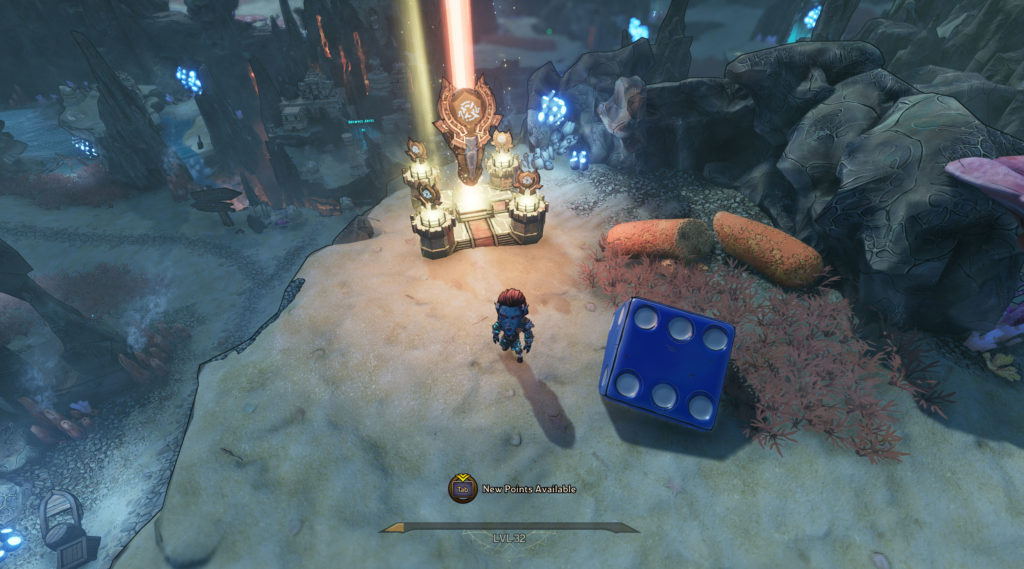
As mentioned above, there’s no direct way for the player to fast travel anywhere in the Overworld. The only option available to them is to warp to Brighthoof, but that automatically loads them into the zone and out of the Overworld. While that’s not terrible as it’s a frequently visited area, it would be nice if GearBox provided a way to travel to any previously visited areas of the Overworld as some can be a few minutes’ walk away from one another.
While fast traveling in the Overworld isn’t possible, the player can fast travel to the different zones that they enter during the campaign and immediately exit them back to the Overworld. To do that, select the entrance to the zone on the map that you want to be near. That will pull up the zone map and give the player a few different fast travel options.
When looking at the zone map, there should be a fast travel spot relatively close to the entrance of the zone. Just travel there and then leave the zone into the Overworld. Unfortunately, this means that the player will need to sit through two loading screens just to get where they want to be, but oftentimes that’s still faster than having to navigate through the Overworld while avoiding random encounters.








