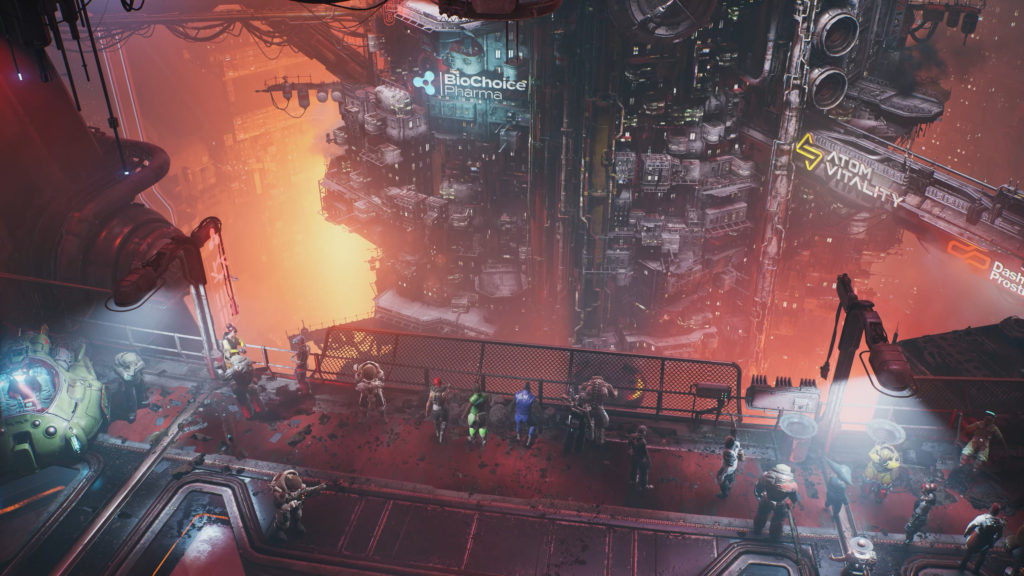
In The Ascent, the only way to upgrade your Cyberdeck is to find one-time-only pickups that appear in the world as you explore. There’s a limited amount of these upgrade points per playthrough, and you’ll have to face off against increasingly difficult enemies on future playthroughs — the enemies get harder, and you’re stuck scrounging for scraps just to keep up. If you want to make upgrading your cyberdeck a little easier, you can use a special trick to replay sections of the game without fighting tougher enemies. You can do this endlessly, but you’ll have to use a secret function to make it happen. We’ll explain everything you need to know in the full guide below.
The Ascent is a new action-RPG available Day 1 on Xbox Gamepass. In this Diablo-like shooter, you’re dropped into a hellish cyberpunk arcology with one goal — reach the top. You’ll have to find increasingly powerful gear while fighting gangs and mercenary armies. You’ll gain levels, unlock powerful abilities like hacking, bubble shields, and drones, or other tech that uses a special meter to unleash. The game can be played with up to four friends at any time, and playing cooperatively is the reason why we can do this weird little trick.
How To Easily Upgrade The Cyberdeck | NG+ Trick Guide
The Cyberdeck requires special pick-ups to upgrade, and you can only collect them once in each map. There is a way to make them respawn — and that’s through co-op. You can play your character on an entirely reset world by taking advantage of a little cooperative play trick. And this can be done entirely solo. The only thing you’ll need is 2~ controllers.
NOTE: Watch out! If you’re not careful, it is possible to accidentally wipe your save using this method. Just use your head and follow the steps.
- To get started, create a new character from the main menu. We won’t actually be using this character.
- Go to Singleplayer -> New Game -> Create a new profile. Then exit.
- Plug in both controllers. We’ll be creating a couch co-op session using both.
- Using P1 (first controller, your new character you don’t want to use) select Couch Co-Op -> Hosted Save Game
- Using P2 (second controller, your main character) join the game and select your main character.
- Resume with P1 to start the game. Now we can leave the new character behind, and focus just on playing as P2 — the main character.
WARNING: Doing this will completely reset the save file for your main character. You’ll keep all character stats, equipment, gear, unlocks, etc — but you’ll reset the world state, quest progress, and anything like that. That’s why we recommend only using this AFTER you’ve completed the game.
How To Keep Your Previous Save
If you want to keep a save of your previous state, you’ll need to do this trick in reverse. Instead of going to a New Character’s game, make a New Character come to your game. This will overwrite the New Character’s “starting” world and replace it with your progress. Then, if you want to return to your progress, just join a game hosted by the New Character.
It sounds a little complicated, but once you do the trick once, you’ll understand how it all works. I recommend testing it with characters you don’t mind overwriting their save files on — and remember, you’ll always keep all your character equipment and progress. It’s only the world state (quests completed, main quest progress) that will change.