
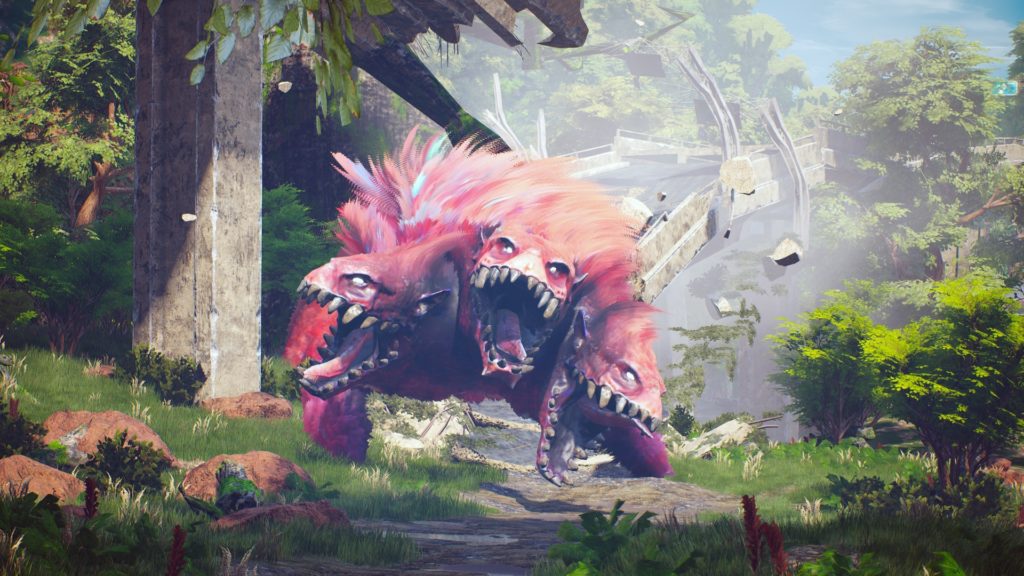
Biomutant doesn’t give the best first impression. The long (and linear) tutorial is the game’s absolute low point, and gets much better once you’re freely exploring the open-world, joining factions, and doing quick missions everywhere you go. There are two big problems right from the start that I wanted to fix immediately — the motion blur makes me sick, and the narrator won’t stop yapping. If you’re sick of staring at ugly motion blur, there’s a way to fix it on PC with a little installation file editing. The narrator can be customized on any platform, which is a godsend for players like me. He’s a great narrator, but he doesn’t need to interject every time I climb up a ledge, pick up a duck, or defeat a bad guy.
More Biomutant guides:
Best Weapon Location | Best Gun Location | Where To Get Flying Mount & Blimp | All Side-Character Locations | All Side-Character Locations | How To Customize Your Character | How Tribe War Works
How Do I Turn Off Motion Blur?
Motion Blur can be disabled on PC only — currently there’s no way to turn off motion blur on consoles. Even on PC, there’s no simple way to just turn it off. You’ll need to access the installation folder and make a quick change.
- Navigate to the Biomutant installation folder
- %APPDATA%\Local\Biomutant\Saved\Config\WindowsNoEditor
- Open the file [Engine.ini] with notepad.
- At the top of the file, add the following.
[SystemSettings]
r.MotionBlur.Max=0
- Save and close Engine.ini.
Now you should be completely Motion Blur free! It makes the rest of the game a lot easier to look at. If you’re like me, motion blur just makes everything look uglier.
How Can I Disable The Narrator?
The narrator is an annoyance that plenty of players are fed up with. He isn’t all bad, but you can actually control how much he talks from the settings menu. This is one change both console and PC players can customize to fit your specific narrator (or narrator-less) needs.
- Go to Settings -> Audio and scroll down to find the Frequency heading. Lower Narrator Frequency to 0 to make him stop talking at all, or place it somewhere between 0-100 depending on your tolerance.
The Narrator may still talk, even if you’ve set it to 0! If you don’t want to hear it at all, you can lower the Speech audio setting to 0. Just make sure to turn on Subtitles so you can follow along with the rest of the story. You might need it. If the Narrator is still talking, just restart your game, go back to the settings, input them again, and cross your fingers the changes stuck this time.








