
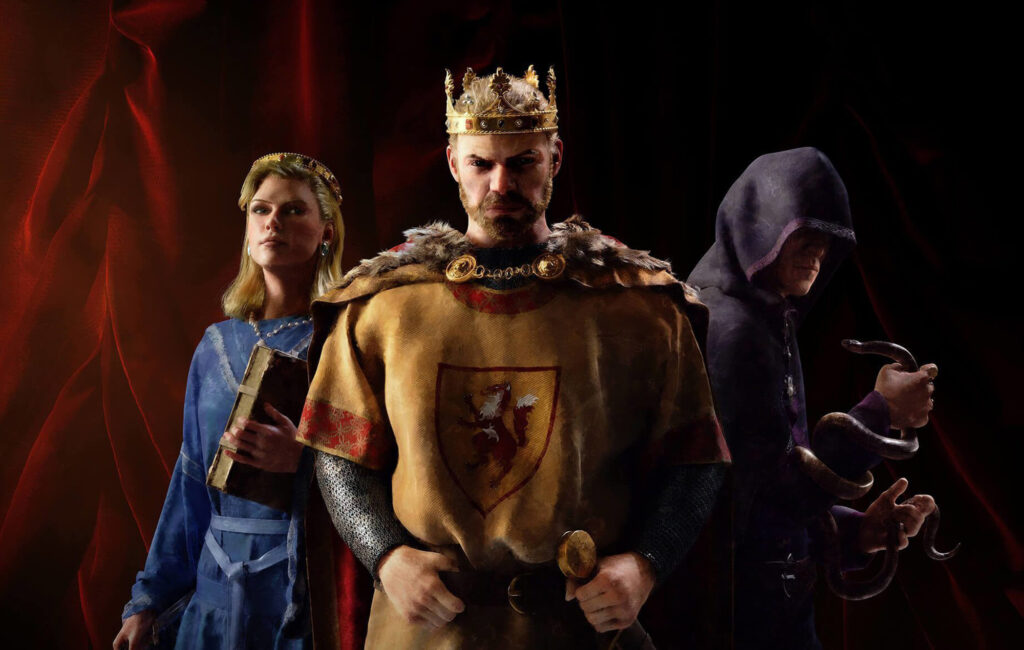
Crusader Kings 3 is the latest in the ridiculously complex historical simulation series. These games are all about taking established history — giving you a chance to relive it, or giving you the tools to run wild and do everything in your power to generate an entirely new timeline for old-timey Europe. This is a “map” game because there are no real-time battles like the Total War series. Everything is done through menus.
And one of those menus you can unlock in-game is the Cheats menu. The debug console is a special set of buttons you can use to give yourself all the gold you want. You can give yourself some of the weirder stats, like piety or status, and you can even kill any character you want. If you’re looking to have a little fun in your campaign, unlocking the cheat console is very easy on Steam. You only need very basic knowledge to make it happen, and we’ll explain step-by-step below.
How To Unlock The Debug Menu | Cheats Guide
There is a developer console that can be accessed in Crusader Kings 3 with buttons that allow you to give yourself unlimited gold, or change your stats — or kill anyone on the map. There are lots of other buttons you can use and experiment with. Unlocking it is very easy. We’ll walk you through it.
- Right-click [Crusader Kings III] in your Steam Library and select [Properties…]
- Under the [General] tab, left-click [Set Launch Options…]
- Add the following text in the input window and click [OK]:
- -debug_mode
Make sure there are no spaces when setting the launch options. After inputting the settings, you can now access the debug menu / cheat codes by pressing tilde [~] in-game.
The cheats menu gives you access to lots of different options, and there’s no need to input codes — all of the cheats are visually represented with buttons in the menu! It’s super easy, and you can ignore cheats by pressing [~] again. If you want to turn off Debug Mode permanently, return to [Set Launch Options…] and delete the text.
Who wants to give yourself an unlimited amount of money and see how much we can mess up history? I know I do!







