
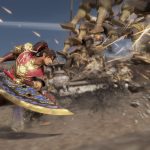
The Dynasty Warriors franchise has been around for what seems like ages with the latest installment in the series being Dynasty Warriors 9. Sparked into existence back in 1997, the overall series has received countless spin-offs along with installments to the main series over the years. Recently, the latest main installment of the long-beloved hack and slash series, Dynasty Warriors 9, has launched for the PC, PlayStation 4 and Xbox One platforms.
While the series as a whole has received some tweaking and slight innovations, this latest release may have one of the biggest innovations from developers Omega Force since changing the game up from the standard fighting title when Dynasty Warriors first launched. Dynasty Warriors 9 claim to fame is its open-world environment, a drastic change up in comparison to the previous title releases.









How To Auto Run
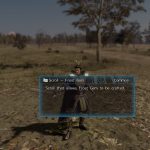
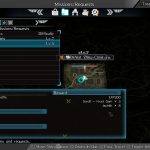
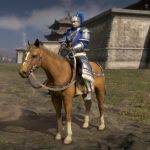
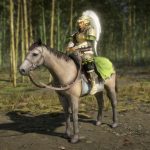
Dynasty Warriors 9, as mentioned above, is open world and as such, there’s a massive map for gamers to explore. If you have a destination set to reach then it could mean jumping on your trusty steed and running endlessly until you’ve reached that point of interest.
Luckily, the developers added an auto run function into the game. Likewise, the function doesn’t run anything down in terms of stamina, but it does come at a cost of not cutting through forests or any other areas to reach the destination a bit quicker if done manually.
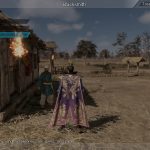
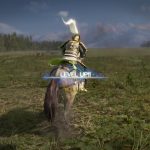
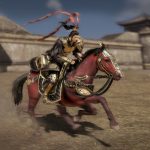
When you are on a horse or running on foot, press the left trigger or L2 button and this will activate the auto run.
Your character will then run or ride on the dedicated roads to reach the selected area. As a helpful note, the function does allow players to use the sprint option, but it will also run down the stamina. To use the sprint function, hold down the right trigger or R2 button. Keep in mind of your stamina bar as it will drain slowly over time.
Now if you need to answer a text, look something up or simply grab something to drink, you’ll be able to do so while the game progresses to the end destination.







