
Microsoft’s head of platform engineering for Xbox, Mike Ybarra, recently took to Xbox Wire in order to make a few announcements regarding future updates. In one of the announcements, Ybarra made mention of the new update coming to Microsoft’s Windows 10 PC. The update would bring in a feature known as Game Mode which would ultimately optimize the Windows 10 PC to improve performance during gameplay.
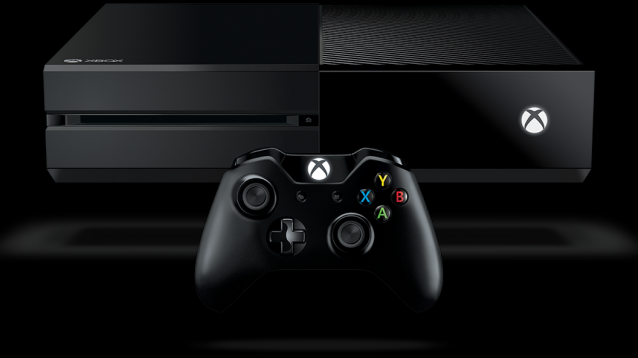
Within the latest Xbox Wire post, Mike Ybarra revealed that there will be some changes coming to the Xbox One. More specifically, it seems that the Xbox Home button will soon be changed to allow gamers an even faster option to perform tasks that Microsoft deems to be more common.
The rundown wasn’t full fleshed out and these changes will occur in a future update. According to the post, gamers will be able to access a new overlay and guide through the push of the Xbox Home button. Now, wherever you’re at within Xbox One, a side screen will showcase a number of options and tasks.
For instance, a gamer can press the button and instantly start recording GameDVR clips, adjust recording length, and access captures directly from the new guide. Likewise, there will be a new Achievement tracking overlay, Gamerscore Leaderboard, controls for background music, and a new Cortana design.
“Every Xbox One will see an update coming to the Guide that will make it faster to complete common tasks. Through one press of the Xbox button on your controller, you’ll be able to pull up the newly enhanced Guide as an overlay on the left side of your screen no matter what you’re doing. In addition, we’re rebuilding the most popular multitasking experiences for speed and ease of access. For example, you’ll be able to start recording your GameDVR clips, adjust your recording length, and access your captures directly in the Guide. We’ll also add a new Achievement tracking overlay, Gamerscore Leaderboard, a new Cortana design, and controls for background music, making these features easier to use.”
What do you think of the new changes? Is there something you would like to see added to the Xbox One in a future update? Let us know by leaving a comment down below.



