
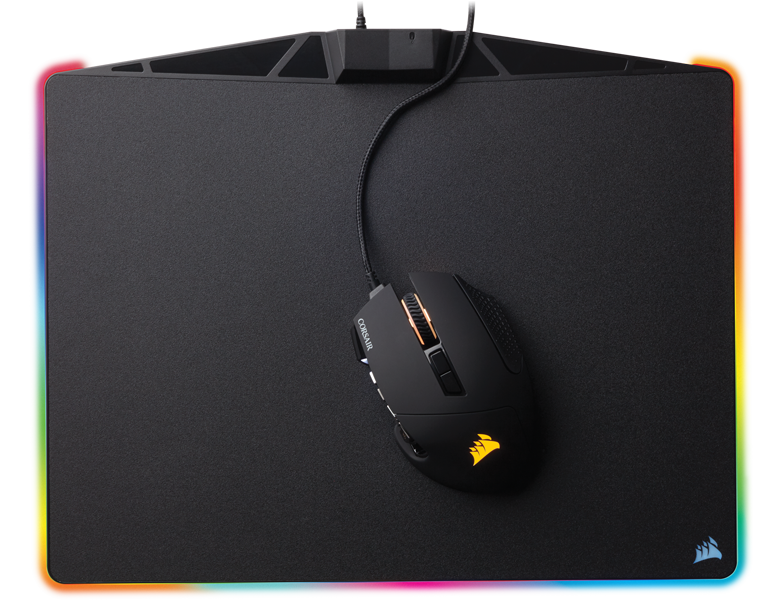
Corsair’s new MM800 RGB Polaris redefines the purpose of the mousepad. No longer is it just a place upon which to use your mouse—it also looks great on your desktop.
Mousepads have always looked like blank blocks on otherwise decorated desktops, but thanks to the Polaris, you can add a bit of flair to your workspace, complementing whichever LED-lit keyboard you use. The Polaris joins Corsair’s robust variety of RGB gaming peripherals, including keyboards and mice.
The Polaris comes with full Corsair Utility Engine 2.0 support, allowing you to customize its 15 zone RGB LEDs to your heart’s content. If having the full RGB spectrum proves disorienting or distracting to your gaming, you can customize it to display only the colors you like. It can also sync up with the lights of any new Corsair keyboard and mouse.
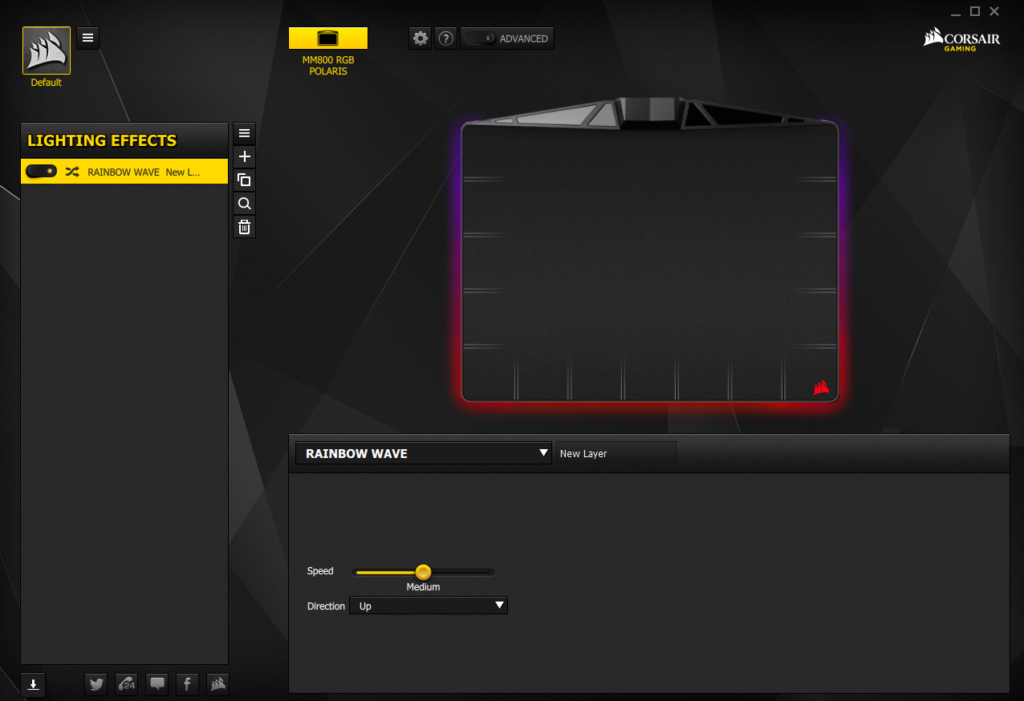
For reference, here’s what it looks like on my desktop:
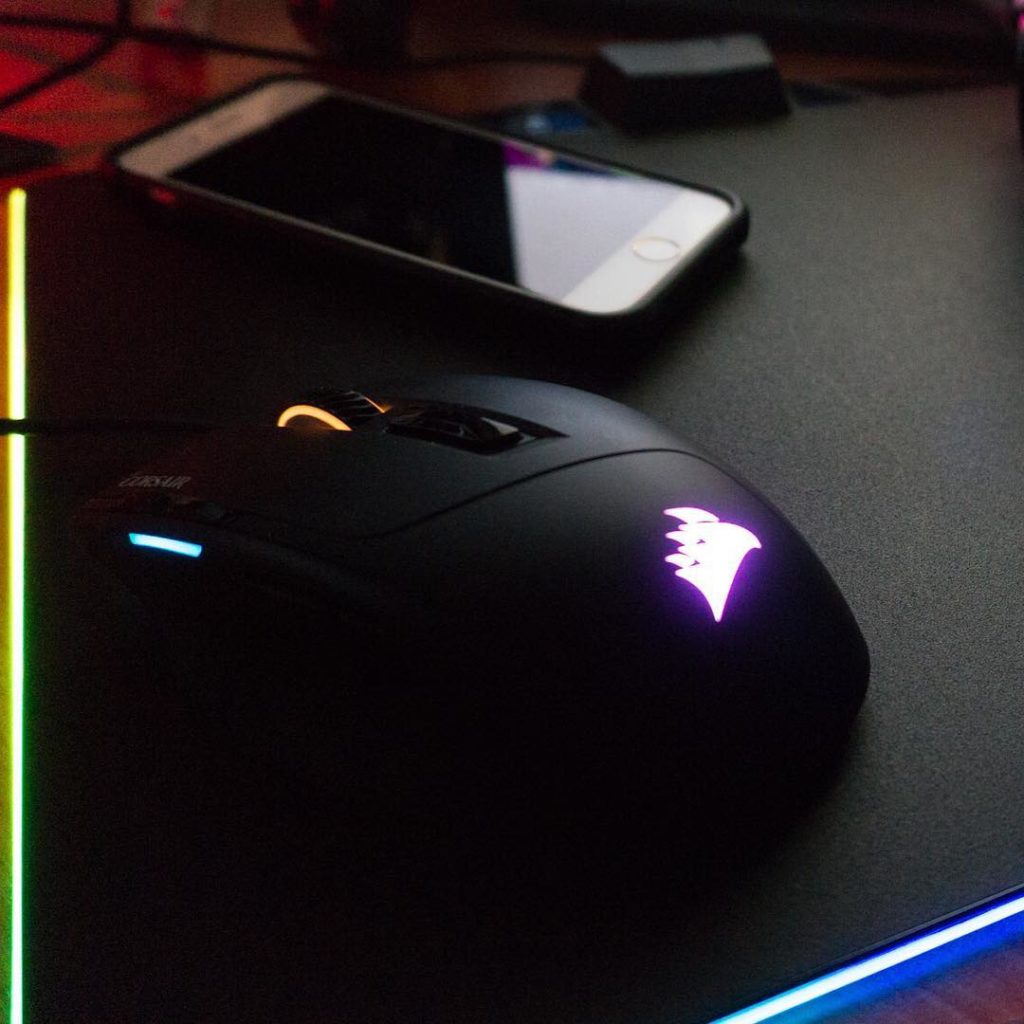
As a mousepad alone, the Polaris is solid. It’s a light, micro-textured surface that grips firmly to the desk thanks to its rubberized underside that’s heavy enough so that it’ll never slip from even the most aggressive mouse use. The surface area allows for smooth gliding, and the smooth trim on the edges of the mousepad provide good comfort for your palm. There’s nothing more annoying than having painful creases on your palm after hours of gaming.
Though it’ll take up a USB slot on your computer, the Polaris also provides a single built-in USB 2.0 pass-through that’ll allow you to plug in any device of your choosing. I prefer to use a mouse with it and forego having to worry about cord tangles, which can cause your mouse to drag.
There are configurations allowing the MM800 to work seamlessly with Corsair mice, but it’ll work just as well with any other brand.
The MM800 RGB Polaris costs $69.99 and is available across electronic retailers both online and offline. A unit was provided by Corsair for the purpose of this review.






