
• Skip to main content
  • Skip to header right navigation
  • Skip to site footer
Gameranx

Gameranx

Video Game News, Lists & Guides

  • News
  • Features
  • Platforms
    • Xbox Series X
    • PS5
    • Nintendo
  • Videos
  • Upcoming Games
  • Guides

XCOM 2 Keyboard Shortcuts Guide

February 10, 2016 by Ian Miles Cheong

This XCOM 2 guide will teach you everything you need to know about the game’s keyboard shortcuts.

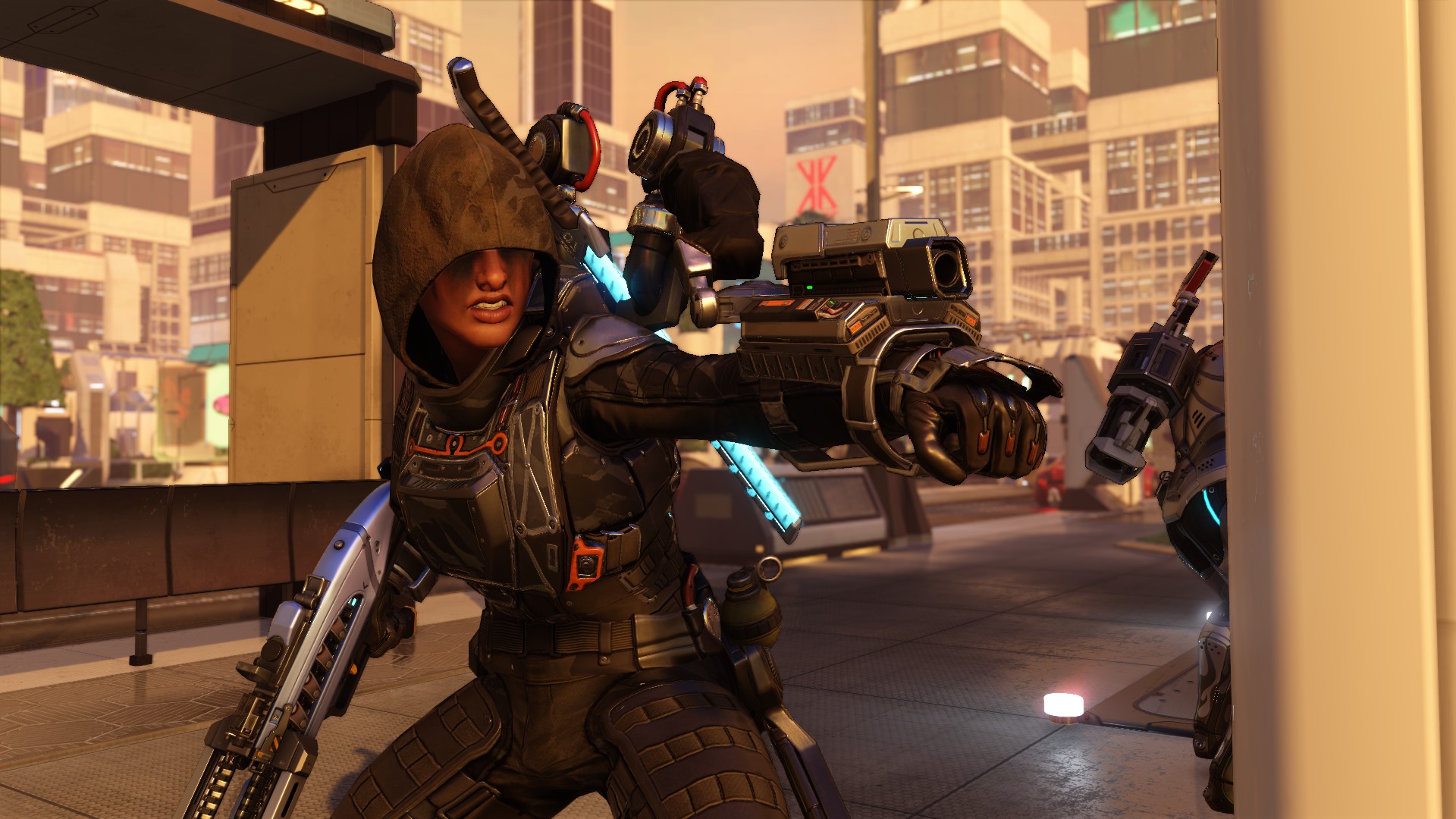
268500_screenshots_2016-02-06_00017
XCOM 2
is by all accounts a great strategy game. It’s easy to pick up and play, but difficult to master. One of the great things about being a PC-exclusive game is that its developers have optimized its controls for PC gamers. That means there’s shortcuts, and they’re extremely useful.

If you’re planning on spending dozens, if not hundreds of hours in XCOM 2, you’ll want to acquaint yourself with the game’s keyboard shortcuts. You’ll need to, if you want to be an effective commander. The last thing you want to do is be unable to issue commands to your soldiers efficiently. The Resistance is counting on you.

To that end, Firaxis makes it easy for players to perform certain actions that would otherwise require multiple clicks of the mouse to accomplish the same tasks. You’ll be able to end turns, rotate the camera, quicksave and quickload (useful, if you’re save scumming), and quickly use your squaddies’ abilities.

Here’s what you’re missing:

  • Spacebar/Enter – Open Shot HUD/Confirm Action
  • Tab/Mouse-4 – Next Unit/Target
  • Left Shift/Mouse-5 – Previous Unit/Target
  • 1-0 – Abilities
  • Y – Overwatch
  • R – Reload
  • Q/E – Rotate Camera Left/Right
  • W/A/S/D – Camera Move Up/Left/Down/Right
  • G/T – Camera Zoom Level Up/Down
  • Mouse-3 – Toggle Camera Zoom Level
  • F/C – Ascend/Descent Floor
  • End/Backspace – End Turn
  • P – Call Skyranger
  • Hold Ctrl + Right Mouse – Waypoint Movement
  • Right Mouse – Move Unit To Cursor
  • F5 – Quick Save
  • F9 – Quick Load

For more of XCOM 2, be sure to check out our XCOM 2 .ini Modifications & Cheats Guide. You’ll be able to modify the damage, difficulty, and just about every other element of the game to make it easier or more difficult.

Share this post:

FacebookTwitterLinkedInPinterest

Recent Videos

Metroid Prime 4: Beyond - Before You Buy

Metroid Prime 4: Beyond - Before You Buy

ROUTINE - Before You Buy

ROUTINE - Before You Buy

10 Upcoming FPS Games That LOOK INSANE

10 Upcoming FPS Games That LOOK INSANE

Red Dead Redemption (PS5 Switch 2) - Before You Buy

Red Dead Redemption (PS5 Switch 2) - Before You Buy

This Game Wants To Be SKYRIM 2 Before Elder Scrolls 6

This Game Wants To Be SKYRIM 2 Before Elder Scrolls 6

Marvel Cosmic Invasion - Before You Buy

Marvel Cosmic Invasion - Before You Buy

Top 25 BEST PS5 Games of 2025

Top 25 BEST PS5 Games of 2025

10 WEIRD GAMING Stories of November 2025

10 WEIRD GAMING Stories of November 2025

DESTINY 3 LEAKED, CONSOLE PRICES GOING UP AGAIN? & MORE

DESTINY 3 LEAKED, CONSOLE PRICES GOING UP AGAIN? & MORE

Category: FeaturesTag: Firaxis, Guides, PC, XCOM 2

Sidebar

Recent Posts

  • GTA 6 Fans Discuss The Places In-Game They Want To Explore The Most
  • Epic Games Store Has A Special Mystery Giveaway For You During The Game Awards
  • How Many Gamers Have Truly 100% Completed Borderlands 4?
  • Todd Howard Invited the Obsidian Team To See Fallout Season 2 New Vegas Set
  • GTA 6 Fans Once Again Attempt To Predict “Timeframe” For What Comes Next

Copyright © 2025 · Gameranx · All Rights Reserved · Powered by Mai Theme


