
Valve has launched a great new feature for Steam users who have multiple devices with Steam on them.
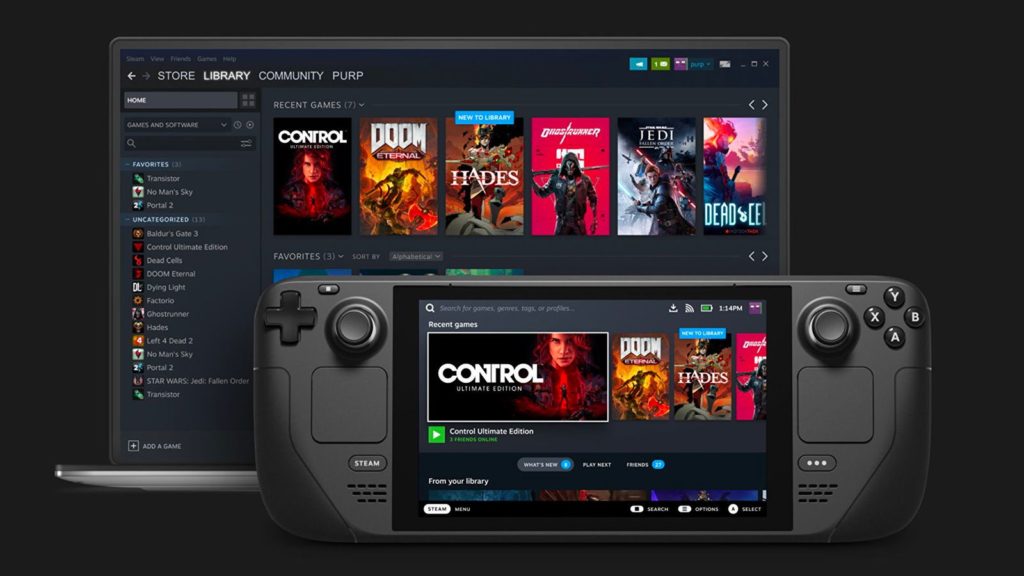
Valve calls the feature local network game transfers. In plain English, instead of having to download your games from scratch every single time you install Steam on a new computer, you can download those files from a PC or Steam Deck that already has the game.
In fact, you can also that game’s updates in this way as well. Because these downloads are done over your local area network, you aren’t using your internet data. Consequently, they do not count towards your monthly ISP transfers. Presumably, they should also speed up how quickly you transfer your files. Of course, this will be most useful with games that have bigger file sizes, and that will definitely include the latest AAA games.
Even better, your Steam client will do this work for you automatically. Any time you start a game download or update, your client will check if there are other PCs in the area that have the same data. It will then ask that other computer for permission, and will start downloading if approved. In the chance that the remaining data is unavailable or the connection breaks off, the downloading computer will then revert to Steam’s own servers.
Now, as the feature is new, there are still a few limitations to what is possible. Chief among them is that only a PC in Steam desktop mode can host a network transfer. Steam Decks can receive game data from a PC but not vice versa. Subsequently, PCs can’t send game data if they are in Big Picture mode, and if you have Steam open using custom launchers.
Notably, the update did not mention Windows or Linux. This probably does mean if you happen to have Steam running on a Linux desktop, you can also host network transfers and save such game data to other computers.
Some enthusiasts have SteamOS installed on a desktop computer, either using the outdated image Valve released, or by using HoloISO, a custom build based on the SteamOS recovery image. If you happen to have Steam in your computer in this way, don’t expect to be able to send game data either.
Your Steam clients and devices should also have Game File Transfer Settings set up in such a way as to enable this feature. You can learn more about these and other details on Valve’s update here.



