
• Skip to main content
  • Skip to header right navigation
  • Skip to site footer
Gameranx

Gameranx

Video Game News, Lists & Guides

  • News
  • Features
  • Platforms
    • Xbox Series X
    • PS5
    • Nintendo
  • Videos
  • Upcoming Games
  • Guides

Gears of War Ultimate Edition Launch Problems And Workarounds

March 1, 2016 by Ian Miles Cheong

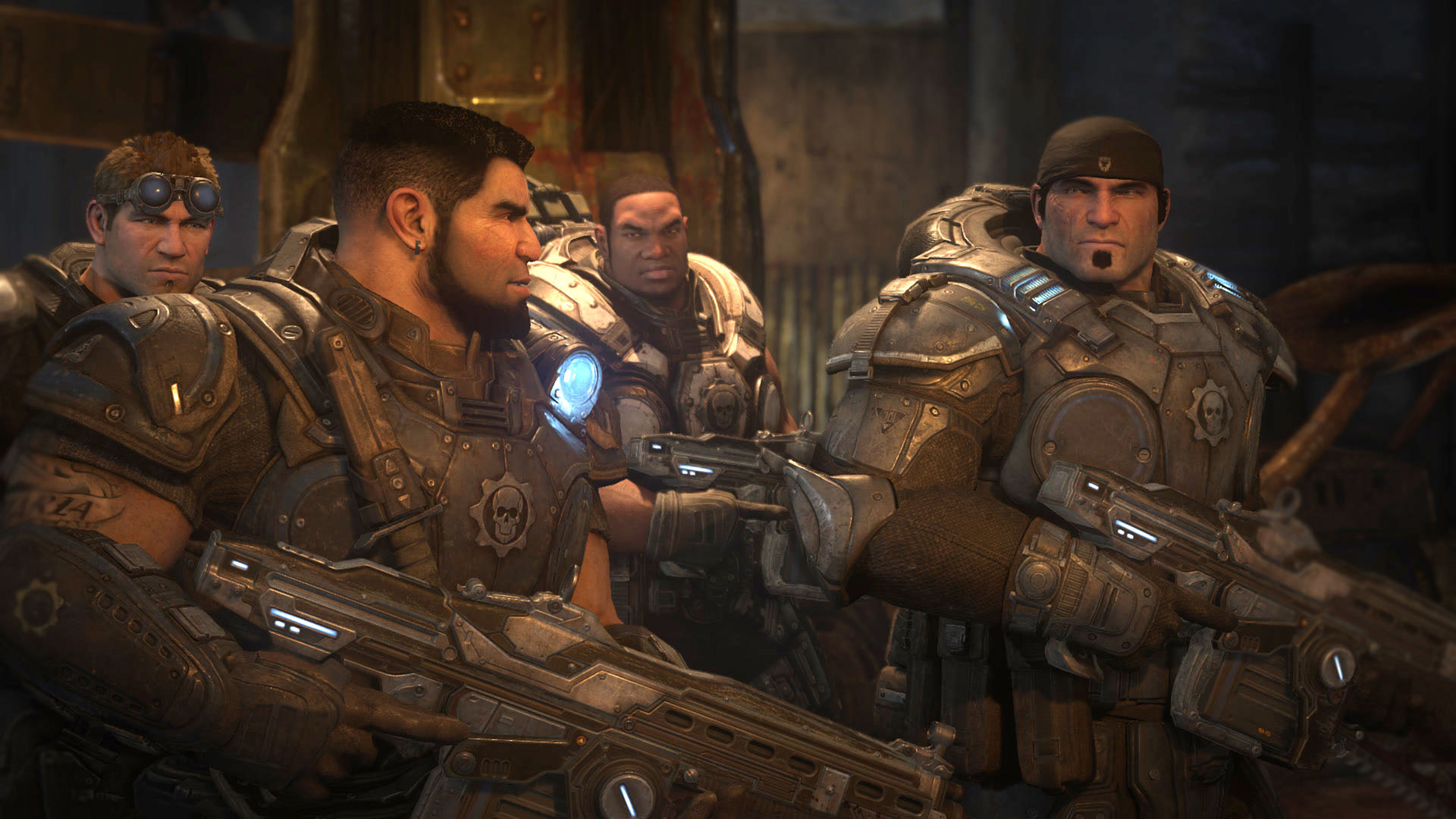
Gears of War Ultimate Edition has some launch woes on the PC.

Gears_Of_War_Ultimate_Edition_14345093893505
Microsoft has acknowledged that there are numerous problems with getting the newly released Gears of War Ultimate Edition to run on AMD Radeon hardware. The publisher released a few workarounds for players experiencing difficulty with the game to attempt ahead of an official patch, which the company says is currently being developed.

Microsoft says that it’s working with AMD to find solutions for these issues and plans to release an update soon.

AMD isn’t the only card with issues in the game. Those with Nvidia graphics cards who also own G-sync capable monitors (because why would you ever disable that?) have reported that they are experiencing framerate problems when playing the game. To fix this issue, simply go into the Nvidia control panel and disable G-sync—at least whenever you intend to play the game and not something else.

Microsoft also recommends that gamers who are playing it on a laptop set their main GPU as their preferred one, because the game may automatically default to the discrete on-board GPU, which isn’t capable of running the game.

Finally, there’s a problem with the Windows store itself in that it won’t provide users with an accurate assessment of how long the game will take to download. One redditor writes:

I wish my progress bar would update in the Windows store. haha. I have slow internet and the fact that the bar stays at 0.1% regardless of how much I’ve downloaded is a real pain. I have no idea how much long I have left. They really need to fix that issue.

This is a known issue. The progress bar will upload in 1GB increments or so, so don’t panic if you don’t think the game is downloading.

Share this post:

FacebookTwitterLinkedInPinterest

Recent Videos

5 Games That Look VERY DIFFERENT With Nvidia DLSS 5

5 Games That Look VERY DIFFERENT With Nvidia DLSS 5

The Blood of Dawnwalker - Before You Buy

The Blood of Dawnwalker - Before You Buy

10 WEIRD Gaming Stories of August 2026

10 WEIRD Gaming Stories of August 2026

Onimusha: Way of the Sword - Before You Buy

Onimusha: Way of the Sword - Before You Buy

15 NEW Free Games of 2026 You SHOULDN'T MISS

15 NEW Free Games of 2026 You SHOULDN'T MISS

20 Single Player Games You Can PLAY for UNLIMITED Hours

20 Single Player Games You Can PLAY for UNLIMITED Hours

GTA6 GAME LENGTH, WORLD SIZE & MORE

GTA6 GAME LENGTH, WORLD SIZE & MORE

GTA 6: Gameplay DETAILS WE FOUND

GTA 6: Gameplay DETAILS WE FOUND

15 Brand NEW Games Announced At Gamescom 2026

15 Brand NEW Games Announced At Gamescom 2026

Category: UpdatesTag: Gears of War, PC

Sidebar

Recent Posts

  • Rumor: Marvel’s Wolverine May Only Have One Sentinel Fight, With A Sentinel Prototype
  • Square Enix Debunks Rumors That It Plans To Go Private
  • CD Projekt RED Can’t Guarantee A PlayStation Disc Edition Of The Witcher 4
  • Mario Kart 8 Deluxe Gets 8 Player Split Screen And More On Switch 2
  • Ninja Gaiden III Leads The Latest Batch Of NES Games Coming To Switch Online

Copyright © 2026 · Gameranx · All Rights Reserved · Powered by Mai Theme
