
GTA Online continues to be a favorite for many people, whether that’s for collecting a number of vehicles to customize to one’s taste and gaze at in proudness, or run amok in the city causing as much havoc as possible. The types of players vary as much as the gameplay made available for them. Being a business owner, yep that’s possible too. But what’s the two big points of being one? Buying and selling. Now selling officially isn’t possible, but here is the best option you have for what you can do. Let’s explore.
How do I Sell Businesses?
Now as stated before, you can’t technically sell properties or businesses currently. Instead, the best way is to trade in for a cheaper property and get the difference. Here’s how you can do that.
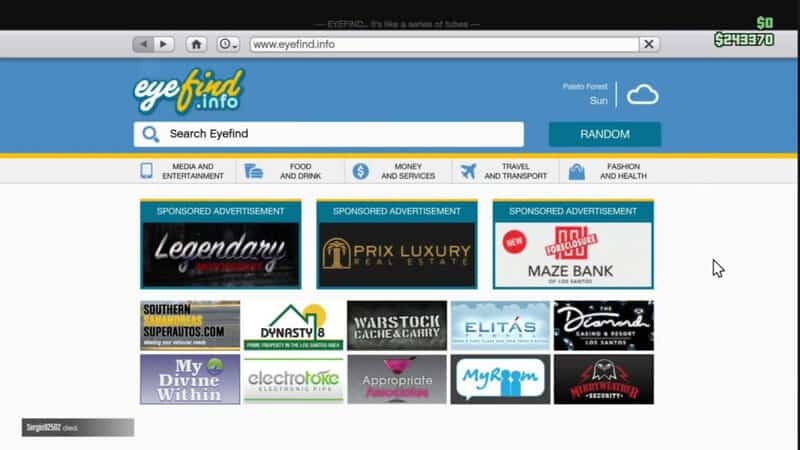
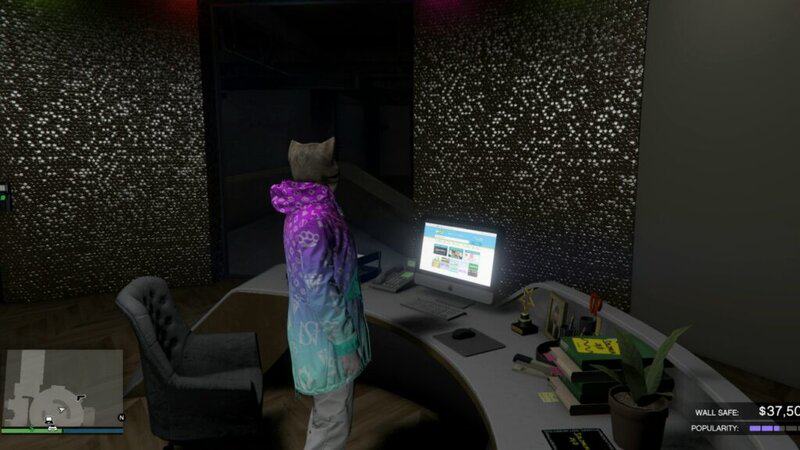
The first step is to open the real estate website for the type of property you need to “sell”. From apartments, that’s going to be Dynasty 8, and for businesses that is going to be Maze Bank Foreclosures. You can do this through your in-game phone or by using a laptop in a business that you own, like a nightclub.
Next, for the apartments, find either the cheapest property or maybe even a property you’d might like to work on next and buy it. Once you’ve purchased the property you’ll be prompted with the game asking you to trade in one of the properties you already own or to put it in an empty slot if you haven’t reached the maximum number of owning that type of property. If that’s the case, still follow the previous step of choosing a property to trade in. You will see on the right side, of the property you choose to trade in, what you’ll be receiving in exchange money wise. Choose and receive your new funds.
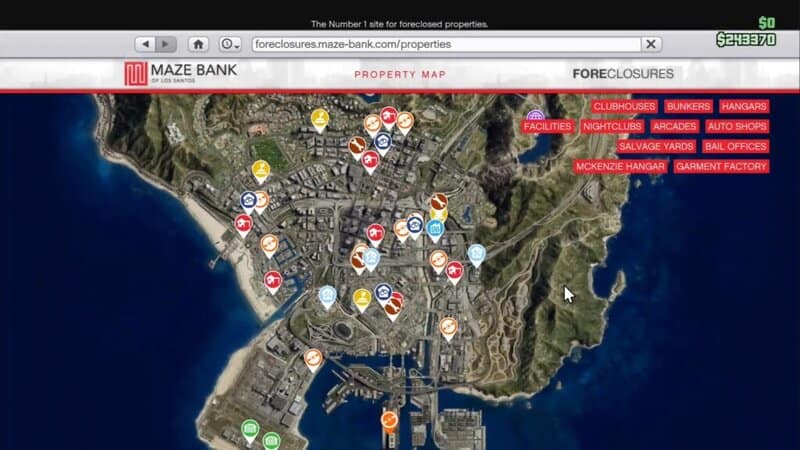
As for businesses, it’s pretty much the same. Open up Maze Bank Foreclosures and browse for the cheapest business that is the same type as the one you want to trade in for and follow the resulting prompts, things like customizing the new property and so forth, pay the fee and the game will trade out the businesses.
Keep in mind, all upgrades and extras that you had on your old properties will not transfer to your new properties, you will be starting basically fresh. Also move out your vehicles from the garage of the property you are trading in, otherwise you risk losing them.
Money is a big thing in GTA Online, so it’s understandable that you need the funds every now and then. Just try not to blow all your new cash on slots and horse racing now, ok?