
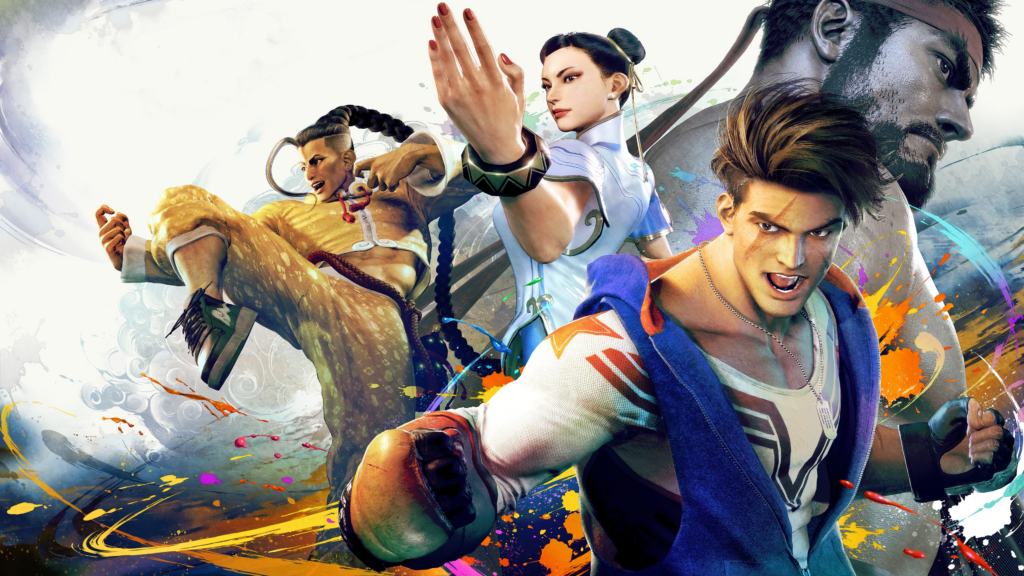
Now that Street Fighter 6 is finally here, fans are racing to fight their way to the top of online leaderboards as well as through the many excellent challenges in the game’s single-player World Tour mode. So far, Street Fighter 6 has seen incredible critical success and already seems to be a major hit among long-term fans of the fighting series. Thanks to how well it’s performing, more newcomers are flocking to the series than ever before.
Luckily, Street Fighter 6 is easy to pick up for newcomers with its revamped, Modern control scheme that simplifies inputs, giving new players a hand at picking up the game. A low bar for entry is always a good thing since it means that anyone can pick up a game and start playing, however, given Street Fighter‘s history in the fighting game space, there are still plenty of players who want to experience the game using the controls and inputs they’re used to.
For those people, Capcom included a Classic control mode that gives them the ability to play Street Fighter 6 as if it were a classic game in the series. Here’s how to turn on Classic controls.
More Street Fighter 6 guides:
How to Turn on Classic Controls in Street Fighter 6
By default, the controls in Street Fighter 6 are set to the Modern setting which is best for newcomers to the franchise. While that’s a good thing for those who are picking up the Street Fighter series for the first time, veteran fans will want to switch to Classic mode. Luckily, making the switch is very simple.
World Tour
When you first begin World Tour mode, you won’t be able to switch your control style. To do that, you’ll have to play through the game’s first chapter. Luckily, it’s extremely short. Play through the chapter and then, in Chapter 2, open the main menu by pressing start (or ESC on PC) and go to the Options menu. Here, move over to the “Controls” tab and then find the “Avatar Battle Control Type” setting. This menu is short as it only has one option. Switch the type over from “Modern” to “Classic.” Once you do, exit the menu and you’ll find the game to control just as the classic games of Street Fighter‘s past did.
Battle Hub
Similar to World Tour mode, you’ll be using Modern controls by default when you first get started in the Battle Hub. To change the controls, you’ll need to go into the settings when you pick your character before starting a fight.
When you’re on the character select screen, highlight the character you want to play as and then hit the triangle button on PlayStation, the Y button on Xbox, or the T key on PC. This will pull up the character settings menu. From here, you’ll be able to change to alternate character outfits, change with button inputs, and change the control scheme to “Classic.” Take note, that when you use this method, you’ll only have changed the control style for the highlighted character.