
Table of Contents[Hide][Show]
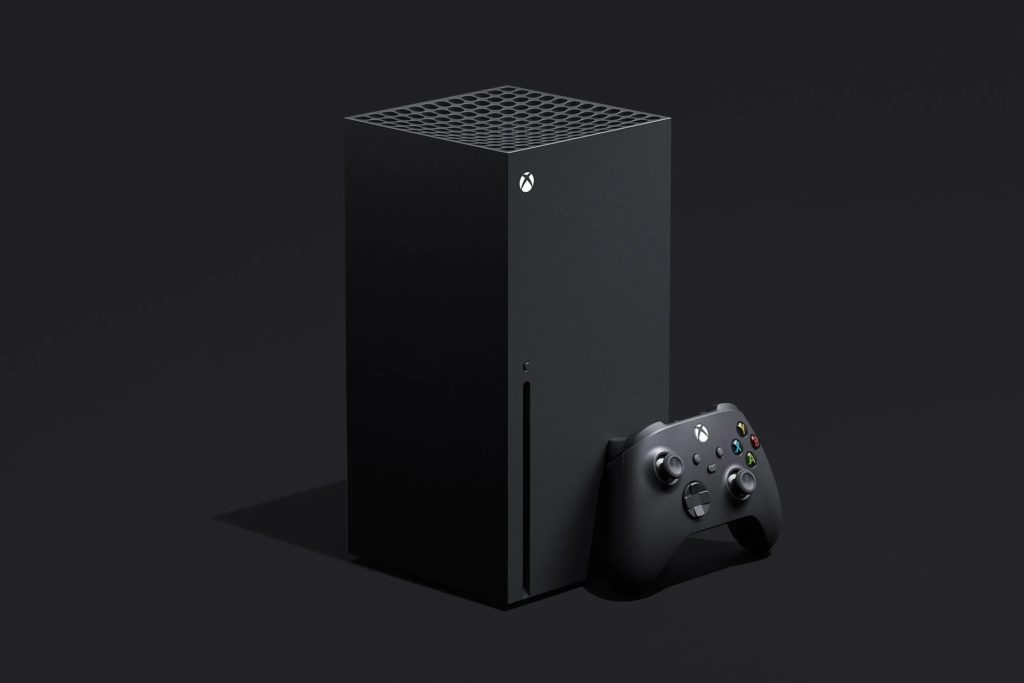
There is a lot to love about the new controllers for both the Xbox Series X and the PlayStation 5, however, some players prefer to use one controller over the other. The new Xbox controllers are essentially the same in terms of design as the ones released for the Xbox One, although they definitely feature a handful of solid changes. This means that, if you weren’t in love with the Xbox One controllers, you may be a little disappointed with what the Xbox Series X and S are bringing to the table in terms of controller innovations.
The PS5’s DualSense, on the other hand, is packed full of new features never before seen in a modern console controller. As a result, many PS5 owners are wondering if they can use their DualSense controllers on the Xbox Series X and S in place of the current Xbox gamepad.
Do the Xbox Series X and S Support the DualSense?
Answering the question regarding the Xbox Series X and S DualSense support is a little complicated. At face value, no, you aren’t able to simply pair a DualSense to an Xbox directly without using some sort of workaround. That said, it’s not impossible to use a PlayStation controller with an Xbox as long as you’re willing to do a workaround.
How to Pair a PS5 Controller with an Xbox
While it’s possible to pair the DualSense to an Xbox by using a controller adapter, they can be pricy and are sometimes unreliable. Instead, the best way to use a DualSense on an Xbox is through remote play. This means that in addition to having an Xbox Series X and a DualSense, you’ll need to have a smartphone with a solid internet connection that has the Xbox app downloaded.
In order to do this, you’ll need to go into your Xbox’s system settings and find the “Devices & connections” tab. Scroll down to it and then select the “Remote features” menu. Here, make sure that the box is ticked for “Enable remote features.” If it isn’t, select it and your Xbox will do a quick check to make sure that it’s able to be used remotely. Once that’s all in order, the box will be ticked and you’ll be good to go to start using the console remotely.
Once remote play is enabled, start pairing your PS5 controller by holding down the PlayStation button and the Share button at the same time until the lights on the center of the controller start blinking. Open the Bluetooth settings of your phone and pair the controller to it. Once paired, open the Xbox app and go to the library tab located at the bottom of the screen.
Here, select “Consoles” and then select your Xbox console. If you don’t see your console, select “Set up a console” and follow the steps until it’s connected. Select “Remote play on this device” and after a few seconds of loading, your phone will sync up with your Xbox. Now you’ll be able to control your Xbox via your phone’s connection to your PS5 controller. It’s worth pointing out that if you want to use the Xbox button, you’ll need to use the touch controls on your phone, but other than that all other controller functions will be enabled with the DualSense.








