
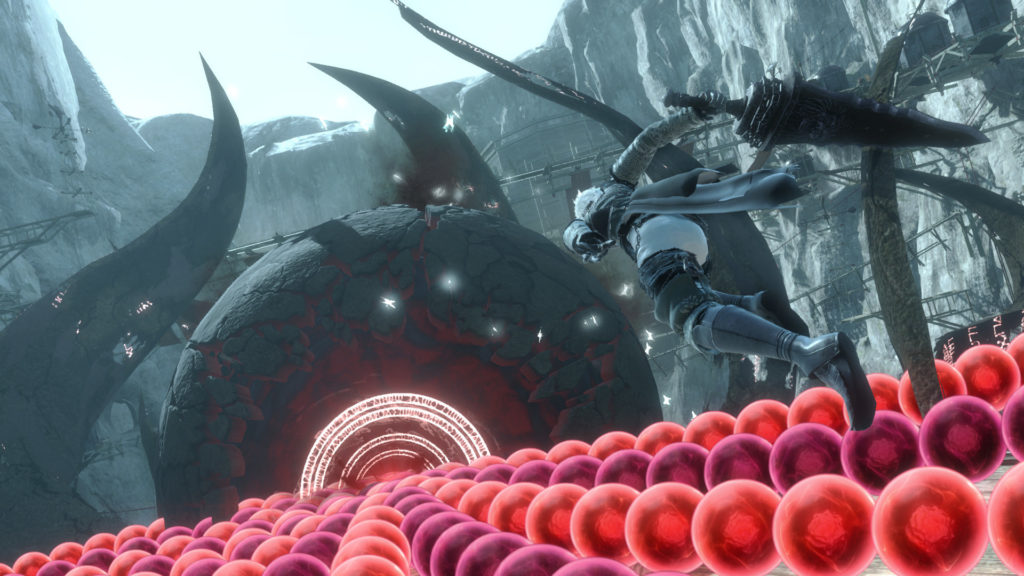
NieR Replicant is completely new on PS4, Xbox One, and PC. There’s new content, new combat systems, and a new coat of paint on this beloved cult RPG on PS3. Ever since creator Yoko Taro hit it big with NieR Automata, there’s been a renewed interest in the first game in this very strange series of action-RPGs. NieR Replicant brings that Automata level of polish to the previous game, and makes playing it a lot more fun.
There’s a lot that’s new in this version of the game, but most of the basics are exactly the same — even if they look a lot better. One thing that’s the same are the endings. There are four different endings, and you’ll have to repeat the game multiple times to actually see them all. It takes at least three runs to see everything and fight the true final boss. We’ll keep the spoilers low below, so if you just want to know what it takes, you’re free to check out the simple steps.
More NieR Replicant guides:
All Endings Guide | All 30 Weapon Locations | Fishing For Gold & Upgrades
All Alternate Endings Guide
There are four unique endings to the game. To see everything the game has to offer, you’ll need to complete the game at least three times — don’t worry, it isn’t the same each time.
- Ending A: Complete the story as normal. Save the game to create a Clear Data save file.
- Ending B: Reload your Ending A – Clear Data save file to begin the second half of the main story. Complete the game as normal.
- Ending C: Complete both Ending A+B, and collect all 30 weapons. After the final boss, you’ll reach a new final boss. Defeat it, and you’ll get two options. Select the top option.
- Ending D: Identical to Ending C. To get this ending, select the bottom option.
BEWARE: Selecting Ending D will delete your save file. You won’t be able to replay with the same file — you’ll have to restart from the very beginning.
NOTE: The fifth ending is exclusive to Nier Replicant ver.1.22474487139.
- Ending E: This ending is only available after getting Ending D and deleting your save file. After deleting your save file, make a new game with a new file (with a new name) — play until you reach the Aerie and fight the Shade boss.
After this, everything following the boss is new. There are new cutscenes and events leading up to the all-new ending.


