
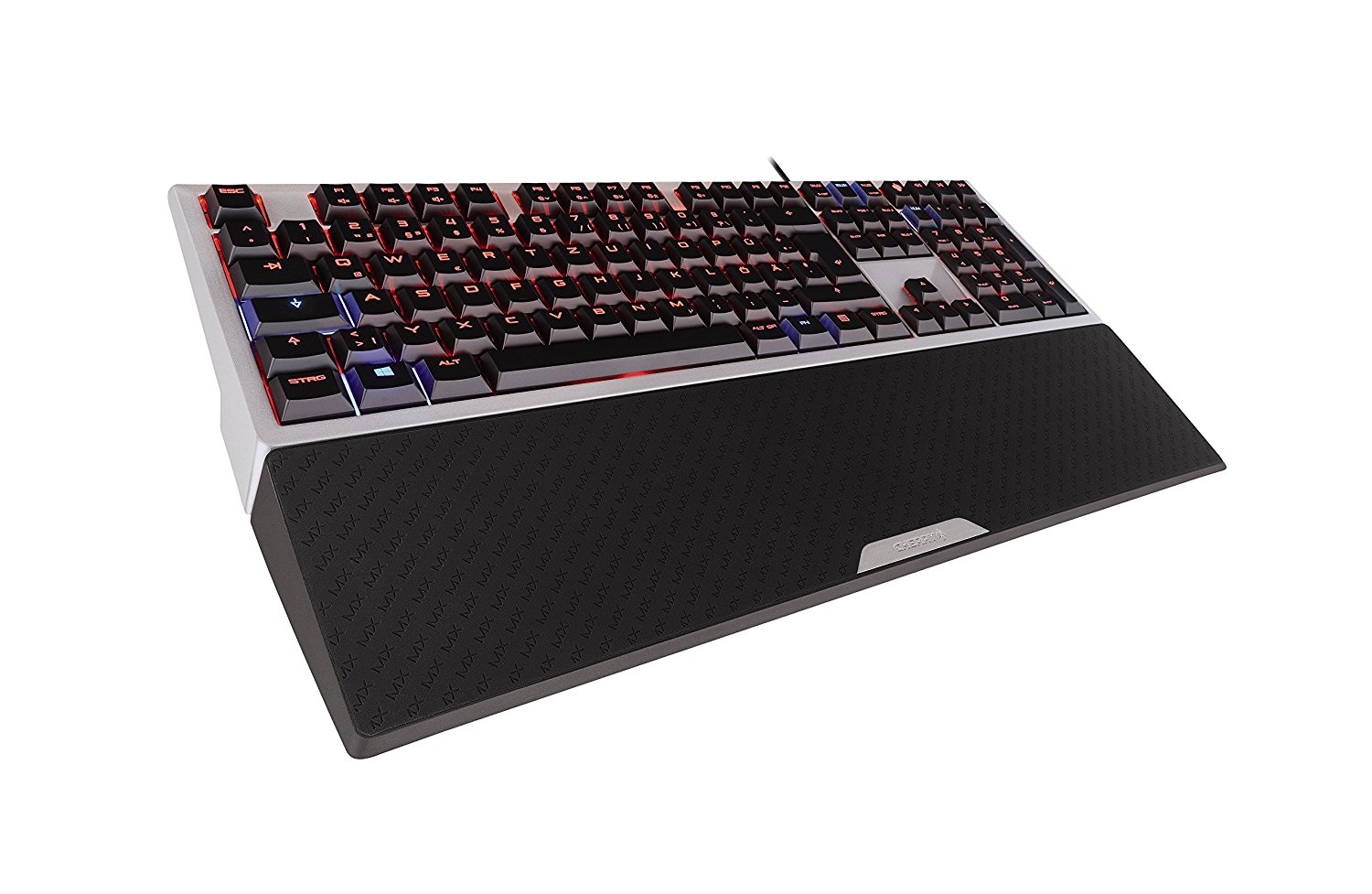
There’s a massive market for gaming peripherals, especially for the PC platform. One of the bigger components that gamers have adapted towards is mechanical keyboards. The market is flooded with different models and manufacturers so naturally, it can be difficult finding one appropriate towards your needs.
In this review, we’re going to look at Cherry’s MX 6.0 mechanical keyboard by manufacturer Cherry. You may be familiar with Cherry, the company has been around for decades and they offer a wide range of productions, not just mechanical keyboards for the gaming enthusiasts.
Because of their association with a wide range of products, I was a bit skeptical going into this review and while there are some flaws in my eyes when it comes to the MX 6.0 from Cherry, there are a few notable features that kept my interest in using this keyboard as my daily driver.
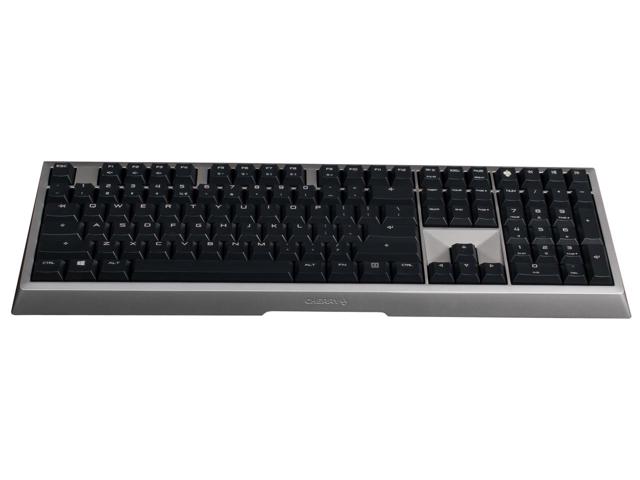
One of the first things I noticed when checking out the Cherry MX 6.0 is the build. This keyboard has some weight to it and it sports aluminum housing. My time with the keyboard has not shown any wear or blemishes with the housing either, instead, the metal housing stays nice a cool which is a big plus in my book.
Available with the keyboard is an attachable palm rest and interestingly enough it’s magnetic. Coming from a Corsair K68, I really enjoyed the fact that the rubberized palm rest could be quickly detached or attached just by pulling away the palm rest. I found this a more practical use than the plastic clips that would feel more like a ticking time bomb on how many times a user could attach or detach the palm rest before the plastic pieces holding the palm rest together would snap.
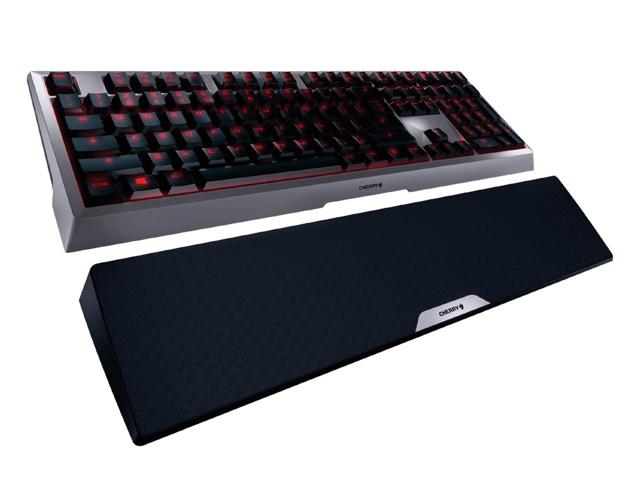
Likewise, it’s worth mentioning that the palm rest is definitely beefy as well giving ample room to enjoy. It’s practically half the size of your mechanical keyboard in width and that’s another major plus.
This is a full keyboard with AZERTY caps and Cherry MX Red switches. There is a red backlight with blue accent lighting under the keycaps furthermore, the top F1-F9 key caps being used as multi purpose functions towards certain tasks such as adjusting volume or backlighting.
Users will also find that there are dedicated media keys for video playback and a Win-key deactivation. I’ve had no problem with the inputs or ghosting. However, I have noticed that the keys are more susceptible of showcasing oils from your fingers, which means making sure to clean your keyboard a bit more frequently if you wish to keep it in pristine condition.
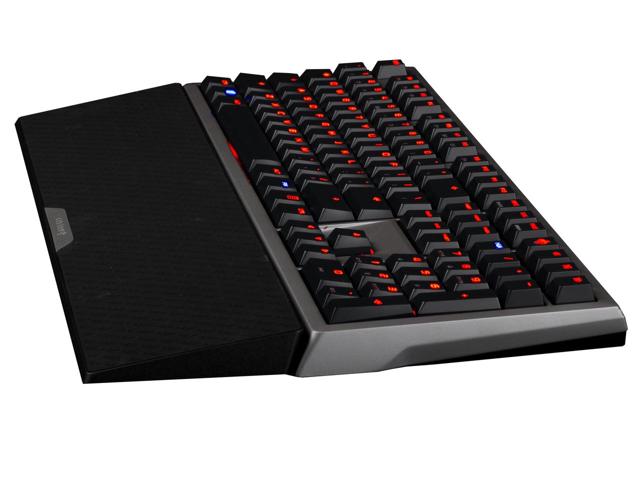
By far, the keycaps used is my biggest gripe with the keyboard. However, because you can change up the keycaps, I suppose this can be easily overlooked if you wish to purchase the keyboard and down the line, replacement caps that would match your preference.
It would have been nice to see more dedicated keys such as adjusting the brightness of the backlighting or volume rather than being tossed as a function key input. Additionally, having a USB pass-through would have been a big bonus as well in favor for this keyboard, but unfortunately, these extra little luxuries that you may have become accustomed to from other keyboard manufacturers are missing.
With that all said, at the end of the day, the Cherry MX 6.0 is a very solid mechanical keyboard to purchase. It’s a sturdy piece of tech, aesthetically pleasing, and comes with the popular Cherry MX Red switches. Toss in the fact that the keycaps could be replaced, you may have a worthy addition to your gaming PC setup with the Cherry MX 6.0.
Currently, the Cherry MX 6.0 mechanical keyboard is available which can be purchased at retailers such as Amazon for about $180.
Full Disclosure: A unit was provided by the manufacturer for purposes of this review.