
Table of Contents[Hide][Show]
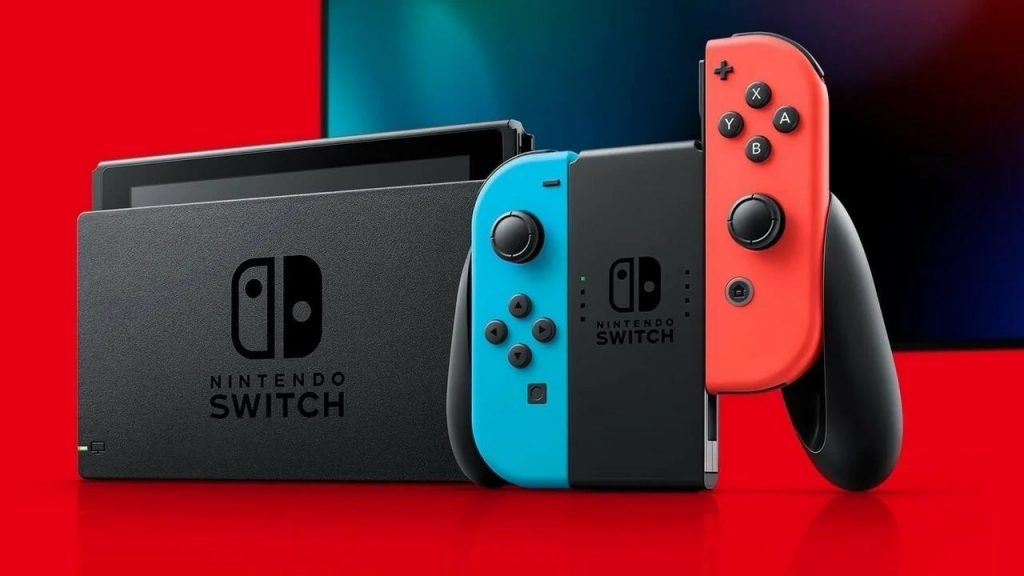
The dreaded Black Screen of Death is an unfortunately common problem on the Nintendo Switch. If your screen is stuck on black with buttons seemingly doing nothing — don’t worry just yet. There may be an easy solution to your problem. I recently encountered the ‘Black Screen of Death’ and the issue is much less lethal than the name implies. For most of us, a simple hard reset will fix the problem.
That isn’t always the case. Let’s get into the causes and fixes for the Black Screen of Death on the Nintendo Switch.
What Is The Black Screen of Death?
The ‘Black Screen of Death’ is a term for an extremely common crash issue on the Nintendo Switch. When starting a game, you may experience a black screen. The Switch may be still on and the speakers may be working, but the screen is totally black.
- Symptoms of the Black Screen:
- The Nintendo Switch screen (docked or undocked) only displays black.
- The Nintendo Switch is frozen on a black screen — using the Home Button brings up the Power Options menu, but selecting an option does not work.
This crash is especially common after updating the Nintendo Switch, updating a game, or when launching an installed game you’ve just finished downloading.
How To Fix Black Screen Crash
If you’re stuck on the black screen, you have a few options to try.
- Hold down the Power Button for 30-60 seconds. After, release and then press power again. To start your console.
- Attempt this while the Nintendo switch is undocked.
- If this doesn’t work, plug-in your Nintendo Switch until it is fully charged. This could take up to 2 hours of charge time. Try again after charging.
If this still doesn’t work, try the following version.
- If holding the Power Button doesn’t seem to work, try holding the Power Button + Both Volume Controls — or Power Button + Volume Down — for 30-60 seconds.
If this still doesn’t work, you may need to repeat after removing the SD Card, or removing the game cartridge. Normally, this issue only happens once and doesn’t continue.
If you’re still experiencing problems, the issue may be related to your battery. If you’re using an original Nintendo Switch and haven’t plugged it in for a long time, the battery may be completely drained. A dead battery may be causing the problem — dead batteries can be replaced by after-market repair shops or by yourself. I recommend using tools and instructions on ifixit.com.
A battery replacement kit costs $39.99. This is a standard repair that shouldn’t be too difficult to pull off — if you follow the instructions. This does not require removing the CPU or any other boards, and the battery can be accessed by opening the shell of the Nintendo Switch.



