
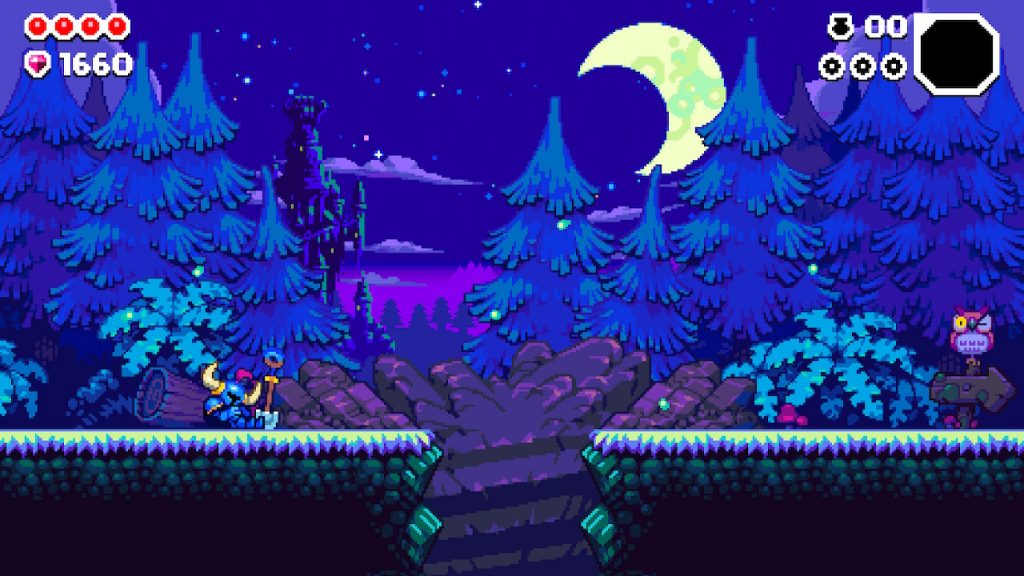
Shovel Knight Dig is a new roguelike themed after everyone’s favorite blue shovel-wielding knight. And because it is a roguelike, it can be crushingly difficult for players unfamiliar with the genre. If you’re struggling to make progress in Shovel Knight Dig, there is a way to make the game easier — way, way easier. You can tune the game completely to your comfort level by changing a handful of useful options. You can give yourself extra health, slow down the game so you have more time to explore, and much more. We’ll explain the full process below and show off all the options.
More guides featuring Shovel Knight:
- Shovel Knight: Showdown – How To Unlock Everything | Permanent & Temporary Cheats Guide
- Shovel Knight: King Of Cards – Transform Into The Burger King With This Newly Revealed Cheat Code
- Shovel Knight: Pocket Dungeon – How To Unlock All 12 Playable Characters
- Bloodstained: Ritual of the Night – How To Play As Shovel Knight, Get Infinite Ammo & More | Secrets Guide
- Super Smash Bros. Ultimate: What You’ll Unlock With Every Amiibo | Unlockables Guide
- Soulcalibur 6: 30 Amazing Custom Characters You Need To See | Best Community Creations
Accessibility Options | Making Your Runs Much Easier
Shovel Knight Dig is a roguelike — you’ll drop into a dungeon and work your way to the very bottom. If you lose all your hearts, you’ll have to reset at the top of the dungeon and try again. There are multiple paths to the bottom, and a boss for each major area / biome. Getting to the bottom can take a long time!
If you’re struggling to make progress, you can make the game easier with Accessibility Options.
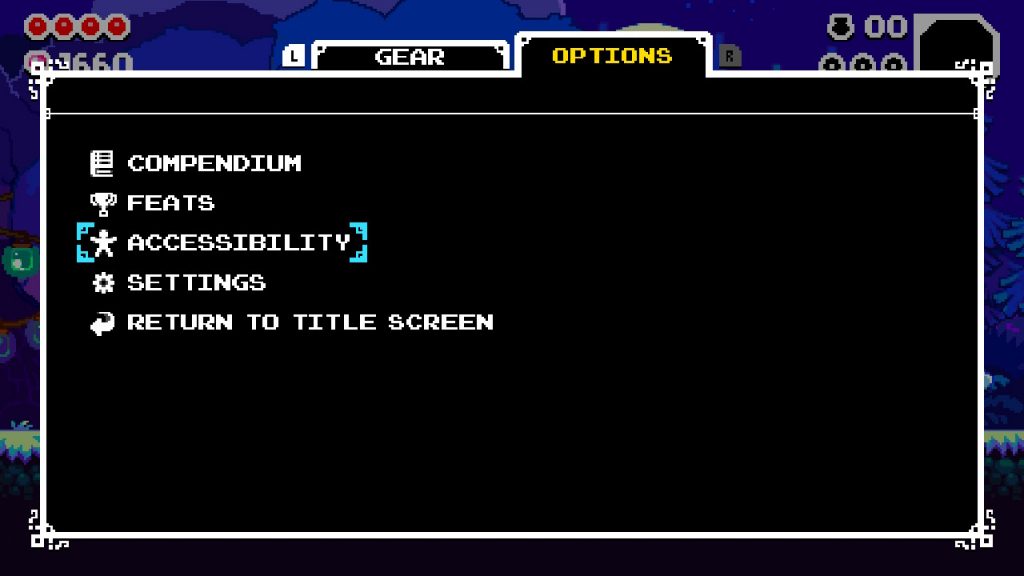
- How To Find Accessibility Options: Open your [Gear] Menu -> tab over to [Options] -> Select [Accessibility]
From the [Accessibility] menu, you can make the game easier by changing different modifiers. Let’s go over what all of these options can do for you.
- Screenshake [Toggle]
- You can disable the screenshake. Screen shaking can make the game harder to see or make some players nauseous. Disable if you don’t like the screenshake when the giant drill appears.
- Extra Health [0-5]
- Allows you to add up to +5 Health to Shovel Knight. By default, Shovel Knight has 4 Health.
- Food Chance [100% – 200%]
- Increases the chances of healing items drops. Starts at 100% — increasing it to 200% will double the amount of food dropped.
- Gems Chance [100% – 200%]
- Increases the chance of gem drops. Like Food Chance, it starts at the default 100%. Increasing to 200% doubles the chances of gems dropping.
- Extra Attack Damage [0 – 2]
- Increases the attack power of your default shovel attack. Can deal +2 damage per hit. That makes you way, way stronger immediately.
- Game Speed: [50% – 100%]
- Lowers the game speed. Starts at 100% default, then you can lower it to 50% — or half-speed. At half-speed, everything literally moves as if you’ve activated slow-motion.
All of these options can make the game much, much easier for beginners. If you’re struggling and just want to see the full game, you can do that! Change all these settings to make yourself as powerful as you can be, then blaze through. It will still offer a challenge to reach the bottom — but you’ll collect more gems which you can bank on the surface, then purchase shortcuts from the NPC to the left of the camp.
- NOTE: You cannot use Accessibility Options for Daily / Weekly Leaderboard challenges. You will also disable achievements while using Accessibility Options. To enable achievements, select [Set To Default] to restore default options.





