
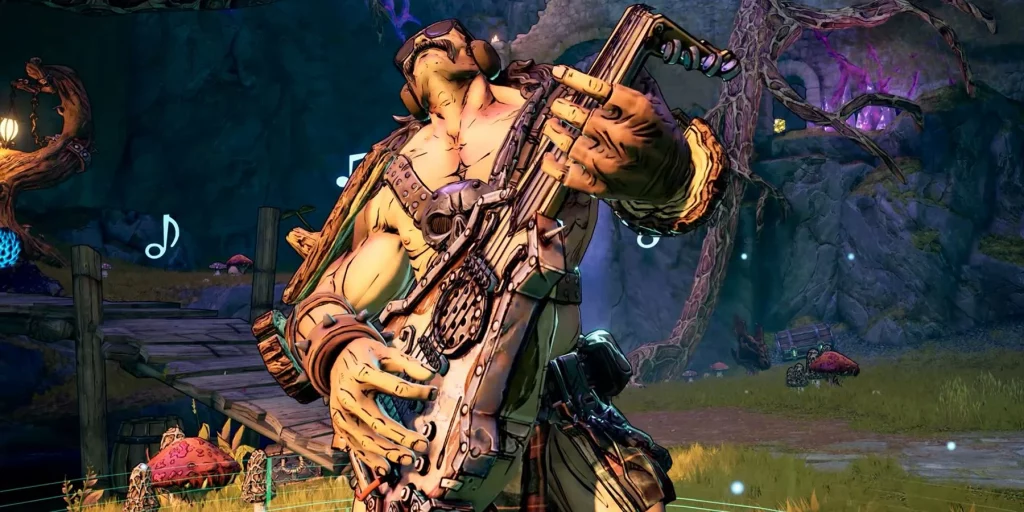
So much of the fun from looter-shooter games like Tiny Tina’s Wonderlands comes from the social experience of squading up with friends and playing through them together. Although Tiny Tina’s Wonderlands has seen some network connection issues that prevent players from taking on the Dragon Lord together, the network has been running steadily enough for players to jump into the game together.
In a game as hectic as Tiny Tina’s Wonderlands, communication is key and luckily the game has some features that can help players communicate even if they don’t have a microphone. Unfortunately, the game doesn’t do much in the form of providing a tutorial on how to use those communication abilities.
Emoting is an essential part of the game for those playing online as it can help players express how they’re feeling, or just be plain old fun. Doing it is simple, but Tiny Tina doesn’t ever explicitly tell players how.
More Tiny Tina’s Wonderlands Guides:
How to Fast Travel in the Overworld | Shift Codes List March 2022 | Class Guide | ‘Connection Lost’ Shift Error Fix | Elemental Damage Explained | How to Skip Random Encounters | Raiders of the Lost Shark Quest Guide
How to Emote in Tiny Tina’s Wonderlands
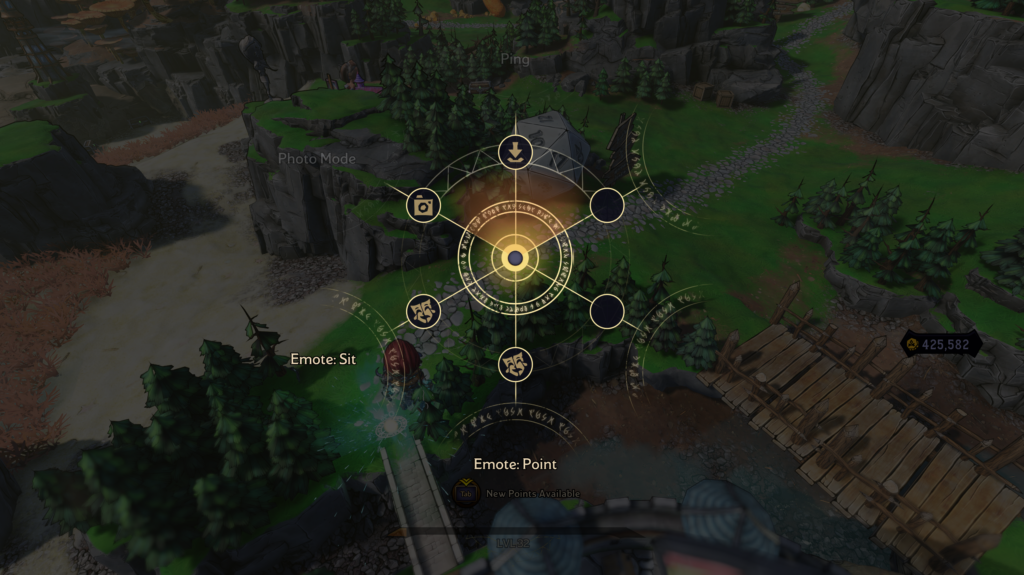
Opening the emote wheel in Tiny Tina’s Wonderlands is really simple. Xbox users need to hold down the start button, PlayStation users should hold down the Options button, and PC players need to hit the “Z” key. That will open the menu and from there the player is free to select an emote and perform it.
There’s actually a surprising amount of emotes available to the player in the game, but if they want to change out their “loadout” they’ll need to visit the soda bar Izzy’s Fizzies located in Brighthoof. Once inside the tavern, head to the Quick-Change station that allows the player to change their appearance and armor colors.
Cycle over to the “Emotes” tab at the top of the screen and the player is able to alter which emotes are readily available in the selection screen. New emotes will become available by picking them up from defeated enemies. The player will get more emote slots as they continue throughout the game’s campaign.







