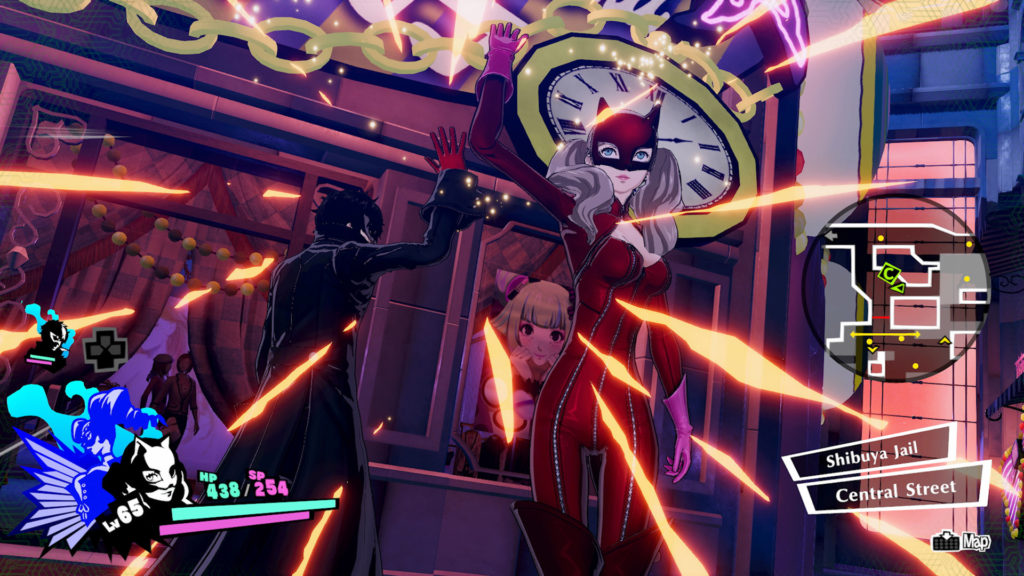
Persona 5 Strikers is an amazing sequel to the critically-acclaimed JRPG that’s surprisingly faithful to the source material. This is a Musuo game with random battles, stealth, and complicated JRPG mechanics! There’s still something here for Persona 5 fans to enjoy — but the PC port is a little shaky compared to the rock-solid console versions.
Some PC players are experiencing pretty bad bugs related to loading screens. Sometimes the loading screens are absurdly long — other times, you’re stuck in an infinite loading loop. Some players can’t even turn on the game without getting a black screen. All of these problems have solutions that should work for you. You don’t have to wait for a patch to come, there are ways to progress through these game-breaking bugs.
More Persona 5 Strikers guides:
Infinite BOND Experience | Farming Guide
How To Fix Infinite Loading After The 5th Boss
Many players are experiencing an incredibly annoying issues causing an infinite loading screen after beating the 5th dungeon boss. You can pre-emptively avoid this annoying glitch by changing the Persona 5 Strikers .exe to “Run As Administrator” always — it’s an easy fix, so here’s what you need to do.
- Go to your Persona 5 Strikers installation folder.
- C: \ Program Files (x86) \ Steam \ steamapps \ common \ P5S
- Right-click on “game.exe” and select [Properties].
- Select the [Compatibility] tab -> Check “Run this program as administrator“
Hit “Apply” and you can close the window. You’ll now always run Persona 5 Strikers in Administrator Mode, and this should fix a very annoying bug.
How To Fix Slow Loading Times
Some players with additional DLC are reporting loading issues on Steam, causing incredibly long load times between stages. This appears to be caused by the “Persona 5 Strikers – Legacy BGM Pack” DLC. To fix weird slow loading times, disable the DLC.
- To disable DLC on Steam, right-click Persona 5 Strikers in your game library and select DLC.
- Uncheck the “Persona 5 Strikers – Legacy BGM Pack” DLC to disable it. It will not uninstall the DLC, so you can re-enable it at any time.
How To Fix The Windowed Mode Only Bug
Some players are experiencing problems with Fullscreen. If you can only run Persona 5 Strikers in Windowed Mode, there is a way to fix the issue if you have an Nvidia graphics card.
- Right-click anywhere and select Nvidia Control Panel.
- Select “Manage 3D Settings” then select the “Program Settings” tab.
- Select Persona 5 Strikers from the drop down menu.
- Change every setting to “Application Controlled” where possible.
Apply the settings, and you can try to run Persona 5 Strikers in Fullscreen. Just go through every single option and if you can change it to “Application Controlled” then do it. If you can’t, leave the setting alone.