• Skip to main content
  • Skip to header right navigation
  • Skip to site footer
Gameranx

Gameranx

Video Game News, Lists & Guides

  • News
  • Features
  • Platforms
    • Xbox Series X
    • PS5
    • Nintendo
  • Videos
  • Upcoming Games
  • Guides

Minecraft Earth: How To Start Playing Right Now | Compatible iOS & Android List

November 13, 2019 by Kevin Thielenhaus

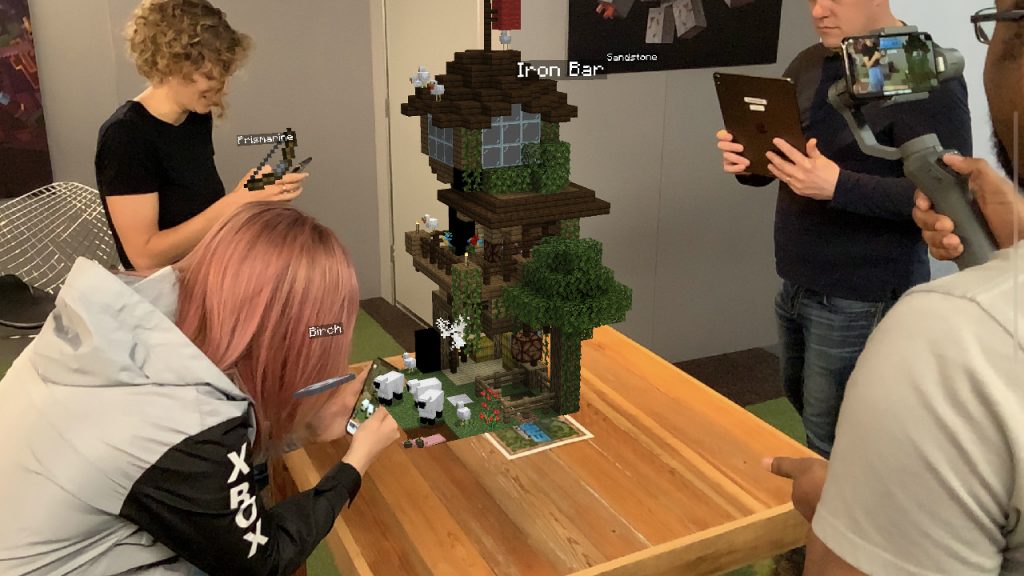
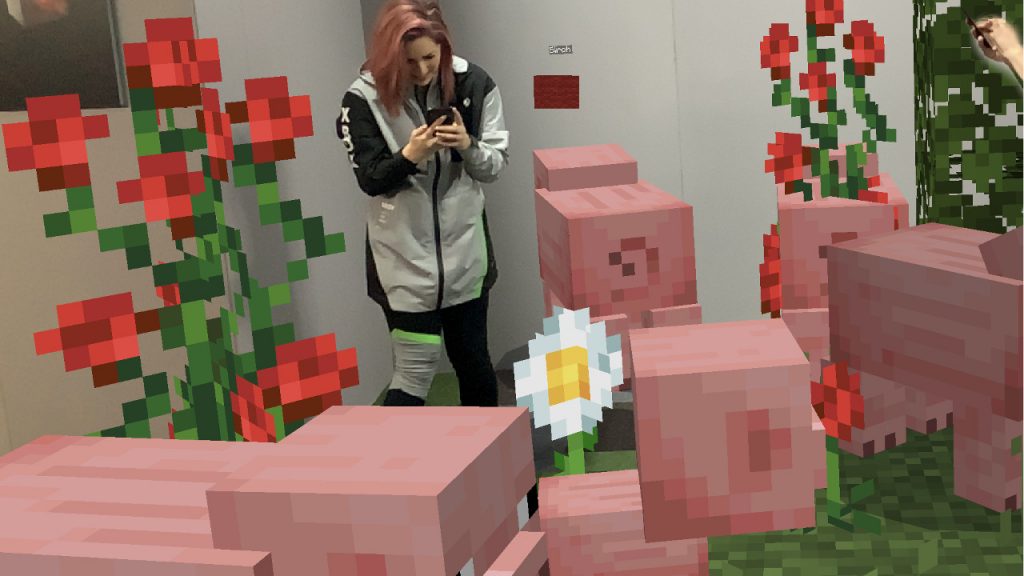
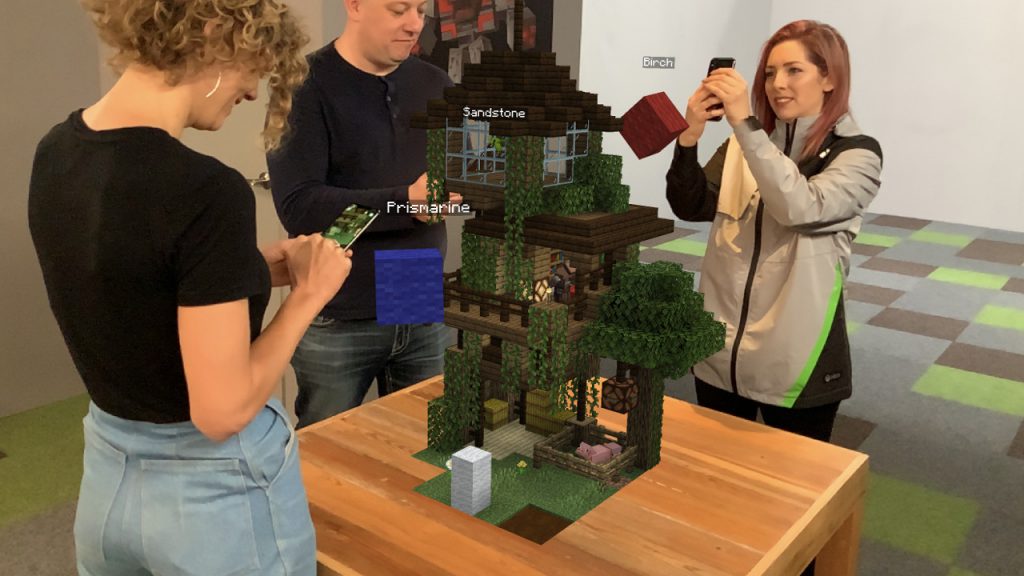
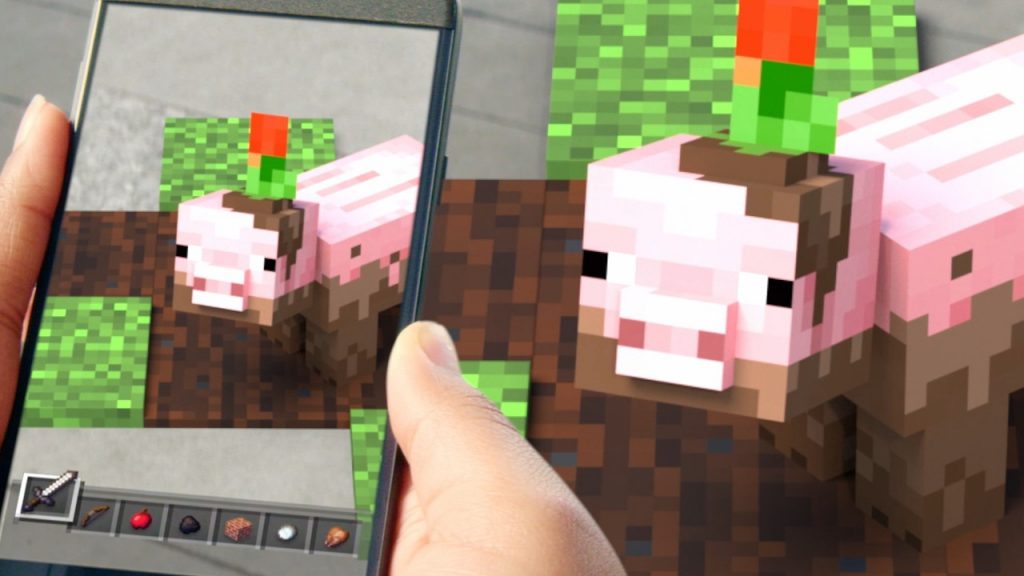
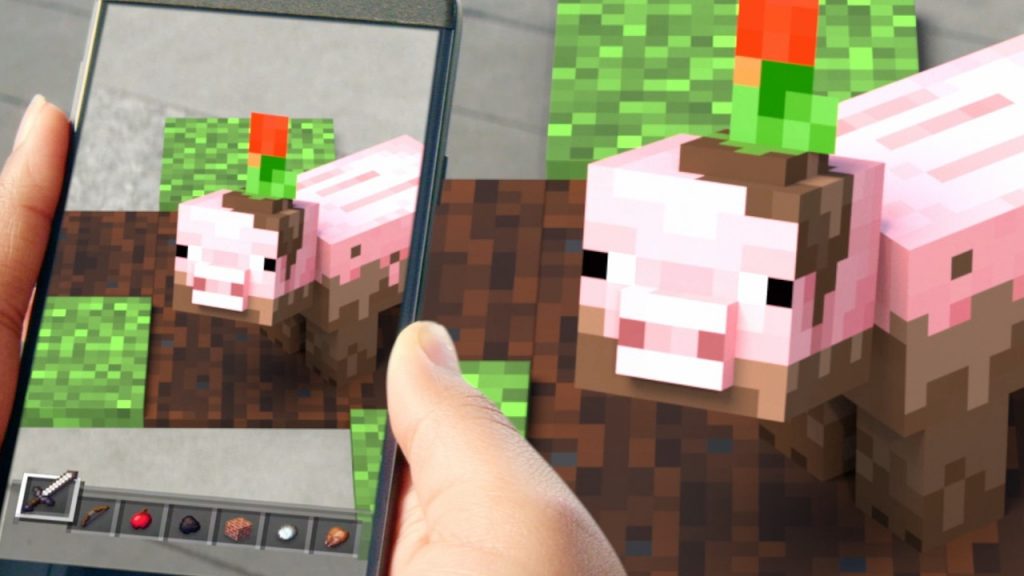
Grab a pickaxe and prepare to adventure in life-size. Minecraft Earth is out for Early-Access, and here’s how download for free.

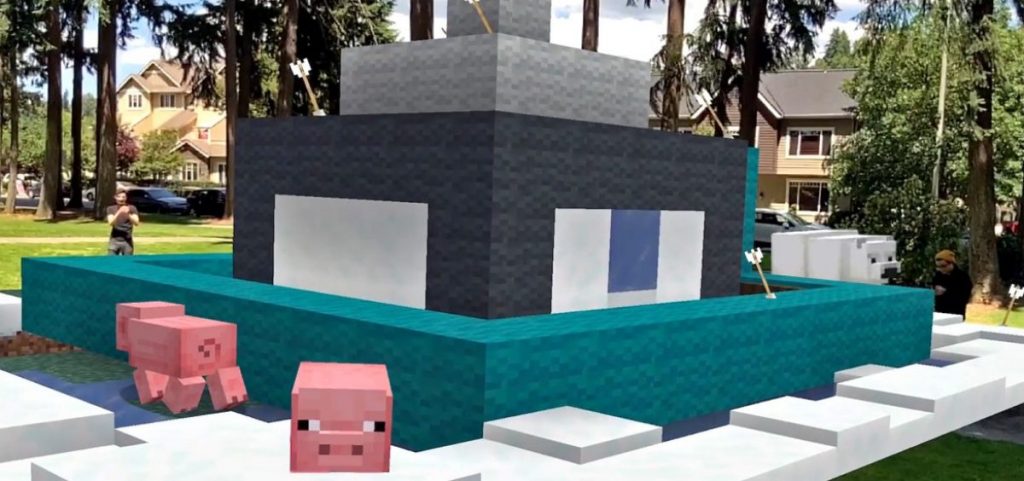
Minecraft Earth is finally available in Early-Access around the globe. No need to join a Closed Beta — the game might not be 100% complete, but that just means you can get in early and starting searching for tappables in your hometown earlier. Minecraft Earth can be played on iOS and Android devices, and we’ll also explain what phones are compatible with this augmented reality game.

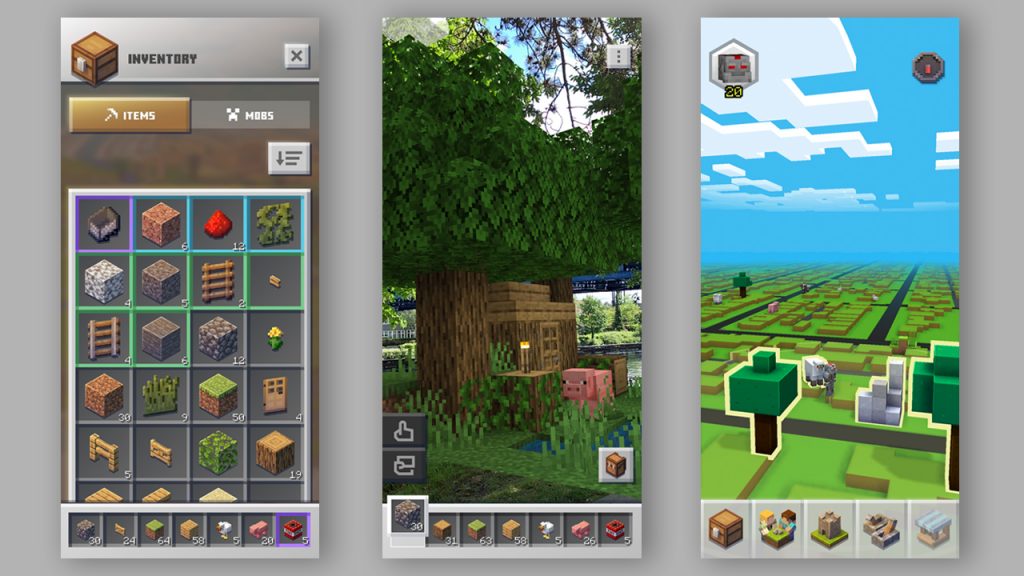
Even better, Minecraft Earth is F2P — you don’t need to spend any cash to jump right in and start your first adventure. Like Pokémon GO, you’ll explore a map of your town, search for objects to tap and collect, and go on adventures. This is just the start of Minecraft Earth, and there will be lots of new features coming in the future. Here’s how you can get started right now.


How To Play | Where To Download Minecraft Earth

Minecraft Earth is available on iOS and Android devices. Before you can start playing, you’ll need to setup a Microsoft / Xbox Live account. If you don’t have an account yet, you can use the link below to set up.

  • Setup a Microsoft / Xbox Live account for free here.

A paid Xbox Live subscription is not required to play Minecraft Earth online.

Download Minecraft Earth HERE:

  • iOS: Download free on App Store here.
  • Android: Download free on Google Play here.

iOS & Android | Compatibility

To play Minecraft Earth, you’ll need a smart device that can run iOS 10+ or Android 8+. Android devices must also support AR Core technology.

  • iOS Compatible Devices List:
    • iPhone 5+ Or Newer
    • iPad Air, iPad Pro & iPad (4rth Gen) Or Newer
  • Android Compatible Devices List:
    • Check this link for a list of Android devices that support AR Core technology.

Compatible on Android is a little complex, so stick with the primary sources to check and see if your phone is going to work. iOS is much simpler, as any devices that support iOS 10 or higher are reported to work.

Grab your pickaxe and prepare to adventure in life-size in Minecraft Earth. There’s a lot more to learn, so check out even more guides on Gameranx coming soon.

Share this post:

FacebookTwitterLinkedInPinterest

Recent Videos

Metroid Prime 4: Beyond - Before You Buy

Metroid Prime 4: Beyond - Before You Buy

ROUTINE - Before You Buy

ROUTINE - Before You Buy

10 Upcoming FPS Games That LOOK INSANE

10 Upcoming FPS Games That LOOK INSANE

Red Dead Redemption (PS5 Switch 2) - Before You Buy

Red Dead Redemption (PS5 Switch 2) - Before You Buy

This Game Wants To Be SKYRIM 2 Before Elder Scrolls 6

This Game Wants To Be SKYRIM 2 Before Elder Scrolls 6

Marvel Cosmic Invasion - Before You Buy

Marvel Cosmic Invasion - Before You Buy

Top 25 BEST PS5 Games of 2025

Top 25 BEST PS5 Games of 2025

10 WEIRD GAMING Stories of November 2025

10 WEIRD GAMING Stories of November 2025

DESTINY 3 LEAKED, CONSOLE PRICES GOING UP AGAIN? & MORE

DESTINY 3 LEAKED, CONSOLE PRICES GOING UP AGAIN? & MORE

Category: FeaturesTag: Android, Guides, iOS, Minecraft Earth

Sidebar

Recent Posts

  • Grand Theft Auto 6 Drops Down The List Of Most Googled Games Of 2025
  • Mafia: The Old Country Continues To Get Support With New Patch
  • Grand Theft Auto 6 Is Officially Nominated As Most Anticipated Game In TGAs 2025
  • This Bundle Highlights Why Red Dead Redemption 2 Needs Upgrades On Consoles Too
  • Gearbox Dev Promises The Next Few Weeks Of Borderlands 4 “Will Be A Treat”

Copyright © 2025 · Gameranx · All Rights Reserved · Powered by Mai Theme