
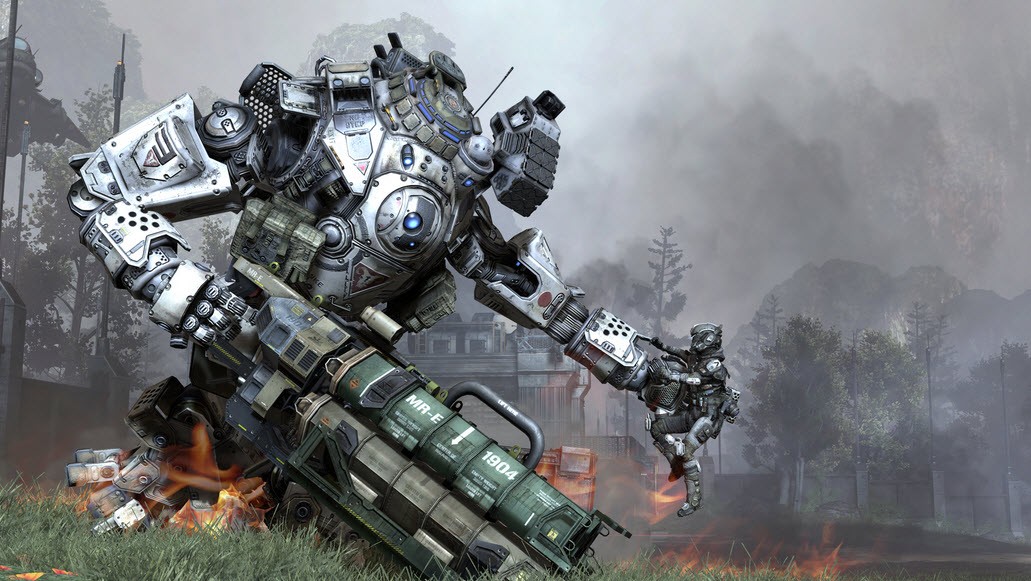
There’s no getting around crashes in modern gaming, and Titanfall 2 features all the usual pitfalls when it comes to PC optimization. Some early adopters are experiencing in-game issues, but most are finding an exceptionally well-optimized FPS. For those rare cases where you’re hitting issues, we’ve mined the community for some solutions that might solve the problem. Check out the sections below and see what might help improve PC performance or stop constant crashes in the campaign.
Another issue some players are experiencing is related to multiplayer matchmaking. Searching for Data Centers continues endlessly, and will not connect or properly populate the list. There’s a solution for that annoying issue here too.
How to Fix Campaign Crashes & Infinite Data Center Searches
[Check back soon for more fixes.]
Infinite “Date Center: Searching”
This is turning out to be a common problem among power-users or players that use more than one enabled network adapter. This issue seems to be caused by keeping multiple enabled network adapters active. To properly populate your Data Center list, follow this step:
- Disable all network adapters you are not currently connected to (not using) and that should resolve the issue.
This works if you are using wifi. Here’s how to disable network adapters on your PC.
- Go to Control Panel -> Network and Internet -> Network Connections
- Disable any other enabled connections. If you are connected to Wifi, disable Ethernet, etc.
- To disable, right-click the connection and select “Disable”.
The networking problem appears for users on every continent, so it has nothing to do with your internet speed or location. It’s just a strange quirk or Titanfall 2 that may be fixed in a future update.
Crashes During Cinematics / Near Titans
Another common problem, this one appears when the player is near a Titan, or when entering a Titan. Here are a few ways the community has resolved this issue:
- Disable Ambient Occlusion (AO)
- Disable Origin Overlay
Crashes – Get the Latest Drivers
Crashes are common for certain AMD users, but new drivers have been released for both AMD and NVIDIA. Make sure you install your particular driver updates — already players are reporting that new drivers have helped fix some Day One issues.
The AMD driver specifically fixes issues related to in-game crashes and executable failures that prevent Titanfall 2 from launching.
We’ll continue to update this page with more error fixes. Drop us a comment if you’ve found something else you think we missed, or have a question. We’re here to help!
Find more Titanfall 2 guides and walkthroughs:
- Titanfall 2: Complete Achievements / Trophies Guide | 100% Walkthrough
- Titanfall 2: All 46 Collectible Locations | ‘Every Nook and Cranny’ Guide
- Titanfall 2: How to Play All 6 New Titans | Class Guide
- Titanfall 2: How to Collect All of BT’s Loadouts | ‘Jack of All Trades’ Guide
- Titanfall 2: Check Out Every Weapon, Titan, Gadget & Kit Option [Gallery]








