
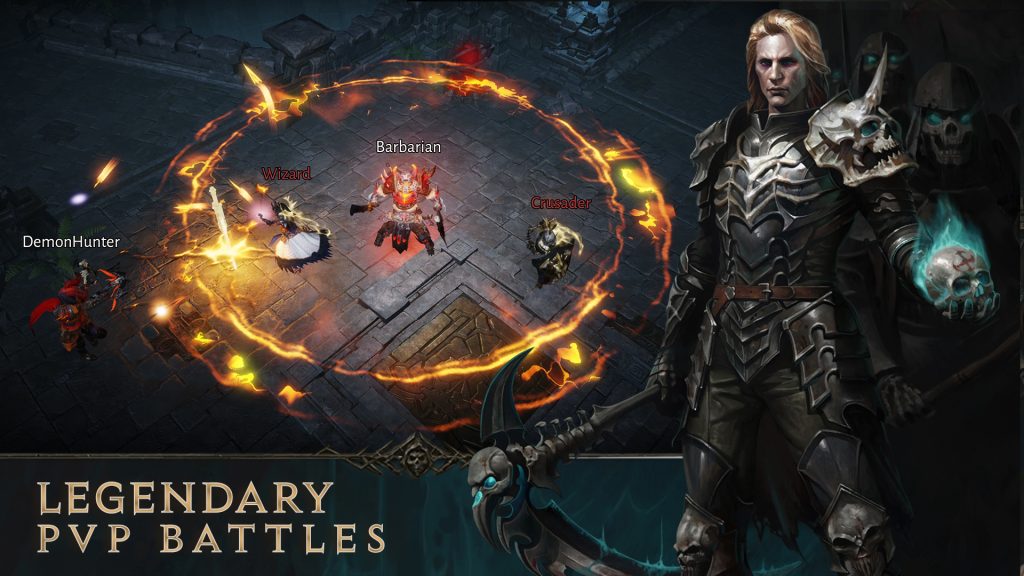
If you’re getting into PVP, you can’t run with the standard settings on Diablo Immortal — especially if you’re stuck on a standard phone. We’re especially going to focus on settings you need to change on smart devices. PC is the best possible way to play Diablo Immortal — you’ll have the tightest controls and smoothest performance, but players can still get far on iOS or Android. To get the most out of your PVP experience, there are certain settings you’ll absolutely need to change immediately. Here’s a quick rundown.
You can download Diablo Immortal for free now on iOS and Android.
More Diablo Immortal guides:
5 Beginner Tips | 7 Endgame Tips | Is It Really F2P? | All Classes List | Best PVE Classes | Ancient Nightmare Event Guide | How To Join The Shadows | How To Join Immortals | How To Play On PC | How Long To Beat | How To Unlock Crossplay | How To Earn Legendary Gear | Compatible Smart Phones List | How To Beat Blood Rose World Boss | Reaching Library of Zoltun Kulle | Level 35+ Farming | Level 60 Farming | How To Join Hidden Lair Dungeons | How To Claim The Horadric Set | 9 Lamps Puzzle Solution | Laser Mirror Puzzle Solution | How To Get +5 Rare Crests | How To Get Hilts & Hilt Trader Location | How Combat Rating Works | All Daily, Weekly & Monthly Activities | How To Craft Legendary Gems | How To Unlock Elite Quests | How To Unlock The Legacy of the Horadrim | All Legacy of the Horadrim Vessel Locations | How To Earn Upgrade Materials | Lassal The Flame-spun Raid Tips | Level 60 Unlocks | Skarn Boss Guide
What Settings To Change For PVP
Before attempting PVP matches in Diablo Immortal, open the settings in the pause menu. Here, you can change General settings, Controls, Display, Graphics and more. To give yourself the best chances, you’ll want to adjust the controls. Here are the most important settings to change.
- Turn Primary Attack Aim ON
- Under the [Controls] tab. turn on [Primary Attack Aim].
Turning on this setting allows you to manually aim your primary attacks with touch controls. You’ll also want to adjust the timing delay on your attacks — if you’re quick with your thumb, you can avoid wasted attacks.
- Turn Cancelling Skills To “Slide Out of Range”
- Under the [Controls] tab, switch to “Side Out of Range”
Another simple change that makes cancelling attacks much easier. Sliding to the Cancel Icon will often trigger other attacks instead of actually cancelling. Sliding out of range can be done quickly and easily from any angle.
- Swap to Minimap Large
- Under the [Controls] tab, switch to the “Large” minimap option.
By default, the minimap is set to “Small“. Great for adventuring, but you need as much info as you can get while playing PVP. You need to know where enemy players are and how close they are to you. If you want to be prepared, you need as much info as possible.
- Set Reduce PvP Effects to ON
- Under [Graphics] tab, switch on [Reduce PVP Effects]
This causes PVP effects to be simplified and take up less space on your screen. Your own effects will be exactly the same.








